Key Takeaways
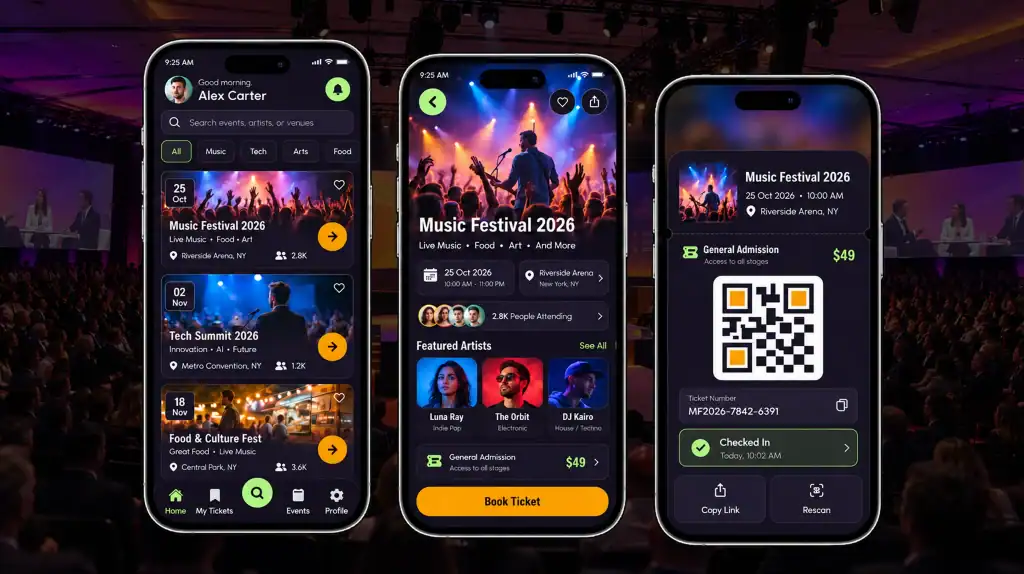
- An event ticketing app should simplify discovery, registration, payment, ticket access, and check-in.
- Attendees need fast ticket access, personalized information, real-time updates, and easy navigation.
- Organizers need tools for ticket inventory, attendee management, communication, analytics, and event operations.
- Feature priorities should match the event type, audience, and core user journey.
- A scalable platform can support future integrations, higher traffic, and advanced engagement features.
Event & Ticketing App Development gives organizers one system for sales, entry, and attendee engagement. The demand is clear. The global event management software market is projected to reach USD 18.4 billion in 2026, up from USD 16.0 billion in 2025. Grand View Research forecasts USD 39.6 billion by 2033, at an 11.5% CAGR.
Companies invest because registration systems, ticketing tools, and attendee features drive revenue. However, a weak app loses users at checkout. As a result, feature choices decide whether people buy, show up, and return.
This guide lists the features that matter most. If you hire a mobile app development company, use this list to set your scope.
What Is an Event Management and Ticketing App?
An event management app helps organizers plan, promote, and run events. A ticketing app handles ticket purchases, delivery, and entry validation. Many platforms combine both functions.
Event & ticketing app development covers the development of the entire platform. This includes the attendee app, organizer dashboard, payment logic, and backend that keeps ticket inventory synchronized. Teams that understand mobile app development basics can plan the project more effectively.
Events can also deliver measurable business value. 72% of marketers say events are their most effective channel. As a result, the app supporting the event plays an important role in registration, ticket sales, and attendee engagement.
Event Management Software vs Ticketing Software: What’s the Difference?
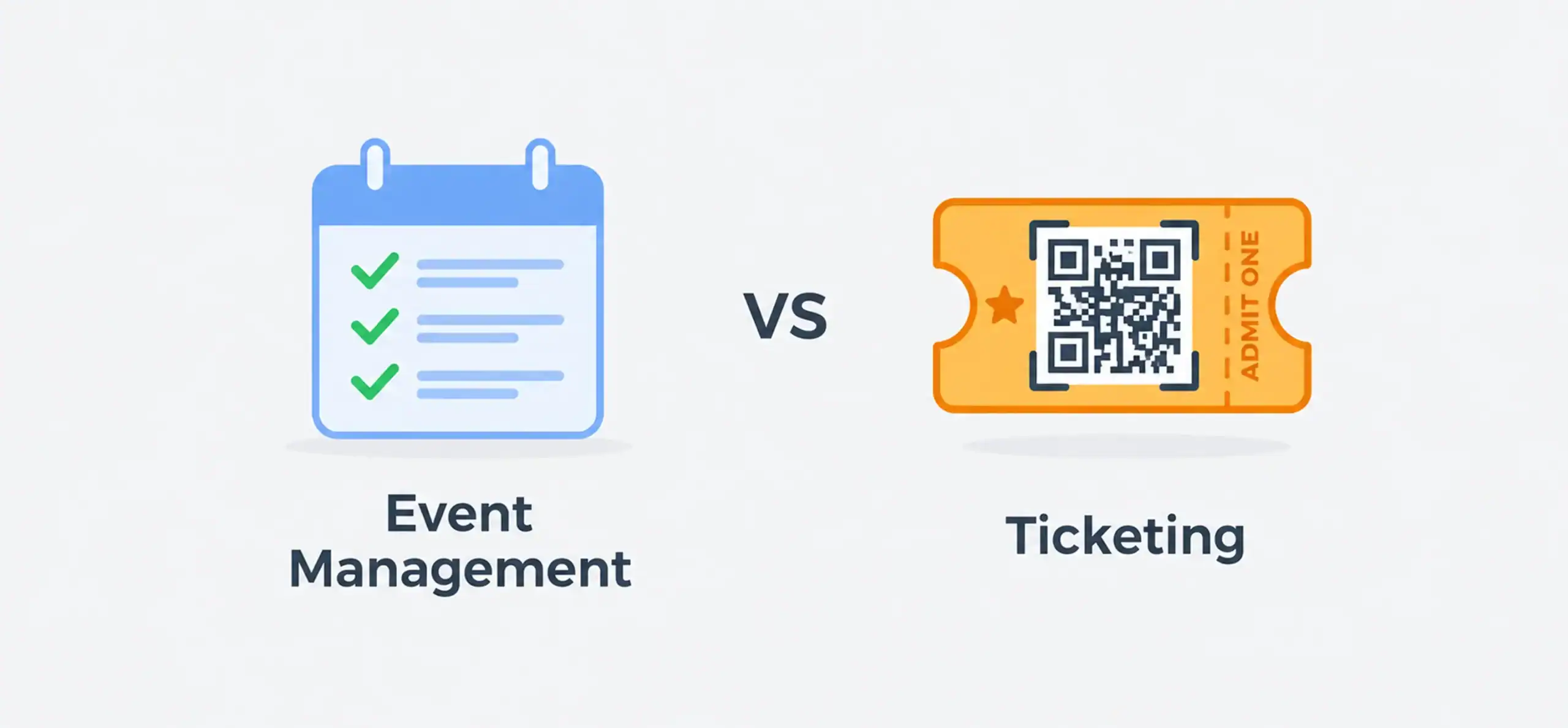
Ticketing software sells and validates tickets, while event management software covers the broader event lifecycle. This ticketing software comparison shows where the two overlap.
| Capability | Event Management Software | Ticketing Software |
| Event creation | ✓ | ✓ |
| Registration | ✓ | ✓ |
| Ticket sales | ✓ | ✓ |
| Digital tickets | ✓ | ✓ |
| Attendee management | ✓ | ✓ |
| Agenda management | ✓ | Limited |
| Networking | ✓ | Limited |
| Event analytics | ✓ | ✓ |
| Check-in | ✓ | ✓ |
| Sponsor/exhibitor management | ✓ | Limited |
Many modern event ticketing platforms combine both functions in one system. As a result, organizers can manage ticket sales, attendees, and event operations from a single platform instead of juggling separate tools.
Which One Fits Your Event?
The right choice depends on your event size, format, and operational needs.
- Ticketing software: Best for concerts, shows, and single-day events with simple entry.
- Event management software: Best for conferences, trade shows, and multi-day programs.
- Combined platform: Best when you need both ticket sales and broader event management capabilities.
10 Must-Have Features for an Event Management and Ticketing App
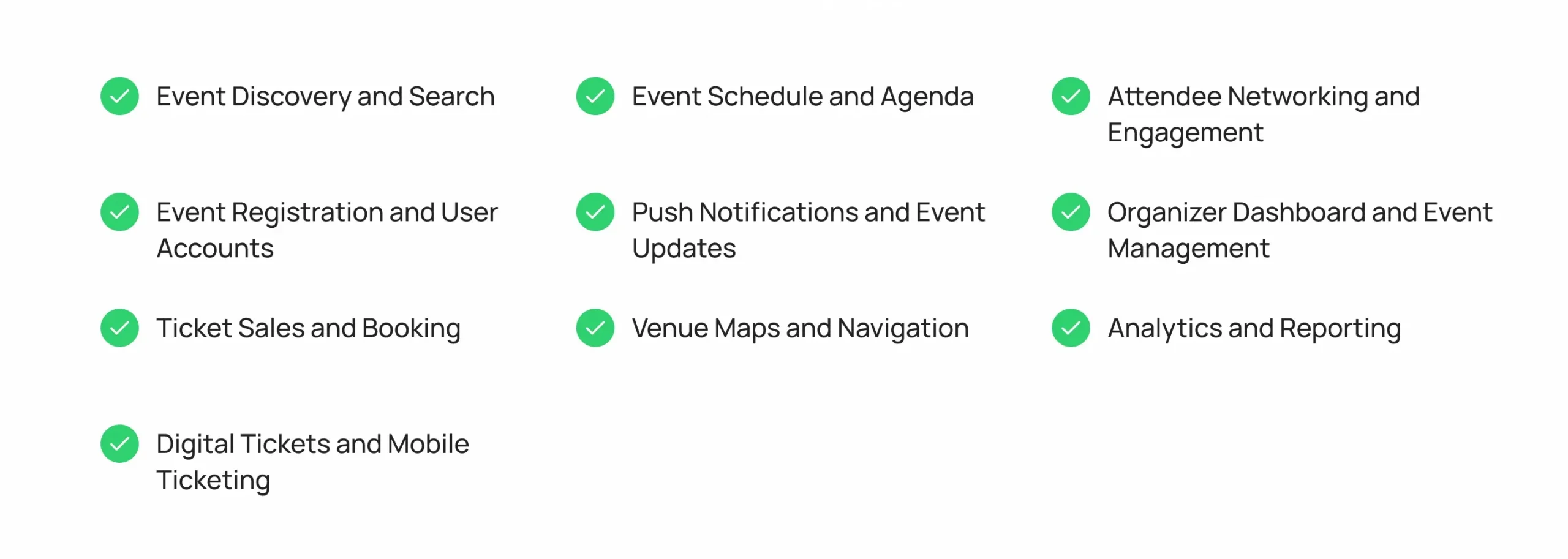
These are the event app features users expect first. Each one removes friction from a specific step.
1. Event Discovery and Search
Users decide fast. If they can’t find an event in seconds, they leave. Strong search and clear event pages turn browsing into bookings.
- Filter by date, location, category, and price
- Show recommendations based on past activity
- Display clear event pages with images and details
2. Event Registration and User Accounts
Registration collects attendee data and builds your audience. However, long forms push users away. A short sign up flow with saved profiles speeds up every repeat booking.
- Offer email, phone, and social login
- Save profiles for faster repeat bookings
- Collect only the fields you need
3. Ticket Sales and Booking
Booking is where revenue happens. Therefore, speed and trust matter most here. Users abandon checkout when pages load slowly or payment options look unsafe.
- Support multiple ticket types, tiers, and promo codes
- Lock seats during checkout to prevent double booking
- Connect secure checkout through proper payment gateway integration
4. Digital Tickets and Mobile Ticketing
Users want tickets on their phones. In addition, QR codes cut entry time and reduce fraud. Offline access keeps tickets usable when venue signal drops.
- Store tickets in the app and in wallet apps
- Generate a unique QR code for each ticket
- Allow transfers and resale with ownership tracking
5. Event Schedule and Agenda
Attendees plan their day from the agenda. As a result, multi-session events depend on this feature. A personal schedule helps users reach the right sessions on time.
- Let users build a personal schedule
- Send reminders before each session
- Show speaker profiles and session details
6. Push Notifications and Event Updates
Updates keep attendees informed. Notifications also reduce support requests. Targeted messages reach the right people without adding noise.
- Announce schedule changes and delays
- Send ticket and entry reminders
- Segment messages by ticket type or interest
7. Venue Maps and Navigation
Large venues confuse people. Maps solve that problem. Clear directions reduce missed sessions and crowding at entrances.
- Show stages, exits, restrooms, and food areas
- Provide indoor navigation for large venues
- Link parking and transit details
8. Attendee Networking and Engagement
Networking adds value beyond the session content. Moreover, engagement tools keep users in the app. Active attendees also give sponsors more visibility.
- Enable attendee profiles and direct messaging
- Add live polls, Q&A, and session ratings
- Support meeting requests between attendees
9. Organizer Dashboard and Event Management
Organizers need one place to control the event. A good dashboard saves hours of manual work. It also gives staff the same live data during the event.
- Create and edit events quickly
- Manage ticket inventory and pricing
- Assign staff roles and access levels
10. Analytics and Reporting
Data shows what works. Reports also prove event value to sponsors. In addition, past results guide pricing and content for the next event.
- Track sales, attendance, and check in rates
- Measure session popularity and engagement
- Export reports for stakeholders
Advanced analytics now use AI. According to the American Express GBT 2026 Global Meetings & Events Forecast, 28% of meeting professionals use AI for post-event evaluation. Another 36% use it for attendee engagement. Examples include automated feedback analysis, personalized recommendations, and smarter attendee messaging.
Ready to build your event ticketing app? Let’s talk with Cubix
Contact UsWhich Event App Features Matter Most to Attendees?
Attendees judge an app by how easily it helps them move through the event. The stakes are high. Cvent’s 2026 research found that more than 90% of attendees who reported greater trust in a brand after an event went on to make a purchase. Therefore, the on-site experience can affect revenue.
Attendees rarely praise an app when everything works. They notice it when something fails. As a result, the features below focus on removing friction.
1. Easy Ticket Access
Attendees want their tickets one tap away. Nobody wants to search through an inbox while standing in a long entry line. Store digital tickets offline so poor venue connectivity does not block entry.
- Show the ticket on the home screen
- Save a copy to Apple Wallet and Google Wallet
- Keep the QR code readable at low screen brightness
2. Personalized Event Information
Show relevant sessions, offers, and reminders. Personalized content can increase engagement while reducing unnecessary information. Moreover, attendees are more likely to stay active in an app that respects their time.
- Suggest sessions based on interests and past activity
- Highlight offers tied to the ticket type
- Hide content that does not apply to the user
3. Real-Time Updates
Live alerts about delays, room changes, and weather keep attendees on track. Because plans can change quickly, updates need to reach users promptly. In addition, clear alerts can reduce the number of questions staff have to answer.
- Send push alerts for schedule and room changes
- Pin urgent notices at the top of the app
- Let users choose which alerts they receive
4. Simple Navigation and Check-In
Clear maps and fast QR check-ins shorten lines. In addition, a simple entry process can improve first impressions. Entry is the first physical step of the event, so it sets the tone for the attendee experience.
- Offer a single scan for entry
- Show the nearest gate and estimated wait time
- Provide a backup option, such as name lookup
5. Networking and Engagement
Profiles, chat, and polls give attendees reasons to stay active. As a result, these features can support session participation and sponsor visibility. Furthermore, engaged attendees may be more likely to return for future events.
- Suggest connections based on shared interests
- Run live polls during sessions
- Add leaderboards or challenges for sponsor booths
Which Features Do Event Organizers Need?
Organizers focus on control, visibility, and speed. Event & ticketing app development works best when organizer tools match their daily workflows. Therefore, test every dashboard screen with real staff before launch.
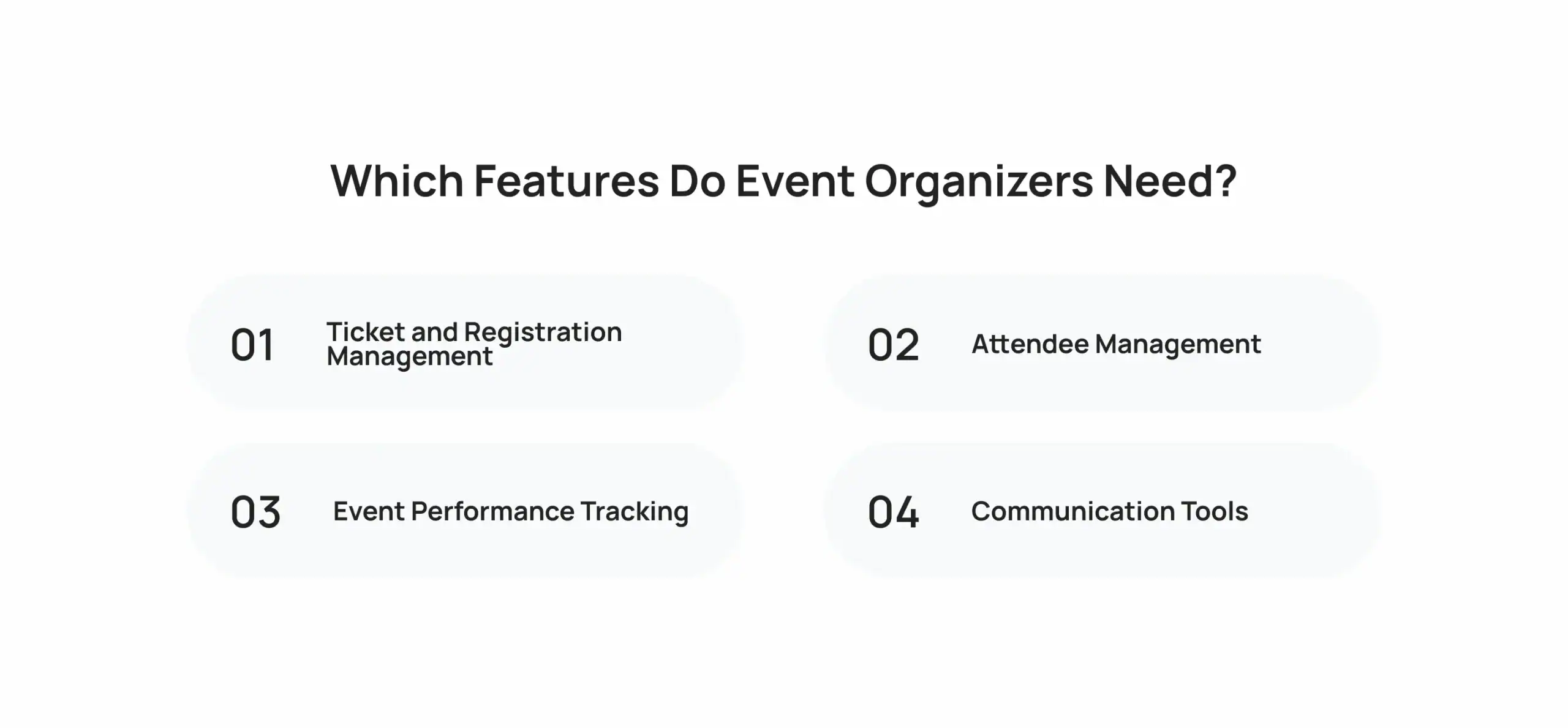
1. Ticket and Registration Management
Organizers adjust prices, release ticket batches, and approve registrations. Real-time inventory helps prevent overselling and tracks ticket sales by channel. In addition, it shows which promotions drive purchases.
- Set early-bird, standard, and VIP tiers
- Create promo codes with usage limits
- Run waitlists for sold-out events
- Issue refunds and handle transfers from one screen
2. Attendee Management
Staff need searchable attendee lists, check-in status, and badge printing. Moreover, attendee segmentation supports targeted messaging. Clean attendee data also saves time after the event.
- Search by name, email, or ticket number
- Track who has checked in
- Export lists for sponsors and partners
3. Event Performance Tracking
Dashboards show revenue, attendance, and engagement. Therefore, organizers can spot problems during the event rather than after it. For example, low turnout at one session can prompt staff to promote it in real time.
- Monitor live sales and check-in numbers
- Compare performance across events
- Flag drops in engagement early
4. Communication Tools
Built-in email, SMS, and push messaging help organizers reach attendees quickly. Templates save time before and during the event. As a result, small teams can send consistent messages without extra effort.
- Schedule reminders before the event
- Send last-minute updates by SMS
- Use templates for common announcements
How Do These Features Improve the Event Experience?
Features connect every stage of the attendee journey. Event & ticketing app development works best when it improves each step. Otherwise, one weak feature can reduce the value of the others.
From Discovery to Engagement
Consider the sequence:
- Event discovery leads to registration.
- Registration leads to purchase.
- Purchase leads to ticket delivery.
- The ticket leads to fast entry.
- Entry leads to sessions, networking, and feedback.
Each step feeds the next. In addition, data from each stage can help improve future events. Weak points, such as slow checkout, can break the chain and lead to lost sales.
Where Teams Lose Attendees
Most drop-offs happen at predictable points. These are the areas teams should address first.
- Checkout: Long forms and limited payment options can cause abandoned carts.
- Entry: Slow scanning creates lines and frustration.
- During the event: Missing updates can leave attendees confused.
- After the event: Lack of follow-up can reduce opportunities for repeat purchases.
Event & Ticketing App Development: How to Choose the Right Features
Plan your features before you build an event app. A clear scope helps protect your budget and timeline. Moreover, it keeps the development team focused on the features users need first.
1. Start With Your Audience
Define who attends your event and what they need from the app. Conference attendees may need agendas and networking, while concert fans may prioritize fast ticket access and entry.
- Identify the main attendee groups
- List the top three tasks each group performs
- Note device and connectivity limitations
2. Prioritize the Core User Journey
Build search, registration, payment, ticket delivery, and check-in first. Then launch and collect feedback. Because real usage reveals gaps, an early release can reduce unnecessary rework.
- Launch with a focused first version
- Track where users drop off
- Add features based on user needs and business impact
3. Add Features Based on Event Type
Each event type has different requirements. Match features to the format rather than adding features that attendees may never use.
- Conferences: Agenda, networking, sponsor tools
- Concerts and festivals: Mobile tickets, maps, resale controls
- Sports: Seat selection, parking, concessions
- Virtual or hybrid: Live streaming, chat, on-demand content
4. Plan for Future Scalability
Choose an architecture that can handle traffic spikes on ticket sale days. In addition, budget for future growth. Review the typical app development cost factors before you commit.
- Use cloud hosting that scales on demand
- Load test before major ticket releases
- Build APIs so you can add integrations later
Why Choose Cubix for Event & Ticketing App Development?
Cubix builds mobile and web products for startups and enterprises. Our teams can design the attendee app, organizer dashboard, payment flows, and backend as one connected system. In addition, we plan for traffic spikes and high-volume transactions from the early stages of development.
As a trusted mobile app development company, we cover discovery, UX/UI design, development, testing, deployment, and post-launch support. Our custom mobile app development services can support iOS, Android, and cross-platform products based on your audience and business requirements.
For event platforms, this approach also allows teams to connect ticketing with analytics, notifications, payment gateways, CRM systems, and other third-party services. The result is an event app built around the complete attendee and organizer journey rather than a standalone ticketing feature.
Turn your event app idea into reality with Cubix today
Contact UsFrequently Asked Questions
1. What are the essential features of an event ticketing app?
Essential features include event discovery, registration, ticket booking, secure payments, digital tickets, QR code check-in, notifications, and attendee management. Organizers also need analytics and ticket inventory controls.
2. How do QR code scanning and ticket validation work?
Each ticket receives a unique QR code linked to its booking record. At entry, staff scan the code to verify its status, ticket type, and validity, then mark it as used to prevent duplicate entry.
3. What payment methods should my ticketing app support?
Support payment methods commonly used by your target audience, such as credit and debit cards, digital wallets, bank transfers, and local payment options. A secure payment gateway should handle transaction processing.
4. How can I prevent ticket fraud in my app?
Use unique QR codes, encrypted ticket data, secure authentication, and real-time validation. Single-use codes and server-side checks can also prevent copied or duplicated tickets from being accepted.
5. What integration is needed with event platforms?
Common integrations include payment gateways, CRM systems, email and SMS services, calendars, analytics tools, maps, and access-control systems. APIs allow the app to exchange data with external platforms.
6. How much does it cost to build an event app?
Event app development costs vary based on features, platforms, integrations, design, and complexity. A basic ticketing app costs less than a platform with networking, analytics, live updates, and advanced organizer tools.
7. Can I add social features to increase engagement?
Yes. Features such as attendee profiles, direct messaging, networking recommendations, polls, Q&A, and event feeds can encourage interaction before, during, and after an event.
8. How do I manage real-time ticket inventory?
Use a centralized backend that updates ticket availability whenever a booking, cancellation, refund, or transfer occurs. Temporary seat or ticket locks can also prevent overselling during checkout.
9. What analytics matter most for event apps?
Track ticket sales, conversion rates, revenue, attendance, check-in rates, session engagement, and user activity. These metrics help organizers identify performance gaps and plan future events.
10. How long does it take to develop an event ticketing app?
Development time depends on the app’s features, platforms, integrations, and complexity. A basic MVP may take a few months, while a feature-rich event platform can require significantly longer.