
Your customers check their phones over 140 times a day. Every unlock is a chance to reach them or miss them entirely. If your business does not have an app, a competitor does. That gap costs you customers, revenue, and trust.
The demand for mobile application development continues to rise rapidly. The global mobile app market is projected to grow from USD 338.65 billion in 2026 to USD 844.5 billion by 2034, at a CAGR of 12.1%. Businesses that move now build the user base and brand loyalty that latecomers will struggle to match.
Whether you need a native iOS app, an Android product, or a cross-platform solution, Cubix provides end-to-end solutions for mobile app development, covering strategy, design, development, launch, and ongoing support. We have delivered apps across fintech, healthcare, logistics, e-commerce, and more. If you want a partner that treats your product like its own, you’re in the right place.
This guide tells you exactly what mobile app development is, how the process works, which approach fits your goals, what it actually costs, and how to choose the right solutions for mobile app development. No jargon. No filler. Just the information you need to make a smart decision.
What Is Mobile App Development?
Mobile app development is the process of designing, building, testing, and launching software applications that run on smartphones and tablets. It covers everything from the first concept sketch to the version your users download from the App Store or Google Play.
The execution requires a cohesive development strategy to successfully align design, programming, and launch phases. A finished app is the result of all of these components working together seamlessly.
Why Mobile Apps Matter for Business
Mobile devices now account for 52.27% of all web traffic globally, and according to BBC News, ordinary people on average spend 4.8 hours per day on their phones. The vast majority of that time happens inside apps, not browsers.
That is a direct channel to your customers that a mobile website cannot replicate. Apps load faster, work offline, send push notifications, and integrate with device features your users already rely on daily. Businesses with apps consistently report higher engagement rates, stronger customer retention, and greater revenue per user than those without one.
Users also trust apps more than mobile websites. A polished app signals that your business invests in the experience, and customers notice. When you make it easier for someone to buy, book, or interact with you, they do it more often.
The businesses winning right now are not waiting to see how mobile plays out. They are already building.
“Mobile is no longer just a channel. It is the primary way people interact with digital products, and businesses that treat it as an afterthought are already behind.“ – Salman Lakhani, Founder and CEO, Cubix.
Which Type of Mobile App Is Right for Your Business?
Before you build anything, you need to pick the right type of app. Each approach has real trade-offs in cost, performance, and reach.

Native Apps (iOS and Android)
Native apps are built specifically for one platform using that platform’s preferred tools. iOS apps use Swift or Objective-C in Xcode. Android app development uses Kotlin or Java in Android Studio.
You get the best possible performance and full access to device features like the camera, GPS, Face ID, and push notifications. The trade-off is that you are building and maintaining two separate codebases.
Native is the right call when performance is critical, your users expect a premium experience, or you need deep hardware integration.
Cross-Platform Apps
Cross-platform development lets you write one codebase that runs on both iOS and Android. Frameworks like Flutter and React Native handle the heavy lifting.
Flutter, backed by Google, compiles to native ARM code and gives you near-native performance. React Native, backed by Meta, uses JavaScript and a bridge to native components. Both are mature frameworks with large communities.
Cross-platform saves time and budget. AI in mobile app development is also accelerating how fast teams can build and ship cross-platform apps, cutting development cycles by up to 30%.
Progressive Web Apps (PWAs)
A PWA is a web application that behaves like a native app. Users can add it to their home screen, use it offline, and receive push notifications, all without an app store download.
PWAs work well for content-heavy experiences, e-commerce, and situations where you want low friction for new users. They do not replace native apps when you need deep device integration, but they are a fast and cost-effective entry point.
Hybrid Apps
Hybrid apps wrap a web application inside a native shell using tools like Ionic or Apache Cordova. They run in an embedded browser (WebView) rather than compiling to native code.
Hybrid apps cost less than native and share code across platforms, but they typically deliver lower performance than Flutter or React Native. They work well for simple apps, internal tools, lightweight customer portals, or apps where performance is not a priority.
Wearable and IoT Apps
Not every mobile app lives on a phone. Wearables like the Apple Watch, Fitbit, and Galaxy Watch require their own app layer, typically built as a companion to a primary Android or iOS app development. IoT apps extend further, controlling smart devices, reading sensor data, and syncing across hardware.
If your product connects to the physical world, this category is worth understanding early. The architecture decisions you make for your main app directly affect how well it extends to wearables and connected devices.
What Is the Mobile App Development Process Businesses Follow?
Understanding the mobile app development lifecycle helps you set realistic expectations and avoid expensive mistakes. Here is how a professional team approaches the core development phases to successfully bring a digital product to life.

Step 1: Idea Validation
Start by answering one question: Does this app solve a real problem for real people? Validation means talking to potential users, studying competitors, and confirming there is demand before you spend a dollar on development.
At this stage, you define your target audience, core use cases, and the one thing your app does better than anything else on the market. Skip this step, and you risk building something no one needs.
Step 2: Wireframing and Prototyping
Wireframes are low-fidelity layouts that map out every screen and how users move between them. Prototypes bring those layouts to life with clickable flows, giving your team something tangible to test before writing a line of code.
Tools like Figma, Sketch, and Adobe XD are the industry standard here. Good wireframing catches navigation problems and UX issues early, when fixing them costs almost nothing.
Step 3: MVP Development
An MVP (Minimum Viable Product) is the smallest version of your app that delivers real value to users. You pick the core features, build them well, and ship. Everything else comes later.
MVPs reduce financial risk, give you real user feedback fast, and let you validate assumptions with actual data instead of guesses. Most successful apps started as MVPs.
Step 4: Testing and Quality Assurance
QA happens throughout development, not just at the end. Your team runs functional tests, performance tests, security audits, and user acceptance testing across multiple devices and OS versions.
Bugs caught in testing cost a fraction of what they cost after launch. A single critical bug in production can damage user trust and app store ratings in ways that take months to recover from.
Step 5: Deployment and Ongoing Maintenance
Launching on the App Store or Google Play requires meeting strict technical and content guidelines. After approval, your app is live, but the work does not stop there.
OS updates, new device sizes, security patches, and user feedback all require ongoing attention. Most teams budget 15 to 20% of the original development cost annually for maintenance.
What Are the Benefits of Mobile App Development for Businesses?
A mobile app helps you reach customers more effectively, improve engagement, and create new opportunities for growth. It also strengthens customer relationships while giving your business a competitive edge.
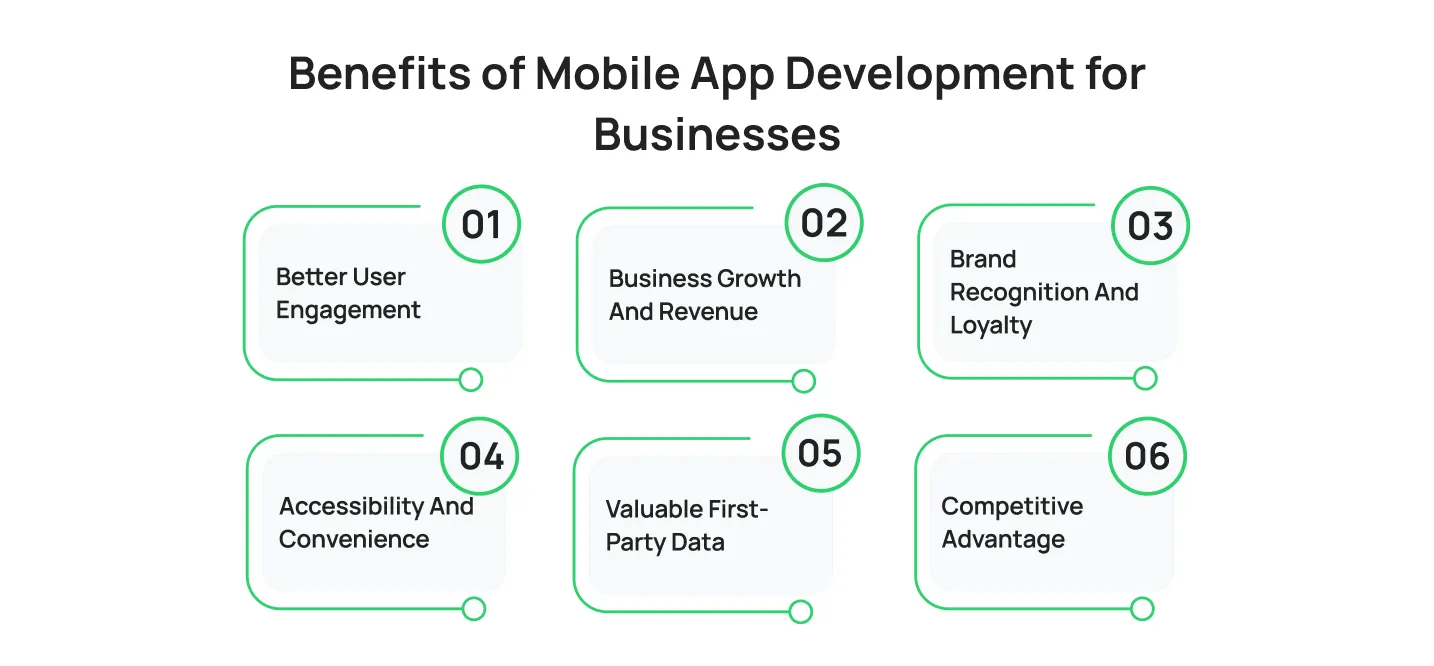
1. Better User Engagement
Apps give you a persistent presence on your user’s device. Push notifications bring users back at the right moment. Personalized experiences keep them coming back on their own. The average app user is significantly more engaged than a mobile web visitor.
2. Business Growth and Revenue
Mobile apps open revenue streams that the web alone cannot. In-app purchases, subscription models, premium features, and in-app advertising all perform better inside a native app experience. Brands with apps consistently report higher customer lifetime value.
3. Brand Recognition and Loyalty
Your app icon sits on your customer’s home screen. That daily visual presence builds familiarity and trust over time. A polished app communicates professionalism and signals that your business takes the user experience seriously.
4. Accessibility and Convenience
Apps work offline, load faster than mobile websites, and integrate with device features your customers already use every day. That convenience reduces friction and makes it easier for users to do what you want them to do.
5. Valuable First-Party Data
Every interaction inside your app generates data you own. Usage patterns, feature adoption rates, session length, and drop-off points all tell you exactly what your customers want, and where you are losing them. That data improves your product and sharpens your marketing in ways third-party analytics cannot.
6. Competitive Advantage
In most industries, the businesses with strong mobile apps outperform those without. An app lets you deliver features, updates, and experiences faster than a competitor relying on a website alone. Getting there first builds user habits that are hard to break.
What Are the Key Technologies Used in Mobile App Development?
The mobile app tools you use affect your performance, maintainability, and time to market. Here is what professional teams actually work with.
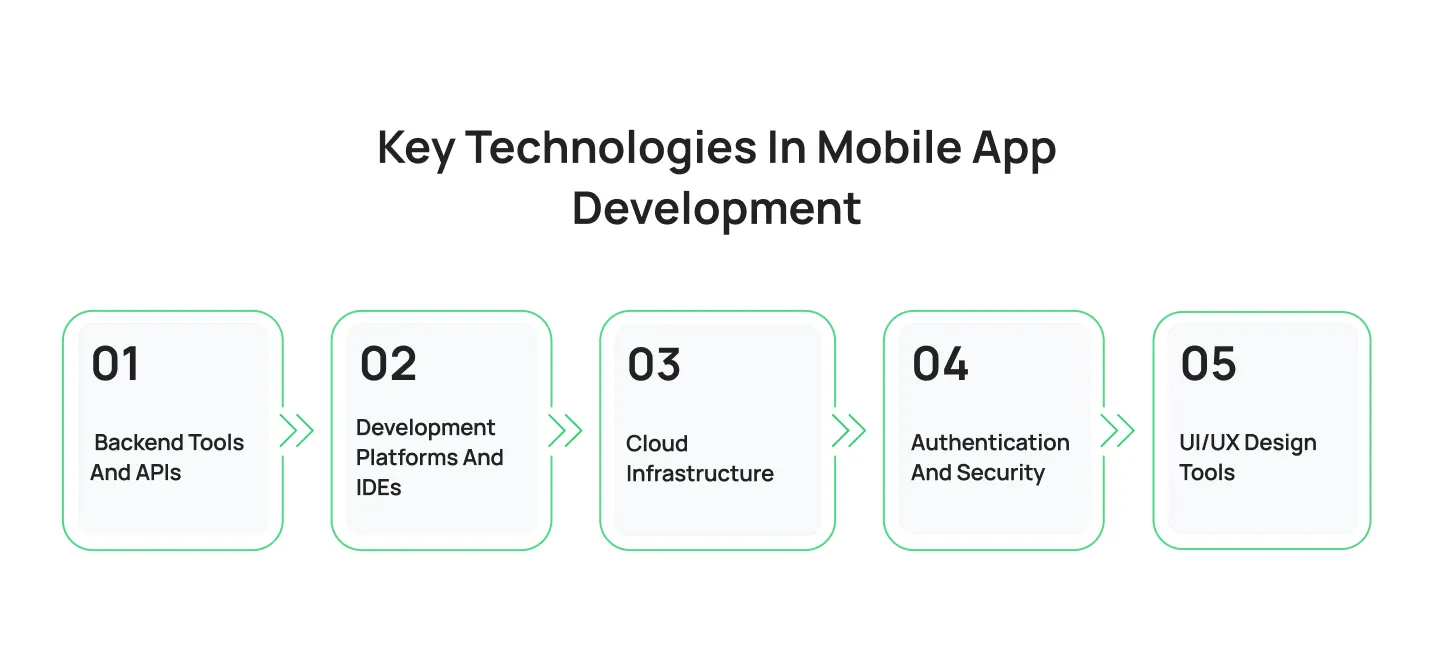
1. Backend Tools and APIs
Most apps need a backend to handle data, authentication, and business logic.
Firebase (Google) handles real-time databases, authentication, push notifications, and analytics in one platform. It is popular for MVPs and fast-moving teams.
Node.js is a JavaScript runtime used for building fast, scalable API servers. It works well when your frontend and backend teams share the same language.
Django is a Python-based backend framework built for speed and security. Teams that need rapid development with strong defaults reach for Django.
Ruby on Rails offers similar rapid development benefits with a convention-over-configuration approach. It remains a solid choice for startups building full-featured backends quickly.
REST APIs are the standard for connecting a mobile app to server-side logic. They use HTTP methods (GET, POST, PUT, DELETE) to exchange data in a predictable format.
GraphQL is an alternative to REST that lets clients request exactly the data they need. It reduces over-fetching and is particularly useful for complex apps with many data relationships.
2. Development Platforms and IDEs
Choosing the right mobile app development platforms and Integrated Development Environments (IDEs) directly impacts your project’s development speed and engineering workflow:
- Android Studio: The official IntelliJ IDEA-backed IDE designed specifically for building applications across the Android ecosystem.
- Xcode: Apple’s native environment, providing the essential suite of engineering tools required to compile and optimize software for iOS, macOS, and watchOS.
- Flutter: A powerful SDK created by Google that utilizes the Dart language to compile high-performance, native code for multiple screens from a single codebase.
- React Native: A widely adopted framework backed by Meta that leverages JavaScript, allowing developers to deploy robust, cross-platform software efficiently.
3. Cloud Infrastructure
Your app needs somewhere to live. AWS, Google Cloud Platform, and Microsoft Azure are the three major options. All three offer managed databases, serverless functions, file storage, and global content delivery networks. The right choice depends on your team’s experience, your cost requirements, and how your app scales.
4. Authentication and Security
Auth0 and Firebase Authentication handle user login, social sign-in, and token management without requiring you to build it from scratch. For payments, Stripe and Braintree provide PCI-compliant payment processing with SDKs built for mobile.
5. UI/UX Design Tools
Figma is the dominant tool for mobile app UI/UX design. Zeplin and InVision handle developer handoff. Principle and ProtoPie handle advanced interaction prototyping. The better your design process, the fewer revisions you pay for in development.
Mobile App Development Cost and Timeline

Average Cost Breakdown by Platform
Building a mobile app is a significant investment. Here are realistic ranges for 2026:
- Simple iOS or Android app: $25,000 to $60,000
- Mid-complexity cross-platform app: $60,000 to $150,000
- Enterprise-grade or feature-rich app: $150,000 to $500,000+
These are starting points. Your actual cost depends on what you build, who builds it, and where they are located. For a detailed breakdown of pricing factors, development stages, and hidden costs, read our blog on mobile app development cost.
Factors That Drive Cost Up
The number of features and screens is the single biggest cost driver. More screens mean more design work, more development time, and more QA. Every feature you add multiplies effort across all three.
Third-party integrations add cost, too. Connecting to payment processors, mapping services, social login, CRMs, or analytics platforms each requires development time, testing, and ongoing maintenance.
Backend complexity matters. A simple app that reads from a database costs far less than one with real-time sync, complex business logic, or multiple API dependencies.
Team location affects your hourly rate significantly. Development teams in North America and Western Europe typically charge $100 to $200 per hour. Teams in Eastern Europe run $50 to $100 per hour. Teams in South and Southeast Asia run $25 to $75 per hour. Quality varies at every price point; vet your team carefully, regardless of location.
Design complexity changes the math, too. Custom animations, branded illustrations, and premium UI components all cost more than a standard design system.
Ongoing Maintenance Costs
Most teams underestimate maintenance. Plan to spend 15 to 20 percent of your original development cost every year on updates, bug fixes, security patches, and OS compatibility. A $100,000 app costs $15,000 to $20,000 per year to maintain properly. Skipping maintenance is how apps fall apart and lose users.
Typical Timelines
A simple MVP takes 3 to 4 months from kickoff to launch. A mid-complexity app with custom features and integrations takes 5 to 8 months. Enterprise apps often run 9 to 12 months or longer. These timelines assume a clear scope and fast decision-making from your side; delays in approvals and feedback extend every project.
Rushing the timeline increases technical debt and post-launch problems. The businesses that invest properly in planning and testing spend far less on fixes after launch.
Looking for the top mobile app development company? Read our complete guide.
Our Mobile App Development Success Stories
Every app starts with a challenge that needs solving. These projects show how Cubix helps businesses turn ideas into mobile solutions that improve experiences, solve real-world problems, and deliver measurable results.

PreOps: Pediatric Healthcare Mobile App
The PreOps app demonstrates how digital solutions can solve real medical challenges. This child-friendly mobile application helps young patients and their families manage pre-surgery stress and anxiety. The platform guides children through the surgical process using interactive content and educational resources, helping kids understand what to expect while giving parents total peace of mind.
SES Live Safety: Enterprise Emergency Response App
SES Live Safety highlights how mobile applications can transform workplace safety and emergency preparedness. Cubix built an enterprise solution that allows businesses to create customized emergency response plans and broadcast critical data instantly. With features like real-time GPS navigation, voice-guided instructions, immediate alerts, and location-based notifications, organizations can respond faster and protect lives during crises.
Why Choose Cubix for Your Next Mobile App Development Project?
Building a successful mobile app takes more than writing code. You need a team that understands your business goals, your users, and the technology required to bring everything together.
At Cubix, we help startups, enterprises, and growing businesses turn ideas into high-performing mobile applications. Our team manages the entire development process, from strategy and UI/UX design to development, testing, deployment, and ongoing support.
Whether you need a native iOS app, an Android application solution, or a cross-platform app, we focus on building products that are scalable, secure, and designed for long-term success. With experience across healthcare, fintech, eCommerce, logistics, gaming, and enterprise software, we know what it takes to deliver mobile apps that solve real business challenges.
If you’re planning a mobile app project, the right partner can make all the difference. Cubix brings the technical expertise, industry experience, and product-focused approach needed to turn your vision into a successful mobile application.
Frequently Asked Questions
1. What is the difference between iOS and Android app development?
iOS apps are built for Apple devices using Swift or Objective-C, while Android apps use Kotlin or Java for devices from Google, Samsung, and other manufacturers. The main differences are the operating system, development tools, and app distribution channels.
2. How long does it take to build a mobile app?
A simple MVP typically takes 3 to 4 months to develop. More complex apps with custom features and integrations can take 6 to 12 months or longer, depending on the project scope.
3. What does mobile app development cost?
Mobile app development costs can range from $25,000 for basic apps to $500,000+ for enterprise-grade solutions. The final cost depends on features, design complexity, integrations, and development requirements.
4. Is native or cross-platform app development better?
It depends on your priorities. Native development delivers the best performance and deepest device integration, but costs more because you maintain separate codebases for iOS and Android. Cross-platform development with Flutter or React Native cuts costs and speeds up delivery while still producing high-quality apps.
5. What is a Progressive Web App (PWA)?
A PWA is a website that delivers an app-like experience on mobile devices. Users can install it on their home screen, access certain features offline, and receive notifications without downloading from an app store.
6. What programming languages are used in mobile app development?
Mobile app development languages for iOS are Swift and Objective-C. Kotlin and Java are used for Android. Dart is the language behind Flutter. JavaScript powers React Native. Each has its strengths, and the right choice depends on your platform, team expertise, and performance requirements.