A great mobile game can start with a simple idea: a mechanic that feels right, a character worth controlling, or a gameplay loop that makes someone want to play one more round. Turning that idea into a working game, however, requires much more than knowing how to use a game engine.
The path to becoming a mobile game developer combines programming, game design fundamentals, engine knowledge, debugging, version control, mobile optimization, and practical project experience. The broader software development field is also substantial. According to the U.S. Bureau of Labor Statistics, the United States had about 1.9 million software developer, QA analyst, and tester jobs in 2025, with employment across those occupations projected to grow 10% from 2025 to 2035. The figure covers the broader software profession rather than game developers specifically, but it illustrates the technical field that game development sits within.
So, how do you become a mobile game developer? Start with programming fundamentals, choose an engine and language, build small games, learn the constraints of mobile hardware, create a portfolio, and gradually specialize in the type of game development work you want to pursue.
This guide walks through that process, including the skills you need, Unity vs. Unreal, portfolio requirements, career options, degree and self-taught paths, and common mistakes beginners make.
Key Takeaways
- Learn C# with Unity or C++ with Unreal Engine based on your career goals.
- Build core skills in programming, game design, physics, debugging, and mobile optimization.
- Create 2–4 practical game projects to demonstrate your skills and problem-solving ability.
- Learn Git, Android/iOS development, and performance profiling alongside game development.
- Choose a specialization such as gameplay programming, Unity development, Unreal development, or multiplayer.
- A degree is not always required. A strong portfolio and practical skills can also support entry-level opportunities.
- Start with small projects, improve them consistently, and use each project to strengthen your mobile game developer portfolio.
Ready to Build Mobile Games? Let’s Turn Your Skills Into Games
Contact UsWhat Does a Mobile Game Developer Do?
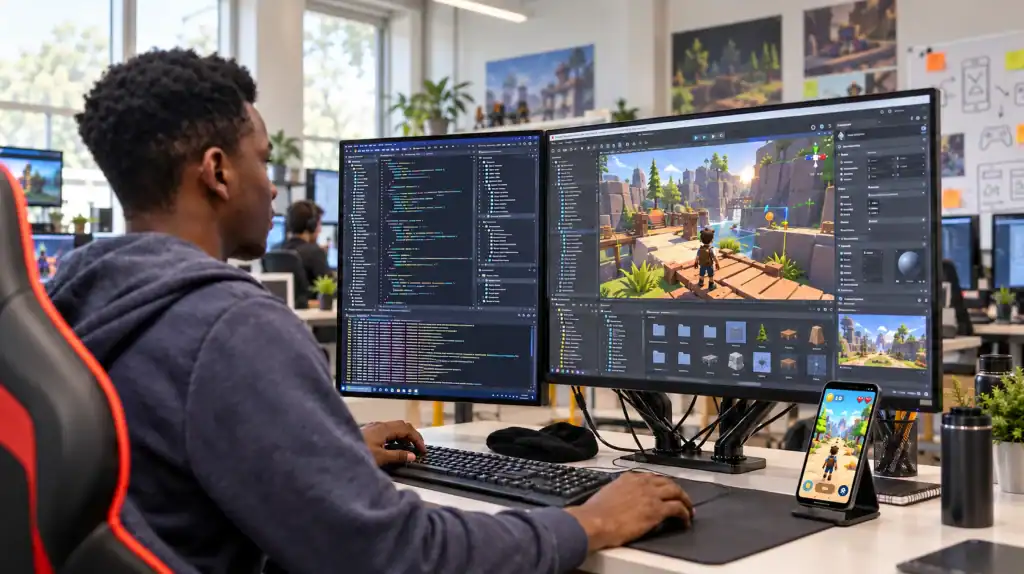
A mobile game developer builds and maintains the software systems that make a game playable on smartphones and tablets.
The specific responsibilities depend on the developer’s role. A gameplay programmer might implement player movement, combat, inventory, artificial intelligence, progression, or game mechanics. A technical developer may focus on performance, tools, rendering, or engine systems. A multiplayer developer may work on networking, matchmaking, backend services, and synchronization.
Typical responsibilities can include:
- Implementing gameplay mechanics
- Programming player controls and interactions
- Building game systems and state management
- Integrating animation, audio, and visual effects
- Implementing UI and menus
- Working with game physics
- Debugging gameplay and technical issues
- Profiling CPU, GPU, and memory performance
- Optimizing games for mobile hardware
- Testing across different devices
- Preparing Android and iOS builds
- Integrating platform services
- Supporting multiplayer and backend functionality
- Fixing bugs and maintaining released games
A developer also rarely works alone. Game production involves programmers, game designers, artists, animators, QA specialists, producers, technical artists, and other contributors.
That is why becoming a strong mobile game developer involves both technical depth and enough understanding of the broader production pipeline to work effectively with other disciplines.
What Skills Do You Need to Become a Mobile Game Developer?
The game developer skills you need depend on your specialization, but most developers benefit from a common technical foundation.
| Skill area | What to learn | Why it matters |
| Programming | C#, C++, OOP, data structures, algorithms | Builds gameplay and systems |
| Game engines | Unity or Unreal Engine | Provides the development environment |
| Game design | Mechanics, game loops, progression | Helps translate ideas into playable systems |
| Math and physics | Vectors, coordinates, geometry, collision | Supports movement, cameras, and physics |
| Mobile optimization | CPU, GPU, memory, battery, frame rate | Helps games perform across devices |
| Debugging | Logs, breakpoints, profiling | Helps identify technical problems |
| Version control | Git, branches, commits, merges | Supports collaboration and project history |
| UI/UX awareness | Touch controls, navigation, responsive UI | Improves the mobile player experience |
| Collaboration | Communication, code reviews, documentation | Supports team-based production |
1. Programming Fundamentals
Programming is the foundation of most game development roles.
Start with:
- Variables and data types
- Conditions
- Loops
- Functions and methods
- Classes and objects
- Interfaces
- Collections
- Data structures
- Basic algorithms
- Error handling
- Debugging
You do not need to become an advanced software engineer before creating your first game. In fact, learning programming through small game systems can make the concepts easier to understand.
For example, you could learn conditional logic by creating a health system, object-oriented programming by structuring player and enemy classes, and collections by implementing an inventory.
The important thing is to move from copying code to understanding why the code works.
2. Game Design Fundamentals
A programmer does not necessarily need to become a game designer, but understanding game design helps developers build better systems.
Learn concepts such as:
- Core gameplay loops
- Player progression
- Game states
- Difficulty
- Rewards
- Feedback
- Level structure
- Input responsiveness
- Game balance
This knowledge becomes especially useful when working with designers. You should be able to understand the technical implications of a mechanic and communicate when a particular implementation could affect performance, controls, or player experience.
3. Math and Physics
You do not need advanced mathematics for every mobile game development role. You do need practical math.
Important areas include:
- Coordinates
- Vectors
- Angles
- Distance
- Ratios
- Interpolation
- Basic trigonometry
- Velocity
- Acceleration
- Collision concepts
These appear in movement, aiming, camera systems, projectiles, physics interactions, and other gameplay mechanics.
4. Mobile Optimization
Mobile hardware introduces constraints that developers cannot ignore.
A game needs to work within the CPU, GPU, memory, thermal, battery, storage, and display characteristics of its target devices. Android provides tools for profiling performance, investigating GPU behavior, analyzing memory, and accounting for thermal and CPU/GPU management.
The Android game optimization documentation specifically covers tools such as Android GPU Inspector, Android Performance Tuner, the Dynamic Performance Framework, and Memory Advice API.
This is why mobile game development skills go beyond writing gameplay code. You also need to understand how that code behaves on actual devices.
Which Programming Language Should a Mobile Game Developer Learn?
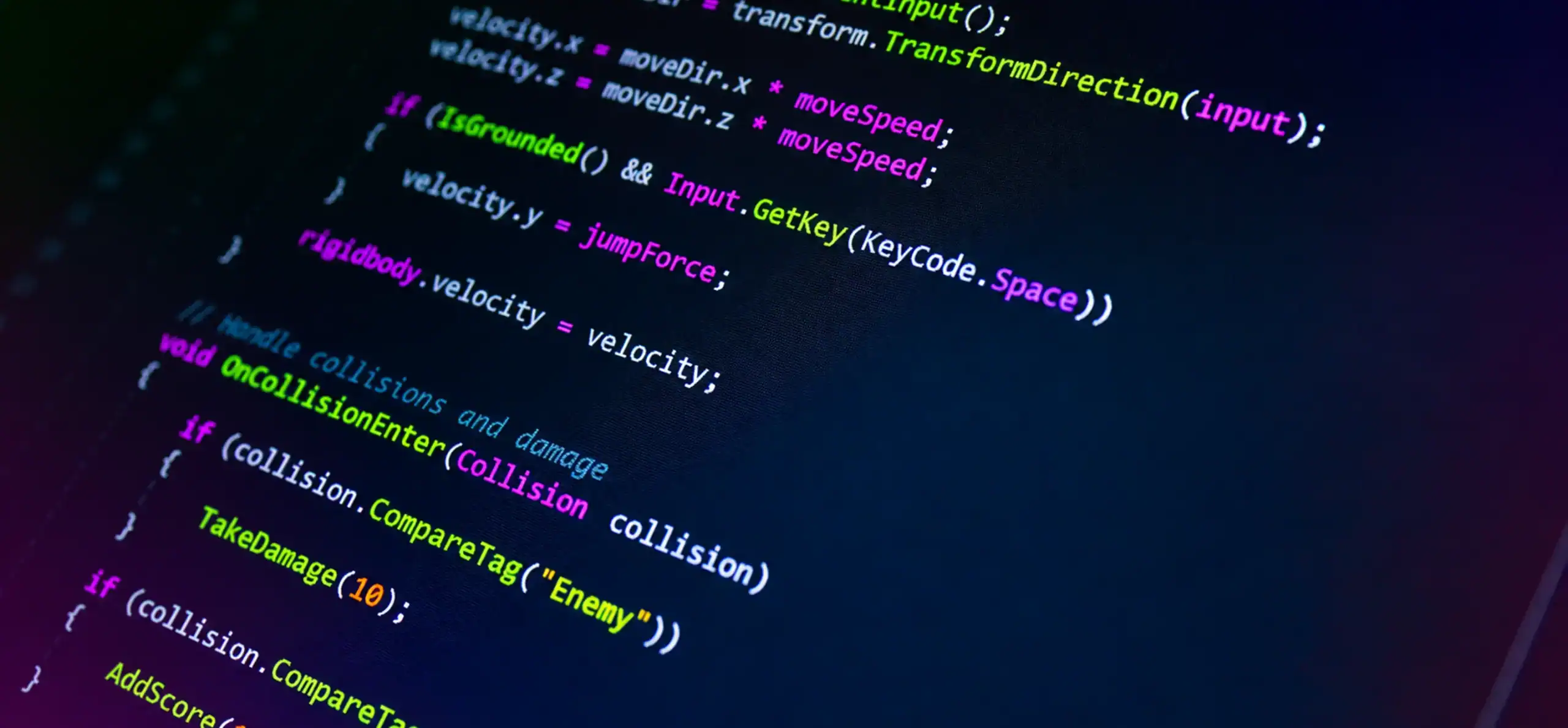
Your language choice should follow the engine and role you want to pursue.
1. C# for Unity
C# is the main programming language used for scripting in Unity.
A beginner following the Unity pathway should become comfortable with:
- Classes and objects
- Interfaces
- Collections
- Events
- Methods
- Coroutines
- Error handling
- Debugging
- Basic performance considerations
C# is a practical route for developers who want to build 2D and 3D mobile games with Unity.
2. C++ for Unreal Engine
C++ is central to programming in Unreal Engine. Unreal also provides Blueprint visual scripting, which allows developers to create gameplay logic without writing every system directly in C++.
An Unreal-focused developer can gradually learn:
- C++ fundamentals
- Object-oriented programming
- Unreal gameplay architecture
- Memory concepts
- Debugging
- Profiling
- Engine APIs
- Blueprint and C++ interoperability
Epic’s Unreal Engine mobile development documentation covers development for iOS and Android, along with mobile optimization, debugging, and packaging.
3. C# vs. C++ for Game Development
There is no universal winner.
C# + Unity can be a practical route for developers interested in Unity-based mobile games and cross-platform projects.
C++ + Unreal can be a better fit for developers who want to work deeply with Unreal’s ecosystem, advanced 3D systems, or lower-level technical areas.
Learning both can be useful later, but beginners generally benefit more from becoming productive with one language and engine before adding another.
Should You Learn Unity or Unreal for Mobile Game Development?
If you are wondering, “Should I learn Unity or Unreal for mobile game development?”, the answer depends on what you want to build and what type of developer you want to become.
Both engines support mobile game development. The difference is in their workflows, programming models, tooling, and typical use cases.
| Factor | Unity | Unreal Engine |
| Main programming language | C# | C++ |
| Visual scripting | Unity Visual Scripting | Blueprints |
| 2D development | Strong fit | Supported |
| 3D development | Strong fit | Strong fit |
| Android support | Yes | Yes |
| iOS support | Yes | Yes |
| Beginner learning path | Often approachable | Can require more technical depth |
| High-fidelity 3D | Capable | Strong focus |
| Best choice | Depends on project and role | Depends on project and role |
Unreal’s current mobile documentation supports projects for Android and Apple platforms and includes workflows for device setup, debugging, profiling, optimization, and packaging.
The choice should therefore come down to your goals.
If you want to build small 2D games, casual games, or mobile-focused prototypes while learning C#, Unity can be a sensible starting point.
If you are interested in Unreal, C++, Blueprint, advanced 3D environments, or technically demanding projects, Unreal may be the better fit for your learning path.
Neither engine prevents you from learning the other later.
Mobile Game Developer Roadmap: Step-by-Step
A structured roadmap prevents a common beginner problem: finishing dozens of tutorials without knowing how to build something independently.
Use this progression instead.
1. Learn Programming Fundamentals
Pick one language and learn it properly.
For a Unity pathway, start with C#. For Unreal, learn C++ while becoming familiar with Blueprint.
Then apply each programming concept to an actual game mechanic.
For example:
- Variables → player health
- Conditions → win and lose states
- Classes → player and enemy systems
- Collections → inventory
- Functions → reusable gameplay logic
- Events → UI and gameplay communication
This approach turns programming theory into practical development ability.
2. Learn Game Development Fundamentals
Once you understand basic programming, learn how game systems fit together.
Start with:
- Scenes and levels
- Game objects or actors
- Components
- Input
- Cameras
- Animation
- Audio
- Physics
- UI
- Game states
- Save systems
- Asset management
Your first goal is not to build a massive commercial title. It is to understand the relationship between these systems.
3. Choose an Engine and Build Small Projects
Pick Unity or Unreal and start making small, complete games.
Good beginner projects include:
- 2D platformer
- Endless runner
- Match-3 puzzle
- Simple arcade game
- Top-down shooter
- Basic tower defense
- Casual puzzle game
Keep the scope small enough to finish.
A completed game forces you to solve problems that tutorials often hide, including bugs, game states, menus, input handling, asset management, builds, and testing.
4. Learn Mobile-Specific Development
A desktop game cannot simply be treated as a mobile game without considering the target hardware and input model.
Learn how to handle:
- Touch controls
- Screen sizes
- Aspect ratios
- Different device specifications
- Memory constraints
- CPU and GPU workloads
- Frame rate
- Battery consumption
- Thermal behavior
- Loading times
- Network conditions
- Mobile UI
- Android and iOS builds
Profiling should be part of development rather than something you leave until the end. Android’s performance tooling is specifically designed to identify bottlenecks and device limitations instead of relying on assumptions about what is slowing a game down.
5. Learn Git and Version Control
Git is one of the most useful tools you can add to your development workflow.
It records changes to your project so you can compare versions, revert mistakes, and collaborate with others. The official Git documentation explains version control as a way to record changes over time and recover earlier versions when needed.
Learn how to:
- Create a repository
- Clone a repository
- Commit changes
- Create branches
- Merge branches
- Resolve conflicts
- Review project history
- Work with remote repositories
You do not need advanced Git knowledge on day one. Start with the basic workflow and become more comfortable as your projects grow.
6. Build 2–4 Portfolio Projects
This is where learning becomes evidence.
Instead of collecting unfinished prototypes, build two to four projects that demonstrate different abilities.
For example:
Project 1: A small 2D game demonstrating programming fundamentals.
Project 2: A mobile game with touch controls, UI, progression, and performance considerations.
Project 3: A more technical project involving AI, physics, procedural systems, or multiplayer.
Project 4: An optional polished project that closely matches the role you want.
The projects do not need to be enormous. They need to show what you can build and explain.
7. Choose a Specialization
Once you have a foundation, decide where you want to go deeper.
Possible paths include:
- Gameplay programming
- Unity development
- Unreal development
- Technical game development
- Multiplayer and backend development
- Generalist mobile game development
Your specialization should influence the projects you build next.
8. Apply for Junior Roles and Internships
Once your portfolio demonstrates practical skills, start looking for:
- Junior game developer roles
- Gameplay programmer positions
- Unity developer roles
- Unreal developer positions
- Game development internships
- Entry-level technical roles
- Studio trainee opportunities
Read job descriptions carefully. You do not need to meet every preferred qualification before applying, but you should be able to demonstrate the core skills the role requires.
9. Keep Learning
Game development changes across engines, hardware, platforms, and production practices.
Continue improving in areas such as:
- Performance profiling
- Multiplayer networking
- Backend systems
- LiveOps
- Build automation
- Graphics programming
- Game architecture
- Platform APIs
- AI systems
- Testing
The goal is not to chase every new tool. Build depth in the technical areas that support your role.
What Should Be in a Mobile Game Developer Portfolio?
A portfolio should answer one basic question:
What can you actually build?
Build 2–4 Demonstrable Projects
For each project, include:
- Project name
- Short description
- Gameplay video
- Screenshots
- Engine and programming language
- Your specific responsibilities
- Technical challenges
- Solutions you implemented
- Code samples where appropriate
- Playable build or store link when available
If you worked with a team, clearly identify your contribution.
Saying “I worked on a multiplayer game” is vague.
Saying “I implemented player movement, lobby logic, and client-side UI synchronization” gives a recruiter something concrete to evaluate.
What Should Recruiters Be Able to Inspect?
A portfolio should make it easy to understand:
- Your programming ability
- Your understanding of game systems
- Your debugging approach
- Your mobile optimization knowledge
- Your ability to complete projects
- Your technical decision-making
- Your specific contribution
Do not assume impressive graphics automatically make a strong portfolio.
A simple game with well-structured systems, good performance, and a clear technical explanation can demonstrate more programming ability than a visually impressive project where the candidate only assembled existing assets.
Beginner Portfolio Project Ideas
| Project | Skills demonstrated |
| 2D platformer | Input, physics, collision, animation |
| Endless runner | Procedural systems, touch controls, UI, optimization |
| Match-3 game | Game logic, state management, UI |
| Top-down shooter | AI, input, combat, object management |
| Multiplayer prototype | Networking, synchronization, player state |
Choose projects based on your target role.
If you want to become a gameplay programmer, prioritize mechanics and systems. If multiplayer interests you, build something that demonstrates networking. If performance engineering interests you, show profiling work and explain how you identified bottlenecks.
What Career Paths Can a Mobile Game Developer Follow?
A mobile game developer career path does not have to follow one fixed job title.
1. Gameplay Programmer
Gameplay programmers implement the systems players interact with, such as:
- Movement
- Combat
- Abilities
- AI
- Inventory
- Progression
- Game mechanics
2. Unity Developer
A Unity developer works primarily within Unity and may specialize in mobile games, gameplay, tools, 2D development, 3D development, or technical systems.
3. Unreal Developer
An Unreal developer can work with C++, Blueprint, gameplay systems, rendering, physics, tools, or platform integration.
4. Technical Game Developer
Technical developers often work across the boundary between engineering and other disciplines. They may create tools, improve pipelines, optimize performance, or solve complex technical problems.
5. Backend and Multiplayer Developer
This specialization focuses on systems outside the local game client, including:
- Player accounts
- Matchmaking
- Multiplayer networking
- Leaderboards
- Cloud saves
- Backend APIs
- Real-time services
- Player data
6. Generalist Mobile Game Developer
A generalist develops across several areas rather than specializing immediately.
This can be useful early in a career because it exposes you to gameplay, UI, optimization, platform deployment, testing, and other parts of game production.
Do You Need a Degree to Become a Mobile Game Developer?
No. A formal degree is not universally required.
A computer science, software engineering, or game development degree can provide structured education in programming, algorithms, mathematics, software engineering, and related subjects. It can also provide access to instructors, peers, academic projects, and internships.
The self-taught route offers more flexibility. You can learn programming, select an engine, build projects, participate in game jams, collaborate with other developers, and develop a portfolio without following a formal academic program.
The two routes can look like this:
Degree route:
Education → programming fundamentals → game projects → internship → portfolio → entry-level role
Self-taught route:
Programming → engine specialization → projects → collaboration → portfolio → entry-level role
Neither route guarantees employment.
What matters is whether you can demonstrate the skills required for the role you are pursuing.
Can You Become a Game Developer With No Experience?
Yes, you can begin without professional game development experience.
But there is an important distinction between having no professional experience and having nothing to demonstrate.
You can build evidence of your ability through:
- Personal game projects
- Game jams
- Student projects
- Open-source contributions
- Team projects
- Internships
- Independent releases
- Technical prototypes
A beginner who has never worked at a studio can still demonstrate programming ability by building a playable game and explaining how its systems work.
Start small. A finished game with clear documentation is usually more useful than a massive project that exists only as a design document.
How Long Does It Take to Become a Mobile Game Developer?
There is no fixed timeline that applies to everyone.
Your starting programming knowledge, available learning time, target specialization, engine, project complexity, and portfolio goals all affect the process.
Instead of asking whether you can become a developer in a particular number of months, use measurable stages:
Programming fundamentals → game development basics → engine specialization → small projects → mobile optimization → portfolio → specialization → job preparation
For example, you might consider your programming foundation stronger when you can build a gameplay mechanic without following a tutorial step by step, identify why it is failing, debug it, and modify it independently.
Progress should be measured by what you can build, not simply how long you have been learning.
What Are the Most Important Mobile Game Development Skills?
Mobile development introduces several technical considerations that deserve specific attention.
1. Performance Profiling
Learn to identify bottlenecks instead of guessing what is causing slowdowns.
2. Memory Optimization
Understand asset sizes, memory usage, loading behavior, and excessive allocations.
3. CPU and GPU Optimization
Learn how gameplay logic, rendering, shaders, physics, animation, and other workloads affect performance.
4. Battery and Thermal Management
A game can run correctly while still placing unnecessary load on a device. Mobile optimization involves balancing visual quality and performance with the capabilities of the target hardware.
5. Device Fragmentation
Android devices differ significantly in screen size, chipset, memory, graphics capability, and operating-system configuration. Testing on representative hardware matters.
6. Touch Input and Mobile UI
Mobile games need controls designed around touch interaction. Buttons, gestures, menus, and HUD elements should remain usable across different screens.
7. Platform Builds and Distribution
A mobile game developer should understand how to create, test, debug, sign, package, and submit builds for the platforms they target.
For iOS, developers work through Apple’s App Store Connect workflow to upload builds, distribute beta versions through TestFlight, and submit releases for App Review. Apple’s App Store submission documentation also outlines the review process and preparation requirements for apps and games.
Common Mistakes Beginners Make When Learning Mobile Game Development
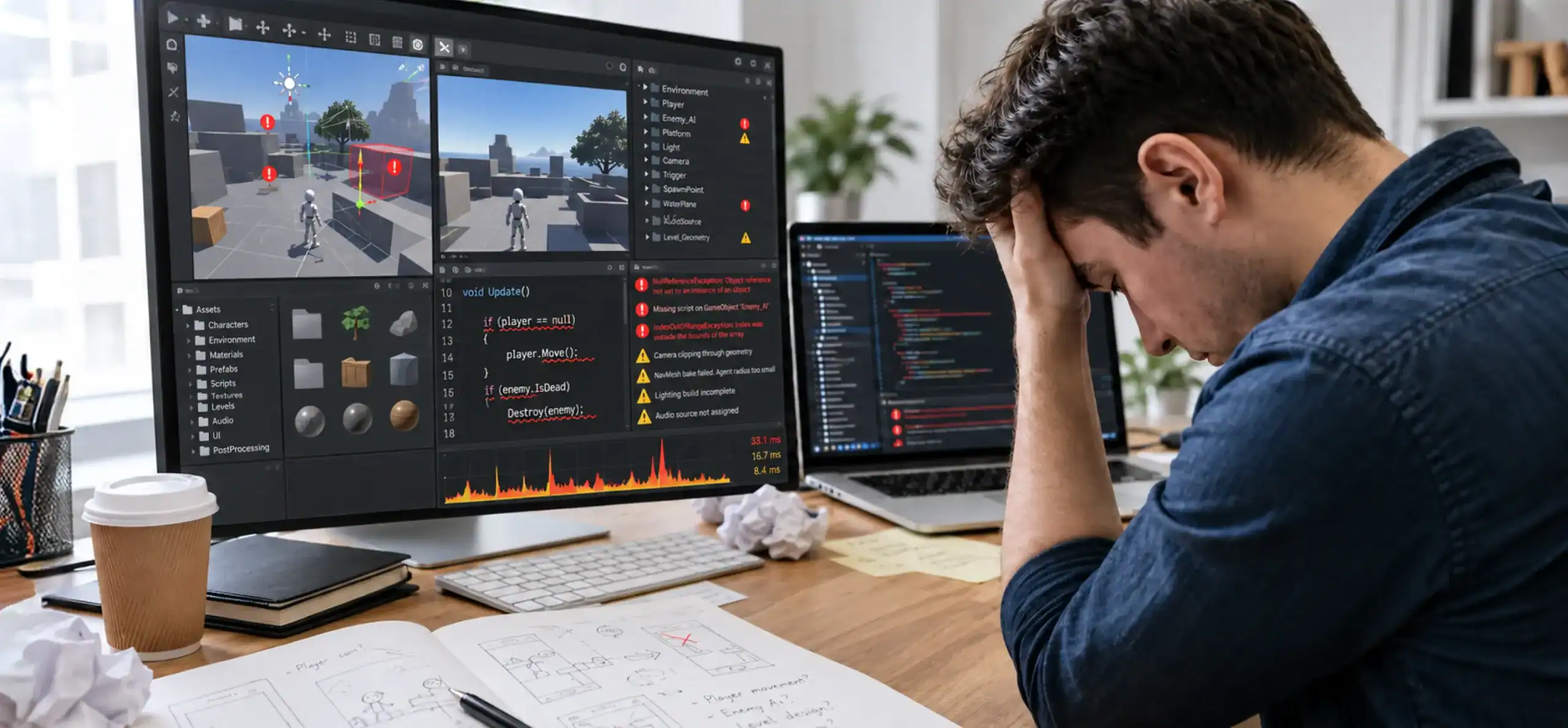
Learning game development involves more than picking an engine and writing code. Beginners often make avoidable mistakes that slow their progress, from taking on projects that are too complex to overlooking mobile performance and portfolio quality. Recognizing these challenges early can help you build skills in a more practical sequence.
1. Starting With an Overly Ambitious Game
An open-world RPG or large multiplayer game is rarely a sensible first project. Start with something you can finish. Increase complexity after you have learned how to ship smaller projects.
2. Learning an Engine Without Learning Programming
Knowing which menu contains a feature is not the same as understanding game programming. Learn the underlying concepts so you can solve problems when the engine does not behave exactly like a tutorial.
3. Building Tutorials Instead of Projects
Tutorials are useful learning tools, but they are not a portfolio. After completing one, modify the mechanic, rebuild part of it independently, or use the concept in another project.
4. Ignoring Mobile Performance
A game that runs smoothly on a powerful development PC may perform poorly on a phone. Test on actual devices and use profiling tools to identify real bottlenecks.
5. Having No Finished Portfolio Projects
Several abandoned prototypes do not demonstrate the same skills as two polished, finished projects.
Finishing a game requires planning, debugging, testing, iteration, and release preparation.
6. Trying to Learn Every Role
You do not need to become a programmer, artist, animator, designer, sound engineer, producer, and backend specialist simultaneously.
Understand the broader pipeline, then develop depth in the role you want to pursue.
7. Ignoring Version Control
Losing work or creating conflicting project versions becomes increasingly painful as projects grow.
Learn Git early and use it consistently.
What Does a Mobile Game Developer Career Path Look Like?
A practical mobile game developer roadmap can look like this:
Programming Fundamentals
↓
Game Development Basics
↓
Unity or Unreal Specialization
↓
Small Game Projects
↓
Mobile Optimization
↓
2–4 Portfolio Projects
↓
Role Specialization
↓
Internship or Junior Opportunity
↓
Professional Development
↓
Senior or Technical Specialization
This is not a mandatory career ladder. Some developers enter through internships, university projects, independent releases, game jams, software engineering, or adjacent technical roles.
The important part is that each stage builds something you can demonstrate.
How Can a Professional Game Development Team Help You Grow?
Independent projects teach you how to solve problems on your own. Professional production adds another layer: collaboration at scale.
A game development team may include programmers, designers, artists, animators, QA engineers, producers, technical leads, and backend or multiplayer specialists.
Working within that environment can expose developers to:
- Code reviews
- Production planning
- Version control workflows
- QA processes
- Art pipelines
- Performance testing
- Platform deployment
- Multiplayer infrastructure
- Post-launch updates
- Cross-functional communication
Professional production also follows a structured game development process, from concept and design through development, testing, launch, and post-launch support.
For businesses building commercial titles, Cubix Games brings together game design, development, art, QA, and other production capabilities across mobile, PC, and console projects.
The same principle applies to an individual developer’s growth: understanding how your work connects to the rest of production makes you more useful than knowing an engine in isolation.
Start Building Your Mobile Game Development Career
Becoming a mobile game developer is not about mastering one engine overnight.
Start with programming. Learn how games are structured. Choose Unity or Unreal based on the type of development you want to pursue. Build small projects, then add mobile-specific skills such as touch input, device compatibility, performance profiling, memory management, and platform deployment.
Your portfolio is where those skills become visible. Build two to four projects that show what you can actually do, explain your contribution clearly, and choose projects that support the specialization you want.
If you are moving from individual projects into commercial production, a specialized mobile game development partner can provide access to developers, designers, artists, QA specialists, and platform expertise across iOS and Android.
For teams that need additional technical talent, businesses can also hire mobile game developers with experience across platforms, engines, genres, and game development disciplines.
Have a Game Idea? Let’s Turn It Into a Mobile Experience
Contact UsFrequently Asked Questions
1. What skills do you need to become a mobile game developer?
You need programming fundamentals, game engine knowledge, game development concepts, debugging, version control, basic mathematics and physics, mobile optimization, UI/UX awareness, and collaboration skills. The exact combination depends on your target role.
2. Do you need a degree to become a mobile game developer?
No. A degree can provide structured education and access to internships or academic projects, but it is not universally required. Self-taught developers can demonstrate their ability through practical projects, collaboration, game jams, and a strong portfolio.
3. Is Unity or Unreal better for mobile game development?
Neither engine is universally better. Unity can be a practical fit for developers interested in C# and a wide range of mobile and cross-platform projects. Unreal can suit developers interested in C++, Blueprint, and technically demanding 3D experiences. The right choice depends on your project and career goals.
4. What programming language should a mobile game developer learn?
C# is the primary language used for Unity scripting, while C++ is central to Unreal programming. Unreal also supports Blueprint visual scripting. Choose your language based on the engine and specialization you want to pursue.
5. How long does it take to become a mobile game developer?
There is no fixed timeline. Your previous programming experience, learning time, target role, engine, and project complexity all affect how quickly you progress. Focus on measurable skills and completed projects rather than a predetermined number of months.
6. Can you become a game developer without experience?
Yes. Professional experience is not the only way to demonstrate ability. Personal games, game jams, student projects, open-source contributions, internships, collaborations, and independent releases can all help create a portfolio.
7. How do beginners build a game development portfolio?
Start with two to four manageable projects. Include gameplay footage, screenshots, technologies used, your specific contribution, technical challenges, and the solutions you implemented. Choose projects that demonstrate the skills required for your target role.
8. I became a mobile game developer without knowing C++?
Yes. C++ is not required for every mobile game development pathway. Unity developers commonly use C#, while Unreal developers can work with both Blueprint and C++. Your required language depends on the engine and specialization you choose.