Key Takeaways
- WebXR enables browser-based AR and VR experiences, removing the need for dedicated native apps.
- The WebXR market will reach $6.59 billion by 2026, with growth driven by immersive business and consumer uses.
- Businesses use WebXR to deliver interactive, cross-platform AR/VR apps for customers and internal operations.
- WebXR allows faster deployment and wider reach than native AR/VR, though there can be device and performance trade-offs.
- Android devices support WebXR well, but delivering strong user experience and hardware access requires careful planning.
WebXR is changing how businesses develop AR and VR apps, allowing immersive experiences to run directly in web browsers. Mordor Intelligence projects the WebXR and browser-based immersive platform market will reach $6.59 billion by 2026, a sign of rapid adoption in many industries. Yet, many product leads still wonder how WebXR compares to native apps, especially for operational or customer-facing scenarios. This article explains the basics of WebXR, compares it to native AR/VR development, and covers key considerations for Android delivery and business adoption.
What Is WebXR and How Does It Support AR and VR Experiences?
WebXR is a group of standards that allow immersive AR and VR experiences inside browsers. This makes it easier to build and access interactive content without needing separate native applications. Knowing what is WebXR in app development helps both businesses and developers recognize its value as a technical and strategic tool.
WebXR Overview
WebXR centers on the WebXR Device API. Developed by the World Wide Web Consortium (W3C), this browser standard lets web apps access AR and VR hardware, such as headsets, smartphones, and motion controllers. WebXR evolved from earlier WebVR and WebAR APIs, merging their strengths to support both AR and VR within browsers. Developers now build immersive content in one codebase, without worrying about platform-specific versions.
The core of WebXR development basics rests on this open standard, which manages spatial tracking, stereoscopic rendering, and real-time interaction using browsers like Chrome, Firefox, or Microsoft Edge. This approach allows rapid prototyping, content flexibility, and wide device compatibility.
How WebXR Works in Browsers
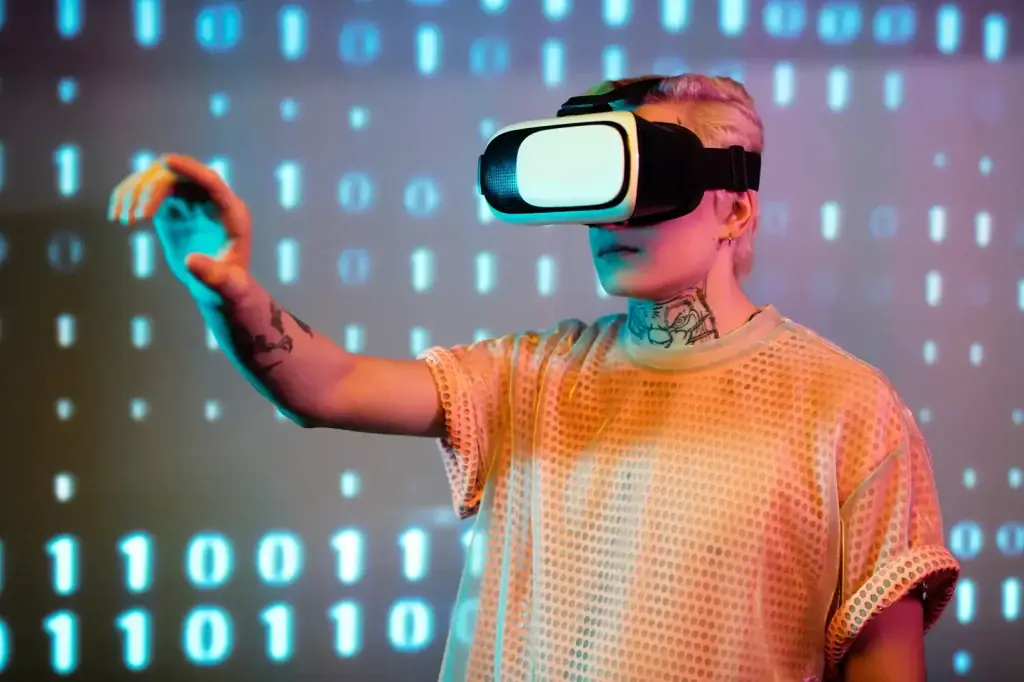
When a user visits a WebXR-enabled site, the browser checks for compatible hardware and requests access to sensors like cameras, accelerometers, and gyroscopes. The API then creates an AR or VR session. For AR, WebXR overlays digital elements on the real world using the device’s camera, updating the view in real time. For VR, it manages stereo images and head tracking for a fully immersive experience.
Browsers handle input from gestures, controllers, and voice commands, mapping these into the experience securely. Before granting hardware access, browsers prompt users for permissions. Well-designed AR and VR web app development basics also include fallback options, so users without compatible devices can view a 2D version instead.
All updates and patches are delivered instantly. Users do not need to download new app versions or worry about device-specific compatibility, provided their browser supports the standard.
Why WebXR Matters for Businesses
The ability to launch AR and VR in the browser, without requiring users to download an app, changes distribution and user engagement. WebXR development basics help businesses deploy faster, reach more users, and cut distribution costs.
For instance, a retailer can offer a virtual try-on tool accessible via a simple link or QR code, bypassing app stores and reducing user drop-off. Internal training tools become easier to roll out, as employees can use them from any browser-enabled device, simplifying IT support.
WebXR for immersive mobile experiences encourages quick experimentation, allowing new features and concepts to go live fast and reach users directly on the web.
Core Components of WebXR Development

Creating WebXR experiences involves working with APIs, frameworks, and hardware integrations that enable AR and VR in browsers. Effective projects blend these components for smooth, functional, and engaging results.
- WebXR Device API: This standard, maintained by the W3C, lets applications access headset tracking, spatial inputs, cameras, and rendering. It gives developers the tools to build content for both AR and VR modes.
- Supporting Frameworks: Leading libraries like A-Frame, Babylon.js, and Three.js remain widely used in 2026. These frameworks simplify raw WebXR code, so developers can build interactive objects and environments with reusable components. A-Frame uses HTML-like markup for fast prototyping, Babylon.js offers advanced rendering and physics, and Three.js excels at 3D visualization.
- Device and Sensor Access: For WebXR for immersive mobile experiences, experiences must access modern hardware features, cameras for AR, gyroscopes and accelerometers for tracking, and motion controllers for input. Devices like smartphones and headsets such as Meta Quest, Pico, and HTC VIVE XR series support these sensors. Browsers verify security before allowing access to any hardware.
- Cross-Platform Considerations: WebXR adapts content for different browsers and devices. Chrome, Firefox, and Samsung Internet all support much of the WebXR standard on desktop and mobile. Since devices vary in screen size and power, developers should test and optimize for their target audience. Responsive layouts, hardware checks, and performance profiling all help deliver strong, cross-platform experiences.
Bringing these elements together, WebXR makes AR and VR web app development basics accessible to both consumer and business audiences.
When to Choose WebXR for Business AR and VR Projects
Businesses considering AR and VR solutions need to weigh the benefits of WebXR against their project’s goals and user needs. The choice comes down to balancing reach, performance, and experience.
| Use Case | WebXR Strengths | Native AR/VR Strengths |
|---|---|---|
| Customer-facing product demos | No install, instant access | Advanced graphics, device features |
| Employee training | Wide reach, easy updates | Deeper integration, offline use |
| Marketing campaigns | Viral sharing, rapid deployment | Richer interactivity |
| Field service tools | Cross-device compatibility | Hardware access, custom sensors |
Many enterprises use WebXR for immersive mobile experiences as the quickest route to market, especially when broad distribution is more important than unlocking every hardware feature. For example, product demos or AR catalogs in the browser let users interact with content instantly, no app store friction, and higher engagement early on.
WebXR development basics help when businesses need to prototype quickly or update content often. Marketing teams can push out seasonal AR features, test new ideas, and make changes in real time, without needing users to update or reinstall anything.
Still, some situations call for native AR/VR. Field service apps that need special sensors, advanced camera control, or reliable offline use are best as native apps. High-end training or B2B tools that demand top-level graphics may also need native development.
Retailers have used WebXR for large-scale try-on campaigns, reaching wide audiences without building dedicated apps. Meanwhile, manufacturers needing robust AR maintenance tools for technicians often choose native deployment for reliability on specific hardware.
The main trade-off is flexibility and speed (WebXR) versus custom access and advanced features (native). Teams should start by identifying what matters most for their users and match their approach to those criteria.
Comparing WebXR and Native AR/VR Development Approaches
Choosing between WebXR and native development shapes your project’s performance, reach, and ease of maintenance. Those looking at WebXR vs native AR VR development must consider several key areas.
Performance and Graphics
Native AR/VR apps deliver top performance and graphics because they interact directly with device hardware. This enables detailed textures, complex 3D environments, and special effects that browsers may struggle to match. Some advanced rendering, like simulation-grade training, is still mostly out of reach for browsers.
However, browser technology such as WebGL 2.0 and WebAssembly has improved, narrowing the performance gap. For most business uses, WebXR’s visual quality is more than adequate. The access and convenience often outweigh the difference in graphics for promotional or training apps.
Development and Maintenance
WebXR for immersive mobile experiences streamlines both development and maintenance. You deploy updates to a secure server, instantly reaching all users, no app store delays or multiple codebases. Maintenance is simpler: a fix or new feature reaches everyone right away.
Native development usually means separate codebases for Android, iOS, or other platforms. Distribution and updates depend on store approvals and device policies, slowing down release cycles. However, native tools offer more control over device integration and user interface design, which helps for feature-rich or device-specific projects.
User Experience and Device Access
A big part of AR and VR web app development basics is making the user experience smooth and intuitive. WebXR supports a broad range of devices, smartphones, tablets, browsers, and headsets, handling permissions and privacy centrally.
Native AR/VR offers deeper integration with device features such as notifications, storage, and low-level AR support (like direct ARCore or ARKit access). If you need the tightest hardware integration or reliable offline use, native apps offer advantages.
In short, WebXR vs native AR VR development is a trade-off between fast, wide delivery and maximum capability. Many business needs are best met by WebXR, while advanced or device-specific projects may need native solutions.
Android Considerations for WebXR Experiences
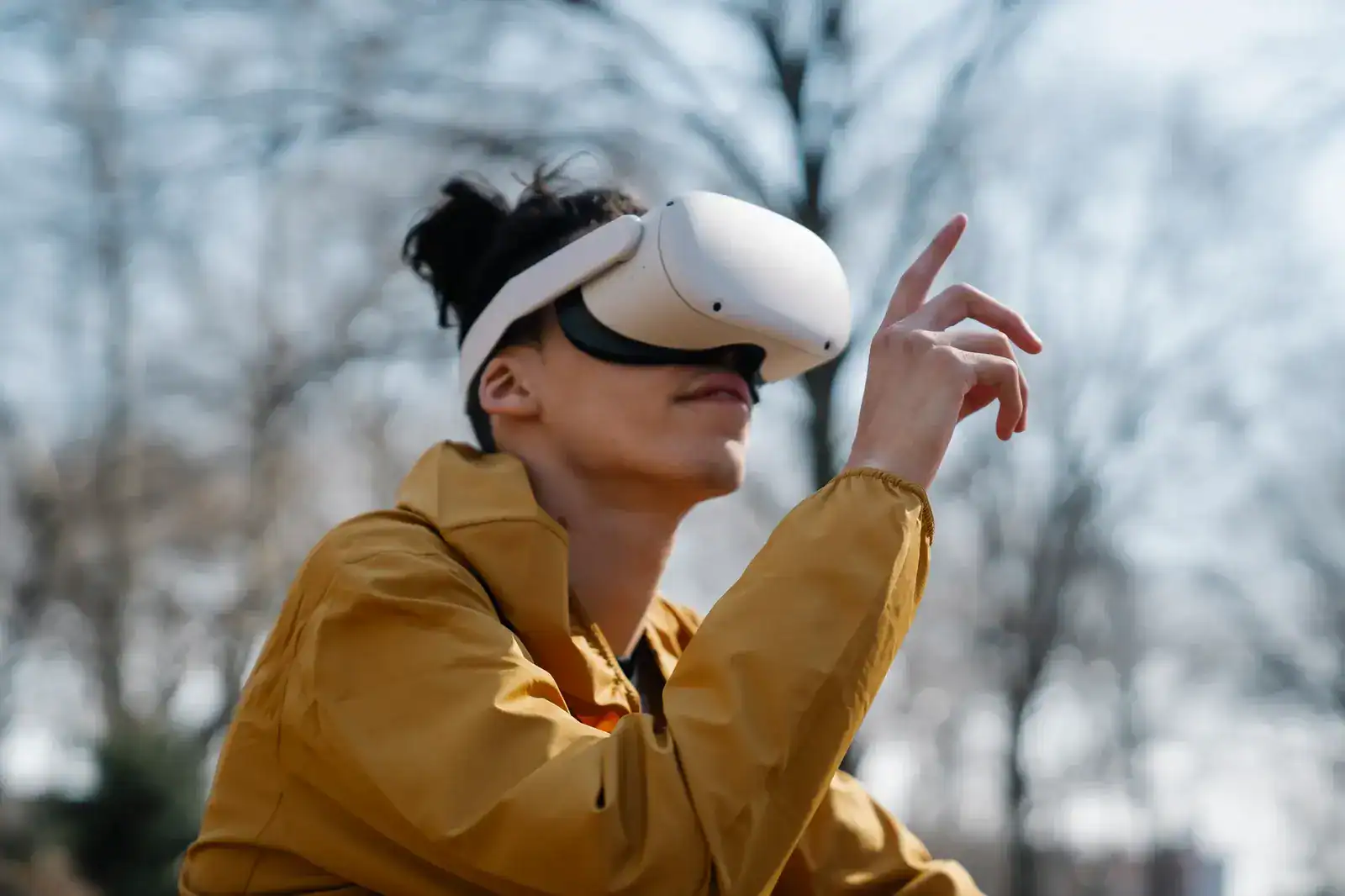
Android, as a major platform, brings its own technical and user experience factors for WebXR projects. To deliver consistent WebXR for immersive mobile experiences on Android, teams need to address these unique issues.
- Browser Support on Android: Chrome for Android offers strong WebXR support, covering both AR and VR features. Firefox provides partial compatibility, while Samsung Internet continues improving. Always check up-to-date support matrices, since feature coverage varies across brands and browser versions.
- Hardware Access: AR and VR web app development basics on Android depend on getting permission for camera and motion sensors. Many devices work with ARCore, unlocking features like surface tracking. Developers should provide fallback modes for devices lacking ARCore, still delivering value even with reduced features.
- User Experience Tips: Android devices range widely in screen size, hardware, and speed. Test your app on both basic and high-end models. Design touch controls to work in portrait and landscape, and optimize assets for quick loading, especially on slow mobile networks.
- Security and Permissions: Android browsers ask before giving apps access to sensitive hardware. Clear onboarding is vital, users must know why permissions are needed and how data will be used. Follow Android considerations for WebXR experiences by using HTTPS, explaining permissions, and allowing users to revoke access if needed.
Addressing these factors ensures businesses deliver WebXR development basics for AR and VR app development that work securely across Android devices.
Common Challenges in WebXR Development and How to Address Them
WebXR brings new opportunities but also recurring technical and business challenges. Knowing these issues early is a vital part of any long tail WebXR development guide.
- Device Fragmentation: Many browsers, hardware models, and OS versions mean feature support can vary widely. Use automated testing and device labs to find inconsistencies, and supplement with real-world tests on popular devices. Libraries like Three.js or Babylon.js offer feature detection, so you can tailor experiences to each user’s setup.
- Performance Optimization: WebXR development basics demand efficiency. Large 3D assets or heavy scripts can slow or crash underpowered devices. Compress images, reduce texture sizes, and use lazy loading for complex scenes. Chrome and Firefox provide tools to help spot and fix bottlenecks.
- User Onboarding: Many users are new to AR and VR. Onboarding should explain permissions, navigation, and basic controls clearly. Use tooltips, tutorials, and concise pop-ups to guide users, reducing confusion and early abandonment.
- Content Security: Protect AR and VR web app development basics from data abuse or spoofing by serving over HTTPS, validating user input, and tracking for suspicious activity. Update libraries regularly and review permissions to guard against vulnerabilities.
With thorough planning and user-friendly communication, teams delivering WebXR for immersive mobile experiences can overcome these hurdles and launch stable, engaging browser-based AR and VR.
Step-by-Step Guide to Starting a WebXR Project
Starting a WebXR project follows a straightforward process from idea to launch. For those seeking a long tail WebXR development guide, these steps help keep your team’s work focused.
- Define Business Goals and Target User Scenarios
Set clear goals for your AR or VR project. Decide if you are targeting customer engagement, training, or another outcome. Detail user actions and real-world challenges to ensure the app supports business objectives. - Select Frameworks and Check Browser/Device Support
Choose frameworks that match your needs. A-Frame and Babylon.js allow fast prototyping; Three.js is ideal for custom 3D work. Confirm which browsers and devices support WebXR and the features you require, especially if targeting Android and ARCore. - Prototype Core Interactions and Test AR/VR Features
Build a simple prototype that covers the main AR or VR feature. Add the essential user interactions, like object placement or space navigation, and test on both desktop and mobile. Use emulators and real devices to catch issues early. - Optimize for Performance and Cross-Platform Delivery
After core features work, check for speed, smoothness, and responsiveness. Compress assets, minimize load times, and watch memory use, especially on mobile. Apply AR and VR web app development basics so your app adjusts to different screens and devices. - Prepare for Launch and Ongoing Updates
Deploy securely using HTTPS. Make sure permission prompts and fallback modes work as intended. Gather user feedback in early releases, then refine features and onboarding. Plan for regular updates and maintenance to keep the experience current and secure.
This structure ensures WebXR development basics for AR and VR app development keep business and technical teams aligned from start to finish.
How Cubix Delivers Browser-Based AR and VR Solutions
Cubix has developed strong expertise in browser-based AR and VR, working with clients from the idea stage to launch and beyond. The focus stays on delivering business value through cross-platform access and engaging user experiences.
- Comprehensive WebXR Capabilities: Cubix covers the full range of AR and VR web app development basics, including ideation, UX/UI design, engineering, integration, and QA. Projects span from simple marketing games to large-scale enterprise training, each tailored to business goals.
- Android and Cross-Platform Focus: Teams at Cubix plan for WebXR for immersive mobile experiences from the start, optimizing for Android and all major platforms. The company thoroughly tests for browser support, responsive controls, and sensor integration across common device types.
- Framework Proficiency: Cubix developers have advanced skills with frameworks such as A-Frame, Babylon.js, and custom Three.js extensions. This balance of rapid prototyping (using A-Frame) and deep technical features (using Babylon.js) helps deliver fast results with high technical quality.
- Business Impact: Cubix has helped clients in sectors like retail, healthcare, and education boost user engagement and streamline operations using browser-based AR and VR. Projects include interactive product guides, training tools, and sales walkthroughs that have shortened sales cycles and improved user retention.
- Ongoing Support: Cubix supports clients beyond deployment, offering regular maintenance, upgrades, and real-time performance monitoring. Clients benefit from up-to-date AR and VR web app development basics without needing to hire or retrain staff. Continuous improvement cycles, analytics, and security reviews help sustain high-impact browser-based solutions.
Working with a knowledgeable partner for your long tail WebXR development guide ensures your browser-based AR and VR projects succeed both technically and strategically.
The ability to launch AR and VR in the browser, without requiring users to download an app, changes distribution and user engagement. WebXR development basics help businesses deploy faster, reach more users, and cut distribution costs through effective Android app development.
Creating WebXR experiences involves working with APIs, frameworks, and hardware integrations that enable AR and VR in browsers. Effective projects blend these components for smooth, functional, and engaging results, often leveraging AR and VR app development services.
WebXR for immersive mobile experiences encourages quick experimentation, allowing new features and concepts to go live fast and reach users directly on the web, complementing broader mobile app development efforts.
WebXR adapts content for different browsers and devices. Chrome, Firefox, and Samsung Internet all support much of the WebXR standard on desktop and mobile. Since devices vary in screen size and power, developers should test and optimize for their target audience, following best practices in cross-platform app development.
After core features work, check for speed, smoothness, and responsiveness. Compress assets, minimize load times, and watch memory use, especially on mobile. Apply AR and VR web app development basics so your app adjusts to different screens and devices, similar to principles in progressive web app development.
For teams looking to build tailored solutions, understanding custom mobile app development basics can provide valuable insights into creating effective WebXR experiences that meet specific business needs.
FAQ
1. What is WebXR and how does it differ from traditional web development?
WebXR brings AR and VR features to browsers, allowing immersive experiences without plugins or native apps.
2. How does WebXR compare to native AR and VR app development?
WebXR gives broader reach and easier updates, while native apps offer higher performance and deeper device integration.
3. What are the main benefits of using WebXR for business applications?
WebXR allows rapid deployment, works across devices, and lowers barriers for users to access AR/VR content.
4. Are there limitations to WebXR on Android devices?
Android supports WebXR well, though device and browser compatibility and hardware access can still vary.
5. Which frameworks are most popular for WebXR development in 2026?
A-Frame, Babylon.js, and Three.js remain top choices for building WebXR experiences.
6. What types of AR and VR experiences work best in the browser?
Product demos, training tools, and marketing campaigns are well suited to WebXR due to simple access.
7. How can businesses ensure security in WebXR applications?
Strong permissions, secure data handling, and regular updates help protect WebXR applications.
8. What are common challenges when building AR and VR apps with WebXR?
Device fragmentation, performance tuning, and user onboarding are frequent challenges.
9. How do I start developing a WebXR project for my business?
Begin by setting goals, picking the right frameworks, and testing across your target devices.
10. What makes Cubix a strong partner for WebXR and browser-based AR/VR development?
Cubix excels in cross-platform delivery, advanced frameworks, and business-specific AR/VR web app solutions.