Key Takeaways
- App maintenance doesn’t end at launch: Regular updates, bug fixes, security improvements, and performance optimization are essential for keeping a cross-platform app reliable and relevant.
- Platform and framework updates require proactive management: Teams need to monitor OS changes, framework updates, dependencies, and device compatibility to prevent disruptions.
- Performance, security, and testing should be ongoing priorities: Continuous monitoring, security patches, real-device testing, and performance improvements help maintain a smooth and secure user experience.
- Upgrades should follow business and user needs: Feature additions, performance improvements, and UX updates can extend an app’s lifecycle without requiring a complete rebuild.
- Know when to rebuild: If outdated architecture, recurring stability problems, or technology limitations prevent meaningful improvements, rebuilding may be more effective than continuing to upgrade the existing app.
Launching a mobile application is only the beginning of a product’s journey. After release, businesses need to continuously monitor, improve, and update their apps to ensure they remain reliable, secure, and useful for customers.
A successful app is not just defined by its launch. User expectations change, operating systems receive updates, security risks evolve, and businesses introduce new features over time. Without proper maintenance, even a well-built application can experience performance issues, compatibility problems, and declining user engagement.
This is where a structured Application Maintenance strategy becomes essential. It helps businesses keep their applications updated, resolve technical issues, improve user experience, and support future growth without requiring a complete rebuild.
Businesses using cross-platform solutions benefit from managing applications across multiple platforms through a unified development approach. However, maintaining these applications requires careful planning, regular monitoring, and a clear upgrade roadmap.
According to Sensor Tower’s State of Mobile 2026 report, global in-app purchase revenue reached $167 billion after growing 10.6% year over year. This growth highlights how important it is for businesses to continuously improve their applications to retain users and maximize revenue opportunities.
Before exploring maintenance strategies, businesses can understand the fundamentals of building these applications through this detailed Cross-Platform App Development Guide.
Why Cross-Platform App Maintenance Matters After Launch

Many businesses assume app development ends once the application is published on app stores. In reality, the post-launch phase often determines whether an app remains successful.
Mobile applications operate in a constantly changing environment. New device models, operating system updates, security requirements, and user expectations require continuous improvements.
Regular maintenance helps businesses:
- Resolve technical issues quickly
- Improve application reliability
- Introduce new features
- Maintain security standards
- Improve user satisfaction
- Adapt to platform changes
Without regular updates, applications can become outdated and lose their ability to provide smooth experiences.
For example, an eCommerce application may need regular payment system improvements, while a healthcare application may require additional security updates and compliance-related changes. Each industry has different requirements, making a structured maintenance plan necessary.
Businesses can also understand the financial aspects of maintaining applications through this guide on the Cost of Mobile App Maintenance.
Common Challenges in Cross-Platform App Maintenance
Maintaining an application across multiple platforms comes with several technical and operational challenges. Development teams need to balance consistent user experiences with platform-specific requirements.
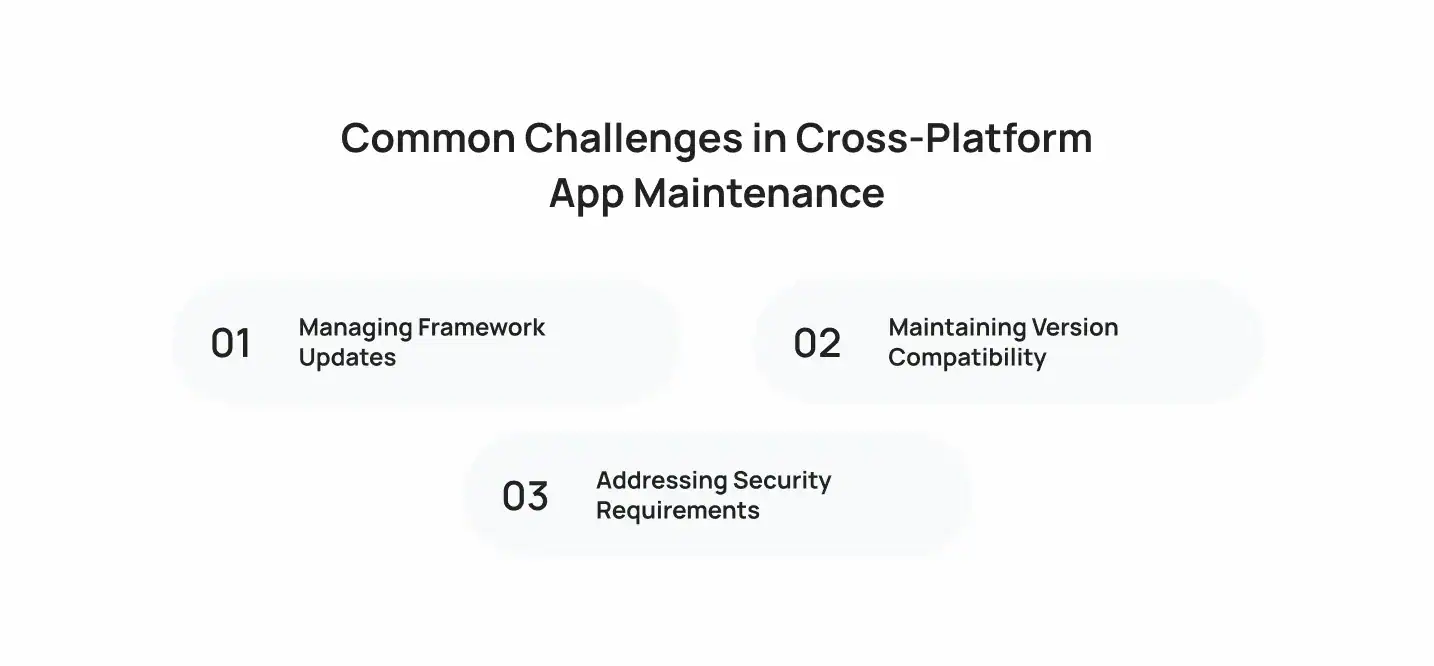
Managing Framework Updates
Frameworks such as React Native and Flutter regularly introduce improvements, security enhancements, and new capabilities. While these updates help developers build better applications, applying them incorrectly can create compatibility issues.
Development teams need to carefully review framework changes before implementing them. They must test existing features, update dependencies, and ensure that new versions do not affect application stability.
A planned update process reduces risks and allows businesses to benefit from new framework capabilities without disrupting users.
Maintaining Version Compatibility
Mobile operating systems receive frequent updates that can affect how applications perform. Developers need to ensure Version Compatibility across different devices and operating system versions.
For example, a feature that works correctly on one operating system version may behave differently after an update. Regular testing helps identify these differences before they impact users.
Teams should monitor:
- Operating system updates
- Device performance changes
- Third-party service updates
- Framework requirements
Keeping applications compatible helps businesses provide consistent experiences across a wide range of devices.
Addressing Security Requirements
Security is one of the most important parts of app maintenance. As applications handle increasing amounts of user data, businesses need to protect information from potential threats.
Regular Security Patches help address vulnerabilities, improve protection measures, and reduce security risks.
Security maintenance often includes:
- Updating outdated libraries
- Reviewing authentication systems
- Protecting user data
- Monitoring security vulnerabilities
- Improving encryption methods
Ignoring security updates can lead to data exposure, poor user trust, and compliance challenges.
Key Areas to Focus on During App Maintenance
A strong maintenance strategy includes technical improvements, user experience updates, and operational monitoring.
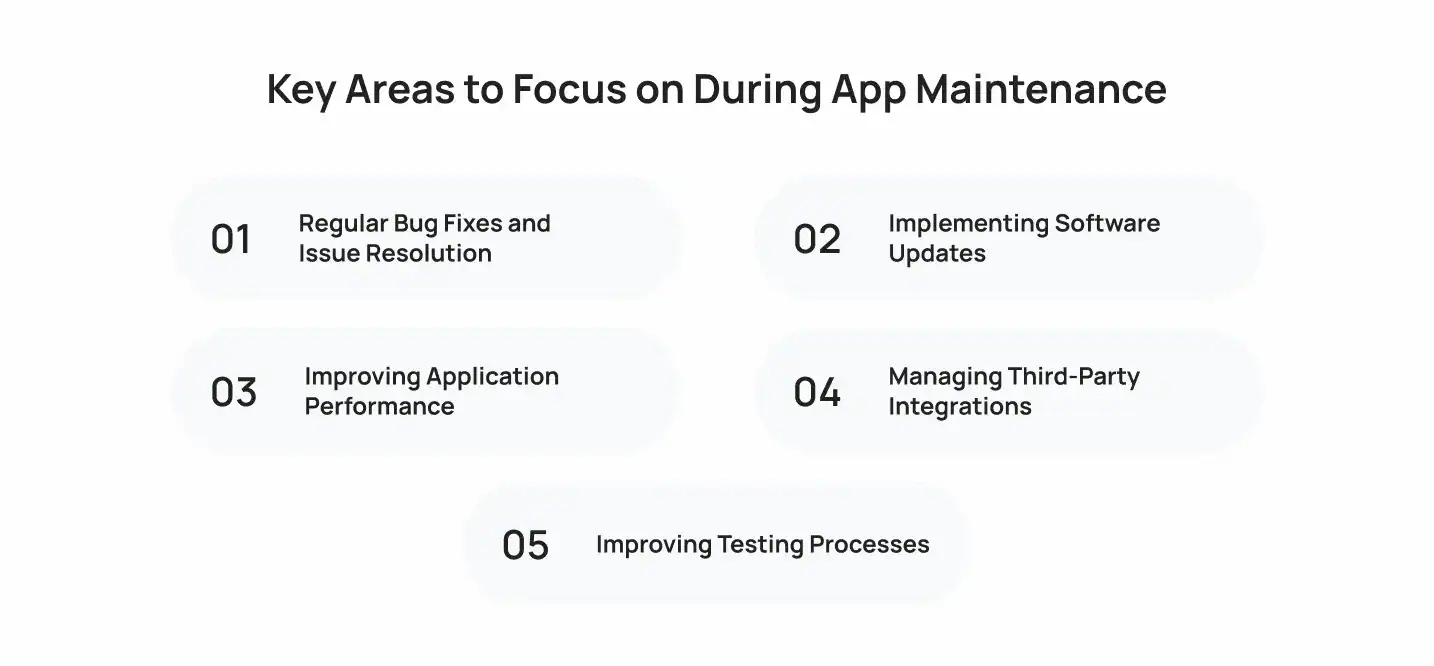
1. Regular Bug Fixes and Issue Resolution
No application is completely free from technical issues after launch. Users may encounter unexpected errors, crashes, or functionality problems.
Regular Bug Fixes help development teams identify and resolve these issues before they affect a larger audience.
Common problems that require attention include:
- Application crashes
- Slow loading screens
- Broken features
- Navigation issues
- Payment failures
Tracking user feedback and monitoring application performance allows teams to prioritize the most important fixes.
2. Implementing Software Updates
Technology changes quickly, and applications need regular improvements to remain effective.
Software Updates help businesses introduce new features, improve security, and maintain compatibility with modern devices.
Updates may include:
- New functionality
- User interface improvements
- Security enhancements
- Platform support changes
- Performance improvements
A consistent update schedule helps businesses improve applications gradually instead of making large changes that may create unnecessary risks.
3. Improving Application Performance
Users expect applications to respond quickly and work smoothly. Slow performance can negatively impact engagement and increase uninstall rates.
Performance Optimization focuses on improving speed, responsiveness, and overall application efficiency.
Developers usually optimize:
- Loading times
- Memory usage
- Database performance
- Network requests
- Background processes
Performance improvements are especially important for applications with large user bases because small issues can affect many customers.
4. Managing Third-Party Integrations
Modern applications often depend on external services such as payment gateways, analytics platforms, cloud solutions, and communication tools.
These integrations require regular monitoring because third-party providers may update their systems or change requirements.
Development teams should review:
- API functionality
- Authentication methods
- Data transfer processes
- Service reliability
Keeping integrations updated prevents unexpected disruptions.
5. Improving Testing Processes
Testing should continue throughout the application lifecycle, especially when introducing new features or updates.
A proper testing strategy helps teams identify issues before releasing changes to users.
Testing activities may include:
- Functional testing
- Device testing
- Security testing
- Performance testing
- User acceptance testing
Many development teams also adopt Continuous Integration/Continuous Deployment (CI/CD) practices to automate testing, improve release workflows, and identify problems earlier in the development cycle.
Choosing the Right Upgrade Strategy for Cross-Platform Applications
Application upgrades should be planned based on business goals, user feedback, and technical requirements. Not every update needs a complete redesign. In many cases, targeted improvements can significantly enhance the user experience and extend the application’s lifecycle.
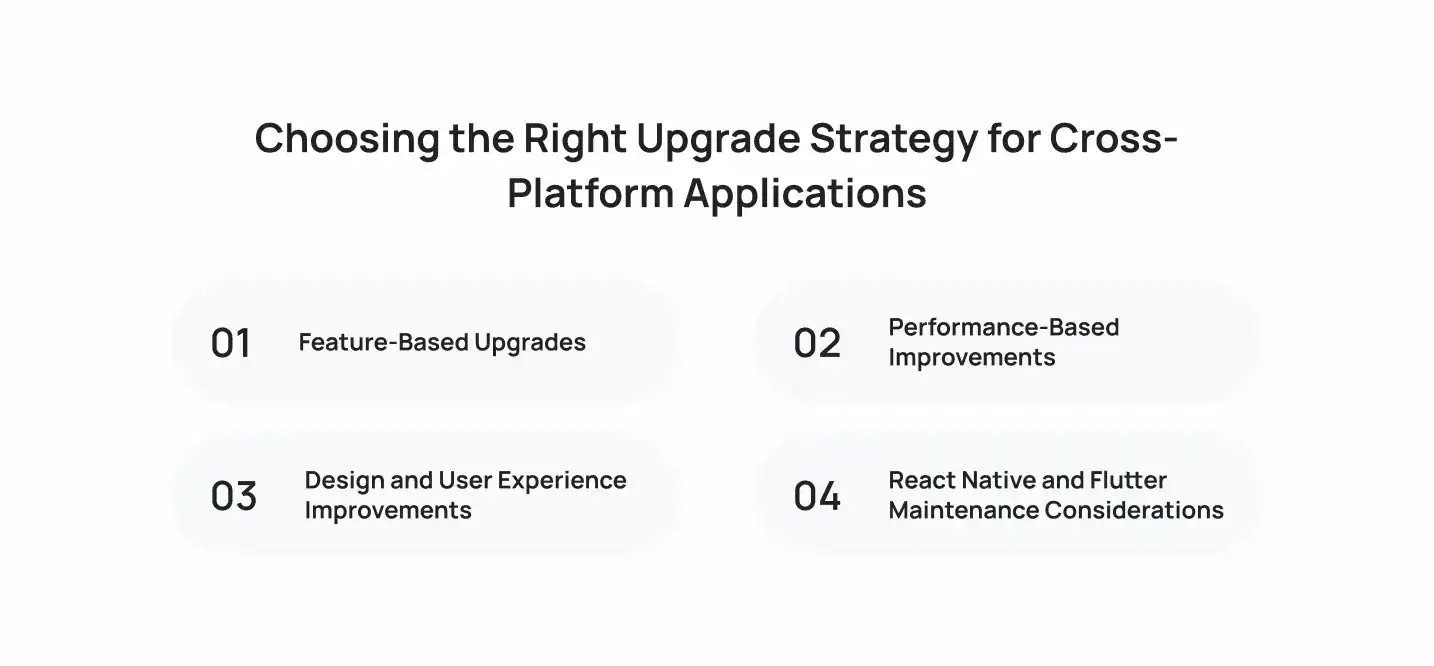
A structured upgrade approach helps businesses prioritize the changes that deliver the most value.
Feature-Based Upgrades
Adding new features is one of the most common reasons businesses update their applications. As customer expectations change, applications need to introduce improvements that make user journeys easier and more engaging.
Feature upgrades may include:
- Personalized recommendations
- Improved search functionality
- New payment options
- Better communication features
- Enhanced account management
Before adding new functionality, businesses should analyze user behavior and identify which improvements will create the most impact.
A customer-focused upgrade strategy helps applications remain useful while supporting changing business requirements.
Performance-Based Improvements
Technical improvements are just as important as visible feature updates. An application may have all the necessary features but still lose users if it performs poorly.
Performance-focused upgrades improve:
- Application speed
- Response times
- Resource usage
- Overall reliability
Developers analyze performance reports to identify areas that require improvement. Optimizing backend communication, reducing unnecessary processes, and improving application architecture can create a smoother experience for users.
Design and User Experience Improvements
User expectations around mobile design continue to change. Applications that feel outdated can struggle to maintain engagement even if their functionality remains strong.
Design improvements focus on:
- Simplifying navigation
- Improving accessibility
- Updating visual elements
- Creating smoother interactions
The goal is not to change everything visually but to make the application easier and more enjoyable to use.
Want to discuss your project? Our experts are just a click away.
Contact UsReact Native and Flutter Maintenance Considerations
Choosing the right technology approach impacts future maintenance requirements. Frameworks such as React Native and Flutter help businesses manage applications efficiently by supporting development across multiple platforms.
React Native allows developers to create applications using JavaScript-based development approaches, while Flutter provides a widget-based framework for building consistent user interfaces.
Both technologies require regular updates and monitoring to maintain application stability.
When deciding between different frameworks, businesses should consider:
- Application complexity
- Required features
- Development team expertise
- Future upgrade plans
- Long-term maintenance requirements
How Much Does Cross-Platform App Maintenance Cost?
The cost of maintaining a mobile application depends on several factors, including application complexity, number of features, backend infrastructure, update frequency, and security requirements.
Businesses can also evaluate development expenses by understanding the key factors that influence application pricing. This detailed guide on Cross-Platform App Development Cost explains the elements that affect overall investment.
Common maintenance activities include:
- Resolving technical issues
- Updating dependencies
- Improving performance
- Adding new features
- Supporting new operating system versions
- Monitoring security requirements
A simple application with fewer features may require less maintenance compared to a large enterprise application with multiple integrations.
Businesses should consider maintenance costs during the initial planning stage instead of treating them as unexpected expenses after launch.
The overall investment can vary based on the original development approach, application architecture, and future improvement plans.
Best Practices for Successful App Upgrades
A successful upgrade process requires proper planning and execution. Businesses should follow structured practices to reduce risks and deliver meaningful improvements.
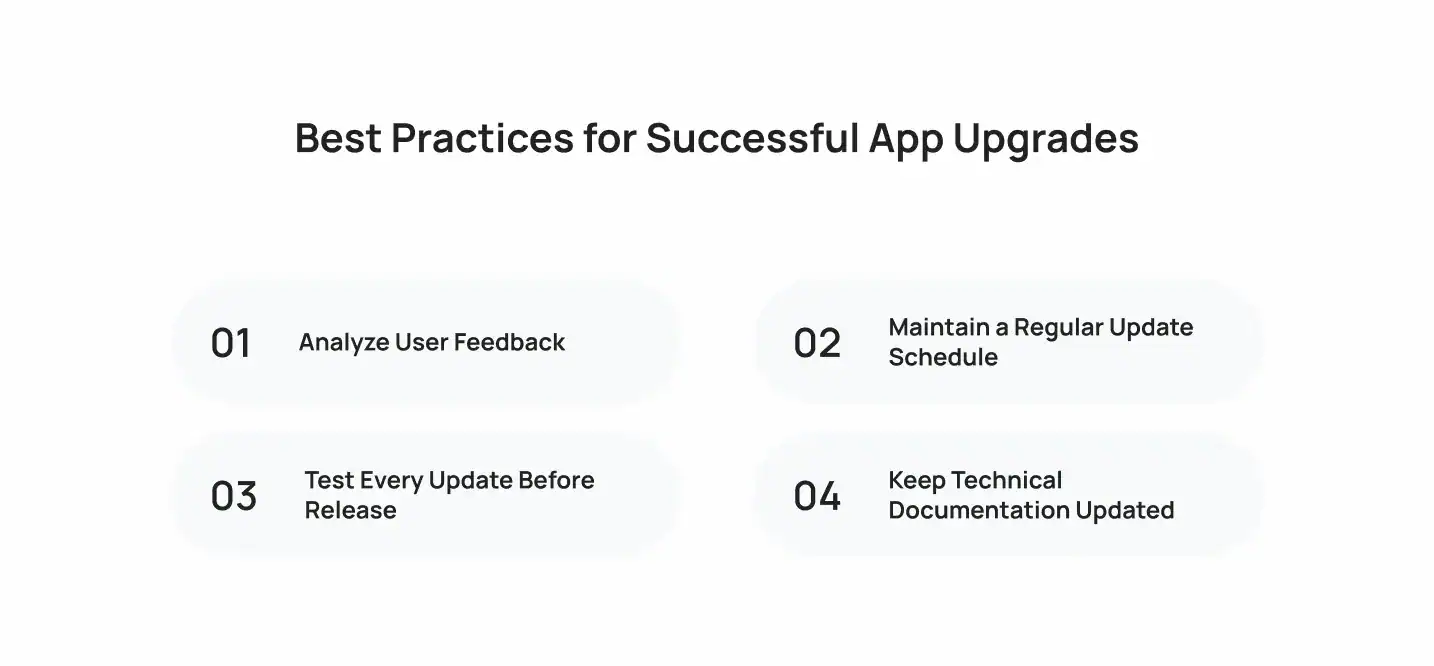
Analyze User Feedback
User feedback provides valuable insights into what works and what needs improvement.
Reviews, surveys, and analytics data can help businesses understand:
- Common user complaints
- Popular features
- Usability issues
- Performance concerns
Prioritizing improvements based on real user needs leads to better upgrade decisions.
Maintain a Regular Update Schedule
Waiting too long between updates can make applications difficult to maintain. Regular smaller improvements are often easier to manage compared to major changes after long periods.
A consistent update schedule helps teams:
- Address issues quickly
- Introduce improvements gradually
- Reduce technical risks
- Maintain user confidence
Test Every Update Before Release
Every update should go through proper testing before reaching users.
Testing helps confirm that:
- Existing features continue working
- New features perform correctly
- Security standards are maintained
- The application works across different devices
A detailed testing process reduces the chances of introducing new issues during updates.
Keep Technical Documentation Updated
Documentation helps development teams understand the application structure, integrations, and previous changes.
Clear documentation becomes especially useful when:
- New developers join the project
- Features are expanded
- Technical issues need investigation
- Future upgrades are planned
It creates a clear reference point for ongoing maintenance activities.
When Should You Consider Rebuilding Instead of Upgrading?

Maintenance and upgrades can extend an application’s lifecycle, but sometimes rebuilding becomes the better option.
Businesses should consider a rebuild when:
- The existing architecture limits new features
- The application has frequent stability issues
- Security requirements cannot be supported
- The technology stack is outdated
- User expectations have changed significantly
A rebuild allows businesses to create a stronger foundation for future improvements instead of continuously fixing limitations in an outdated system.
However, rebuilding is not always necessary. In many cases, improving specific components and modernizing existing features can deliver better results with lower investment.
How Cubix Helps Businesses Maintain and Upgrade Cross-Platform Applications
Maintaining a mobile application requires technical expertise, structured processes, and continuous improvement. Cubix helps businesses manage their applications after launch by improving performance, updating features, resolving technical issues, and supporting future upgrades.
As an experienced cross-platform app development company, Cubix helps businesses build, maintain, and improve applications through strategic development and upgrade solutions.
The team focuses on:
- Application monitoring
- Feature improvements
- Framework updates
- Performance enhancements
- Testing processes
- Platform compatibility
Cubix combines technical expertise with industry-focused development practices to help businesses keep their applications aligned with user expectations and technology changes.
Final Thoughts
Mobile applications require ongoing attention after launch. Building an application is only the first step, while regular maintenance and upgrades determine how effectively it continues serving users.
A strong maintenance strategy helps businesses improve reliability, introduce new capabilities, address security concerns, and maintain smooth user experiences.
By investing in regular updates, performance improvements, and structured upgrade planning, businesses can extend the value of their applications and continue meeting customer expectations.
Whether an application needs technical improvements, new features, or complete modernization, working with an experienced development partner can help businesses make informed decisions throughout the application lifecycle.
Want to discuss your project? Our experts are just a click away.
Contact UsFrequently Asked Questions
1. What is cross-platform app maintenance?
Cross-platform app maintenance involves monitoring, updating, improving, and supporting applications that run across multiple operating systems. It includes fixing issues, improving performance, updating features, and maintaining compatibility.
2. How often should a cross-platform application be updated?
Most applications require regular updates based on user feedback, security needs, operating system changes, and new feature requirements. The frequency depends on the application’s complexity and business goals.
3. What factors affect cross-platform app maintenance costs?
Maintenance costs depend on application size, feature complexity, integrations, testing requirements, update frequency, and security needs.
4. Why are security updates important for mobile applications?
Security updates help protect applications from vulnerabilities, improve data protection, and maintain user trust. Regular security improvements reduce risks associated with outdated software.
5. How do React Native and Flutter support application maintenance?
React Native and Flutter help development teams manage applications efficiently by providing structured frameworks that support updates, improvements, and consistent experiences across platforms.
6. When should a business rebuild an application instead of upgrading it?
A business should consider rebuilding when the existing application architecture cannot support new features, causes frequent issues, or prevents the application from meeting current technical and user requirements.