
Key Takeaways
- Optimize your app architecture, codebase, and assets to improve cross-platform app performance from the ground up.
- Monitor key performance metrics such as startup time, load time, UI responsiveness, and frame rate to identify bottlenecks early.
- Regular testing on real devices helps uncover issues that emulators and simulators may miss.
- Avoid common mistakes like overusing third-party libraries, loading unnecessary resources, and skipping performance optimization.
- Partnering with an experienced development team ensures your app remains fast, scalable, and easy to maintain as your business grows.
You’ve invested months in building your mobile app, launched it successfully, and started attracting users. But if the app takes too long to open, feels sluggish during navigation, or freezes while performing simple tasks, users won’t stick around for long. In today’s competitive app market, performance isn’t just a technical concern. It’s a key factor that shapes user experience, customer satisfaction, and business growth.
That’s why knowing how to improve cross-platform app performance has become a priority for businesses building applications for both Android and Apple devices. Users expect every screen to load instantly, every interaction to feel responsive, and every animation to run smoothly, regardless of the device they’re using.
Modern frameworks like Flutter and React Native have made cross-platform development more powerful than ever. Combined with technologies such as Firebase, developers can build feature-rich applications without maintaining separate codebases. However, even the best framework can’t guarantee great performance without the right development practices.
The good news is that improving performance doesn’t always require rebuilding your app from scratch. Small optimizations, smarter architecture, and regular testing can significantly improve app speed, reduce load time, and create a smoother experience for your users.
In this guide, we’ll explore practical ways to improve cross-platform app performance, the most common performance bottlenecks, and the techniques development teams use to build fast, responsive applications that keep users engaged.
Want to discuss your project? Our experts are just a click away.
Contact UsWhy Cross-Platform App Performance Matters
A great app isn’t judged only by its features. It’s judged by how it performs every time someone opens it. Even the most innovative application can lose users if it feels slow or unresponsive.
Performance directly influences how people interact with your app. Faster startup time, smoother navigation, and better UI responsiveness create a positive first impression and encourage users to keep coming back. On the other hand, slow-loading screens, delayed interactions, and laggy animations often lead to frustration and higher uninstall rates.
Performance also affects your business beyond user experience. Both Google Play and the Apple App Store consider app quality when ranking applications. Apps that deliver consistent performance and fewer crashes are more likely to receive positive reviews, better ratings, and increased visibility.
Whether you’re launching a new product or improving an existing one, optimizing performance helps you retain users, improve engagement, and protect your long-term investment.
Common Performance Challenges in Cross-Platform Apps
Even with modern development frameworks, performance issues can appear if an app isn’t built or optimized correctly. Understanding these common challenges is the first step toward knowing how to improve cross-platform app performance without affecting functionality or the user experience.
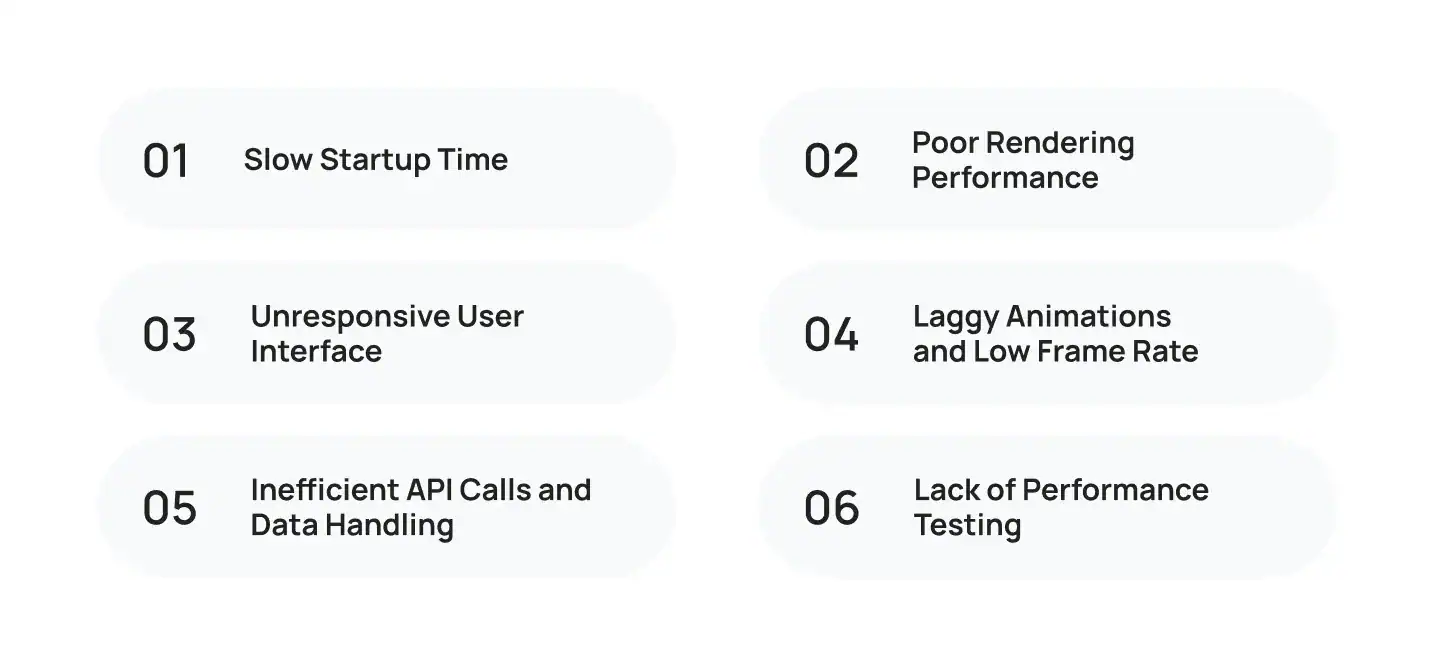
Slow Startup Time
The first few seconds after a user opens your app can determine whether they stay or leave. Loading unnecessary resources, large libraries, or multiple API requests during launch can increase startup time and create a poor first impression. Optimizing what loads first helps users access the app faster.
Poor Rendering Performance
Rendering issues often appear when an app struggles to update the interface efficiently. Heavy UI components, frequent screen rebuilds, and unoptimized layouts can reduce rendering performance, making navigation feel sluggish. Keeping the interface lightweight improves overall responsiveness.
Unresponsive User Interface
Users expect every tap and swipe to feel instant. When the main thread is overloaded with complex tasks, the interface becomes less responsive, leading to delays and screen freezes. Improving UI responsiveness creates a smoother and more enjoyable experience across different devices.
Laggy Animations and Low Frame Rate
Animations make an app feel polished, but only when they run smoothly. Poorly optimized transitions can lower the frame rate (FPS), causing stutters and visual lag. Maintaining smooth animations helps create a more natural experience, especially on mid-range smartphones.
Inefficient API Calls and Data Handling
Fetching data too often or loading large amounts of information at once can slow down your app. Optimizing API requests, caching frequently used data, and loading content only when needed can significantly improve performance and reduce waiting times for users.
Lack of Performance Testing
Many performance issues aren’t obvious during development. Testing only on one device or simulator can hide problems that appear on different screen sizes and operating systems. Regular performance testing helps identify bottlenecks before your app reaches users.
Understanding these challenges makes it easier to identify where improvements are needed. A well-planned architecture also plays a major role in delivering fast, scalable applications. Learn how Cross-Platform App Architecture supports better performance and long-term scalability.
10 Practical Ways to Improve Cross-Platform App Performance
Knowing the common performance issues is only half the battle. The next step is applying the right optimization techniques during development. Here are ten practical ways to improve cross-platform app performance and deliver a faster, smoother experience across different devices.
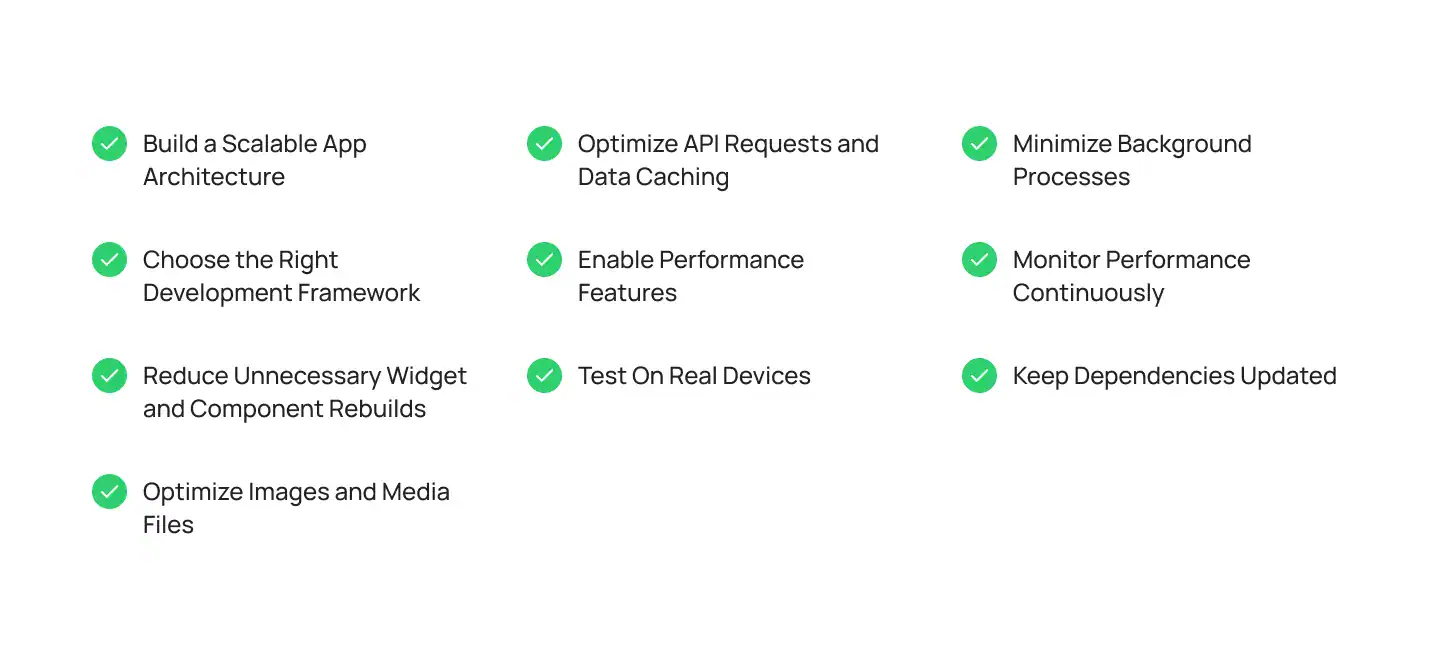
1: Build a Scalable App Architecture
Performance starts with a solid foundation. A well-structured architecture keeps your code organized, reduces unnecessary processing, and makes it easier to add new features without affecting speed. It also simplifies maintenance as your application grows.
2: Choose the Right Development Framework
The framework you choose has a direct impact on performance. Flutter uses Dart to render its own UI, while React Native relies on JavaScript to bridge native components. The right choice depends on your app’s complexity, performance requirements, and long-term goals. If you’re comparing technologies, explore our guide to the frameworks for cross-platform development to understand which option best fits your project.
3: Reduce Unnecessary Widget and Component Rebuilds
Rebuilding the entire screen after every small change can slow down your app. Updating only the components that actually change reduces processing time and improves responsiveness, especially in feature-rich applications.
4: Optimize Images and Media Files
Large images and videos increase download sizes and slow screen rendering. Compressing media files, using modern image formats, and loading content only when needed helps improve fast loading without affecting visual quality.
5: Optimize API Requests and Data Caching
Every unnecessary server request increases waiting time. Caching frequently used data and loading information in the background can significantly reduce load time while improving the overall user experience. Services like Firebase also offer built-in tools for efficient data synchronization and offline support.
6: Enable Performance Features
Modern frameworks include built-in optimization features that many developers overlook. For example, enabling Hermes for React Native applications reduces memory usage and improves app launch performance, making navigation feel more responsive.
7: Test on Real Devices
An app that performs well in a simulator may behave differently on actual smartphones. Testing with tools like Android Studio and Xcode across different devices helps identify compatibility issues, memory bottlenecks, and performance drops before release.
8: Minimize Background Processes
Running multiple background tasks at the same time consumes memory and processing power. Limiting unnecessary services and scheduling tasks efficiently helps keep your app responsive while reducing battery consumption.
9: Monitor Performance Continuously
Performance optimization doesn’t stop after launch. Monitoring crash reports, user behavior, and performance metrics helps identify issues before they affect large numbers of users. Both Google and Apple provide tools that help developers track app health and improve stability over time.
10: Keep Dependencies Updated
Outdated libraries can introduce security risks, compatibility issues, and slower performance. Regularly updating dependencies ensures your application benefits from the latest optimizations, bug fixes, and platform improvements.
How to Measure Cross-Platform App Performance
You can’t improve what you don’t measure. Regular performance monitoring helps identify bottlenecks before they affect your users and ensures your app continues to deliver a smooth experience as it grows.
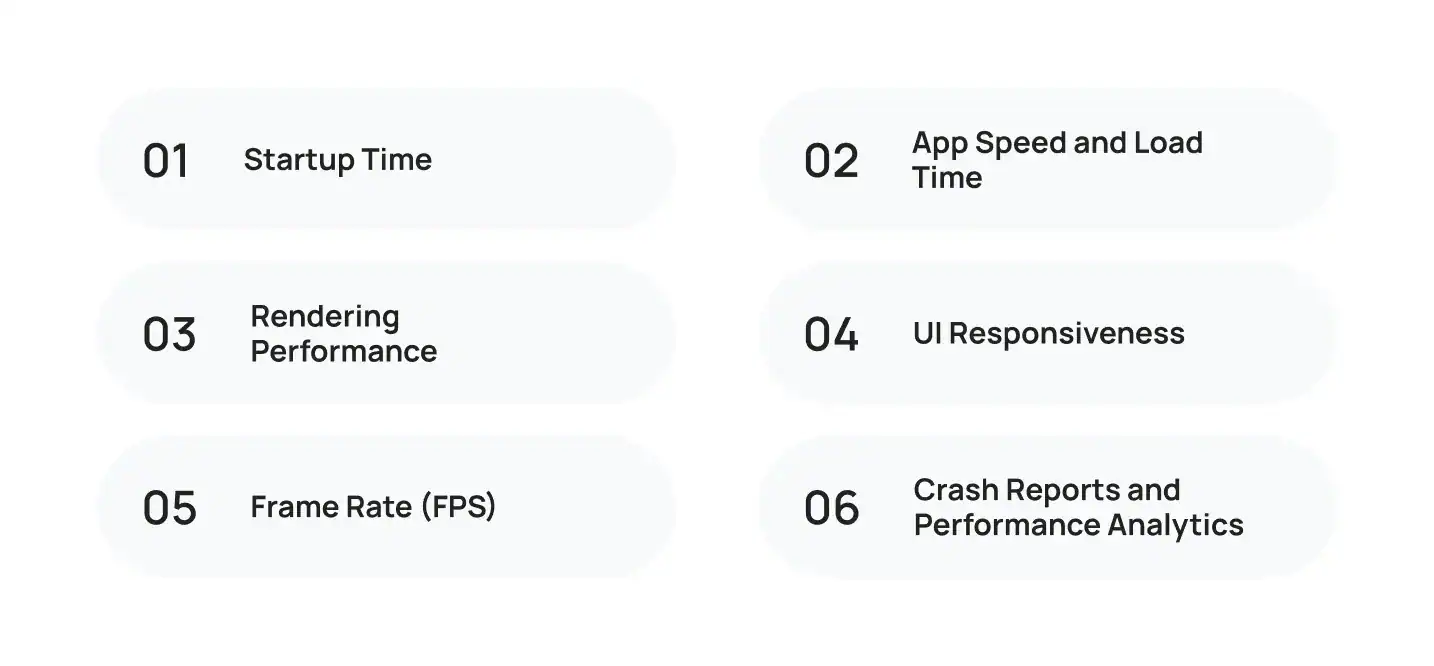
Here are the key metrics every development team should monitor.
Startup Time
Startup time measures how quickly your app becomes usable after it’s opened. A faster launch creates a better first impression and reduces the chances of users abandoning the app before they even begin using it.
App Speed and Load Time
Users expect screens and content to appear almost instantly. Monitoring app speed and load time helps identify delays caused by large assets, slow API responses, or inefficient code.
Rendering Performance
Rendering performance determines how efficiently your app draws and updates the user interface. Poor rendering can result in laggy scrolling, delayed interactions, and an inconsistent user experience across devices.
UI Responsiveness
Every tap, swipe, and interaction should feel immediate. Monitoring UI responsiveness helps ensure your application responds quickly to user input, even during complex operations.
Frame Rate (FPS)
A stable frame rate (FPS) is essential for smooth navigation and animations. If the frame rate drops too often, users may notice stuttering, lag, or jerky transitions, especially on older devices.
Crash Reports and Performance Analytics
Performance monitoring doesn’t stop after launch. Tracking crash reports, memory usage, and real-world user behavior helps developers identify issues early and continuously improve the application’s reliability.
Common Mistakes That Hurt Cross-Platform App Performance
Even well-designed apps can run into performance issues if common optimization practices are overlooked. The good news is that most of these problems are preventable. Identifying them early helps improve user experience, reduce maintenance efforts, and keep your application running smoothly.
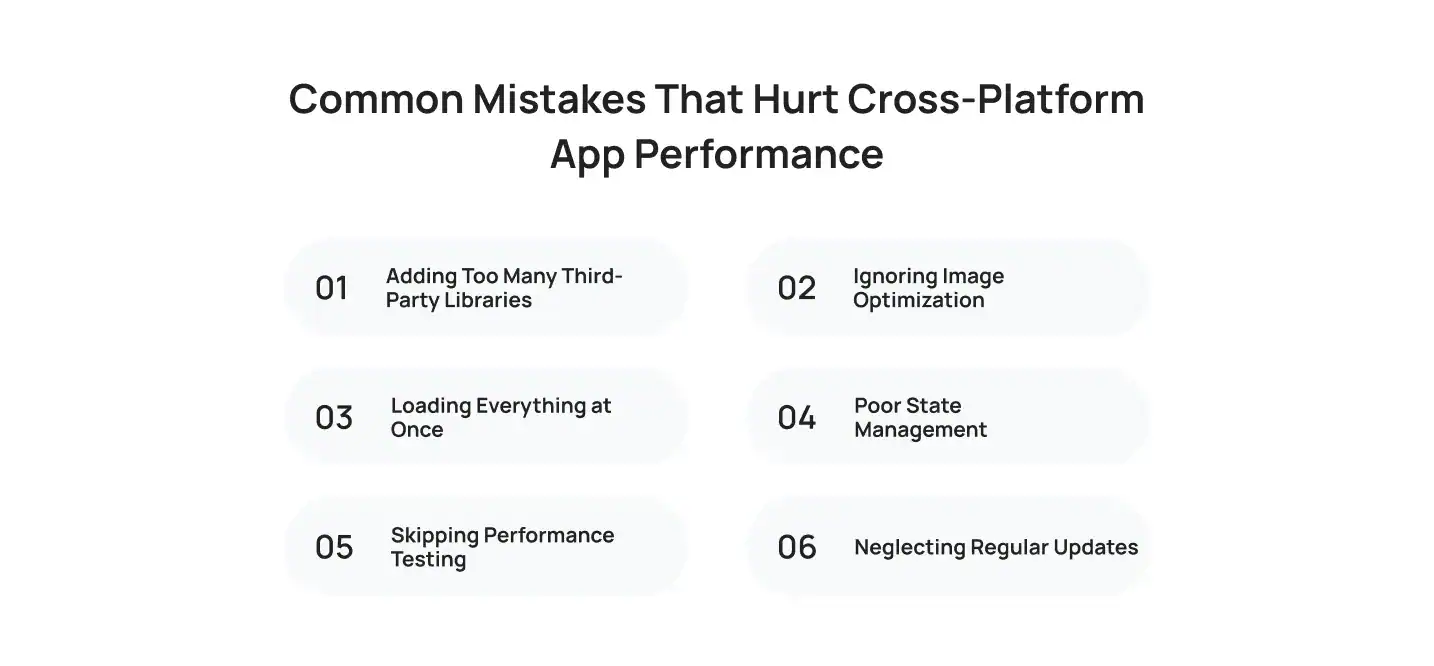
Adding Too Many Third-Party Libraries
Third-party packages can speed up development, but using too many increases your app’s size and complexity. Every additional dependency can affect performance, so it’s important to include only the libraries your project truly needs.
Ignoring Image Optimization
Large, uncompressed images are one of the most common causes of slow apps. Optimizing images before adding them to your project helps reduce loading times and improves the overall user experience.
Loading Everything at Once
Fetching all data during startup increases waiting time and puts unnecessary strain on the application. Loading content only when users need it creates a faster and more responsive experience.
Poor State Management
Inefficient state management can trigger unnecessary screen updates and increase memory usage. Choosing the right approach keeps your application organized while improving performance as it grows.
Skipping Performance Testing
Many issues only become visible under real-world conditions. Testing on different devices, network speeds, and operating systems helps identify bottlenecks before users encounter them.
Neglecting Regular Updates
Performance optimization doesn’t end after launch. Keeping your app, libraries, and development tools updated ensures better compatibility, stronger security, and access to the latest performance improvements.
Why Choose Cubix for High-Performance Cross-Platform Apps?

Building a high-performing app takes more than selecting the right framework. It requires a team that understands how every technical decision, from architecture and code quality to testing and deployment, affects the user experience.
Since 2008, Cubix has helped startups, enterprises, and global brands build digital products that are fast, reliable, and ready to scale. With 1,300+ completed projects, 350+ designers and developers, and 600+ satisfied clients, we’ve delivered solutions across industries, including healthcare, fintech, logistics, eCommerce, education, and gaming.
What sets Cubix apart is our focus on building applications that perform well today and remain easy to maintain tomorrow. Our team emphasizes:
- Performance-first development to improve speed, responsiveness, and stability.
- Scalable architecture that supports future growth without major redevelopment.
- Comprehensive quality assurance through continuous testing and optimization.
- User-focused UI/UX design that delivers intuitive and engaging experiences.
- End-to-end development support, from product strategy and development to deployment and post-launch maintenance.
Whether you’re building a new application or improving an existing one, our experienced cross-platform app development agency helps you create fast, reliable, and user-friendly mobile apps that support your long-term business goals.
Great app performance isn’t achieved through a single optimization. It’s the result of hundreds of smart decisions made throughout the development journey. – Umair Ahmed, VP Growth at Cubix
Conclusion
Building a successful cross-platform application isn’t just about launching quickly. It’s about delivering an experience users enjoy every time they open your app. Faster loading, responsive interfaces, efficient architecture, and continuous optimization all contribute to better performance and higher user satisfaction. By following the best practices covered in this guide, businesses can reduce technical issues, improve engagement, and get more value from their development efforts. If you’re planning your next mobile project, working with an experienced team that offers a complete app development solution can help you build a high-performing application that grows with your business.
Want to discuss your project? Our experts are just a click away.
Contact UsFrequently Asked Questions
1: How can I improve cross-platform app performance?
You can improve cross-platform app performance by optimizing your app architecture, reducing unnecessary code, compressing images, caching data, minimizing API requests, testing on real devices, and continuously monitoring performance after launch. Regular updates also help maintain speed and stability.
2: What are the biggest causes of poor cross-platform app performance?
Common causes include inefficient code, large media files, excessive third-party libraries, poor state management, slow API responses, memory leaks, and inadequate testing. Addressing these issues early helps deliver a smoother user experience.
3: Which framework offers better performance for cross-platform app development?
Both Flutter and React Native provide excellent performance when used correctly. Flutter is often preferred for graphics-intensive applications and custom interfaces, while React Native works well for business apps and teams with JavaScript experience. The right choice depends on your project requirements.
4: How do you measure cross-platform app performance?
Developers typically measure startup time, app speed, load time, memory usage, rendering performance, frame rate (FPS), crash rates, and UI responsiveness. Tracking these metrics helps identify bottlenecks and improve the overall user experience.
5: Why is app performance important for user retention?
Users expect apps to open quickly and respond instantly. Slow performance can lead to higher uninstall rates, lower engagement, and poor app store ratings. A fast, responsive app improves customer satisfaction and encourages long-term retention.
6: Why should businesses choose a cross-platform app development agency?
An experienced cross-platform app development agency helps businesses build high-performing applications using proven development practices, optimized architecture, thorough testing, and ongoing support. This reduces development risks while improving app quality, scalability, and long-term return on investment.