
Key Takeaways
- Micro Apps simplify complex applications by breaking large software systems into smaller, focused modules that handle specific business functions independently.
- They enable faster development and updates because teams can build, test, and deploy individual features without changing the entire application.
- Micro Apps improve user experiences by providing task-focused functionality instead of overwhelming users with unnecessary features.
- They rely on modern architecture approaches such as APIs, microservices, and micro frontends to ensure smooth communication between different application modules.
- Businesses across industries are adopting Micro Apps to create flexible, easier-to-maintain digital solutions that support changing customer and operational needs.
Micro Apps are changing the way modern businesses are building mobile applications. Instead of building applications with dozens of features, companies are modularizing complex processes into smaller and more easily maintained applications. This approach is enabling organizations to deliver faster digital experiences to their customers and users while at the same time providing a less cluttered interface focused on a specific set of features and tasks.
This trend is happening as the enterprise looks to reimagine its digital strategies in a world where Gartner predicts that mobile app usage will drop by 25% by 2027 as AI assistants take over some of the tasks that require apps. Enterprises are looking to make their existing mobile applications more scalable and easier to maintain and update without forcing users to adopt an entirely new product.
Instead of building monolithic applications where every feature is bundled into one single mobile application, enterprises are adopting a collection of smaller, independent apps that communicate with each other using Application Programming Interfaces (APIs) and microservices architecture. Using this approach, a bank can split its application into independent apps for checking balances, approving loans, and processing payments among other activities. This way, each application can be updated independently without the changes affecting all the processes within the main application.
In this guide, you will learn more about Micro Apps, including what they are, how they work, their benefits, use cases, the technology used to develop them, and when to use them to develop scalable mobile applications.
What are Micro Apps?

Most mobile applications have grown exponentially over time. As a result, many applications now offer too many features and perform too many functions for a single entity. Payment processing, chatting, customer service, notifications, and analytics, among others, are all combined in one application. This, however, makes it hard to update, manage, and scale a mobile application.
Micro Apps solve this problem by breaking a large application into small, independent applications. Each of these small apps handles one specific task or business function. All the applications comprise an ecosystem that was created to ensure scalability and flexibility of features. Micro Apps, therefore, allow companies to develop, test, and deploy applications with ease.
Why Businesses Are Moving Beyond Traditional Apps

Micro Apps offer enterprises the ability to design modular applications around functions rather than combining everything in one software. These applications differ from traditional apps in terms of building and developing processes. Micro Apps allow developers to create, test, and launch an application’s particular element separately. Such an approach makes the applications easier to update, maintain, and scale.
The idea of modular apps is gradually replacing the previous concept of enterprise software. Gartner predicts that the public cloud and application software market will be worth about $725 billion by 2029 at a 12.5 CAGR. The growing emphasis is on more agile, AI-driven, and modular enterprise apps.
In the past, companies used monolithic applications to combine disparate functions. They were great at launching and supporting the software when it first appeared. However, the applications were more challenging to update later. Each change in the software required developers to make adjustments to its single code. It became more difficult and time-consuming as the applications grew more complicated. Enterprises also strive to update the software faster so that their customers can complete more tasks.
Meanwhile, users don’t want to log into different applications just to accomplish a simple task. This is where micro apps come in handy: Because each micro app has only one function, there’s only one software part to update, rather than an entire program, enabling a faster development cycle for modular applications.
Key Characteristics of Micro Apps
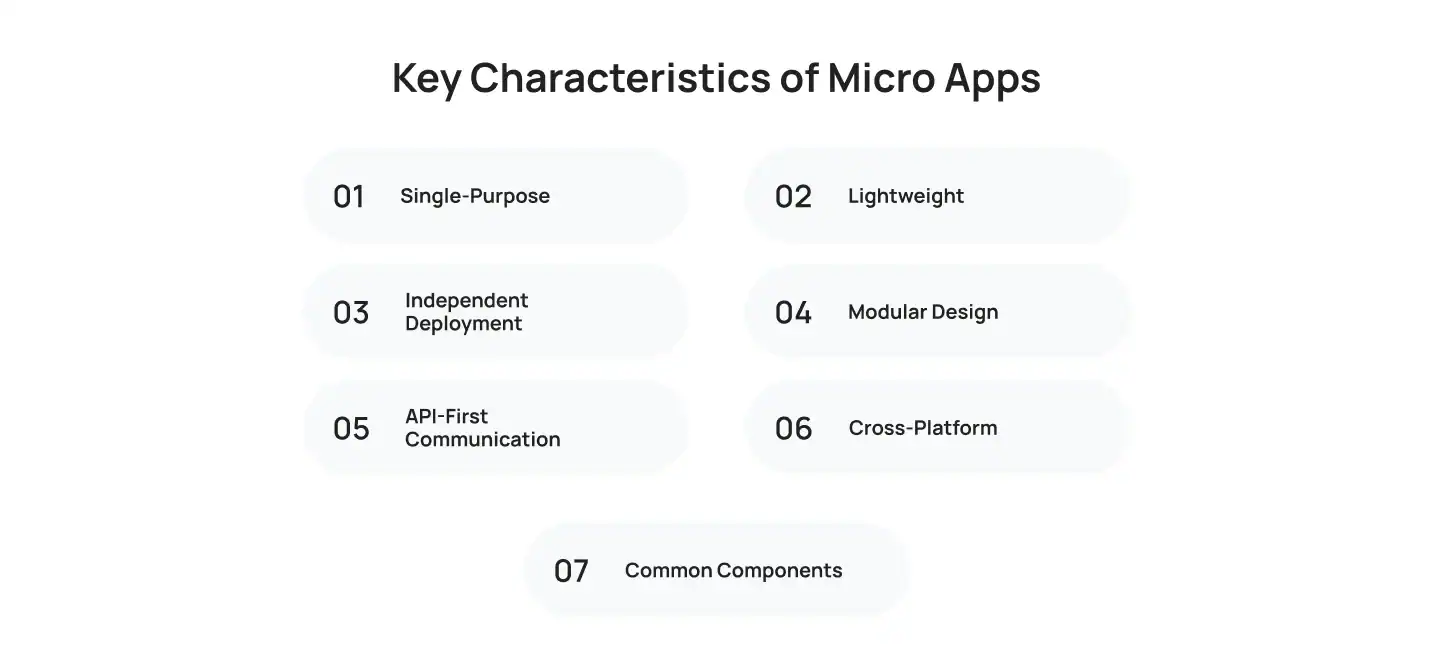
The difference between Micro Apps and standard mobile apps lies in their key characteristics, including single-purpose, lightweight, independent deployment, modular design, API-first communication, cross-platform compatibility, and common components.
Let’s dive into the key characteristics of Micro Apps that can make them differ from traditional applications:
Single-Purpose
Micro Apps are designed to serve a singular business purpose rather than provide multiple services. Such a characteristic is beneficial for both users and developers because it makes the former perform transactions faster and makes the latter maintain the codebase more easily.
An example of this benefit is a banking application that allows the user to manage accounts, take a loan, pay bills, and make transfers. Instead of incorporating all these functions in one software, a bank can utilize multiple Micro Apps and let the customer choose which one to use depending on their needs.
Lightweight
Each Micro App features a smaller codebase and, therefore, is lightweight. As a result, such an application reaches end-users faster in terms of data transmission, thus providing a better user experience (UX).
An example of this characteristic is an e-commerce application where the customer wants to track the status of their order. Instead of displaying all the products, their personal data, payment method, address, and other information, the Micro App only shows the shipping details.
Independent Deployment
Since every Micro App represents a separate digital product, each of them is independent in terms of deployment. Such a characteristic benefits not only the developers who update the application without modifying the rest of the system but also the users who do not experience software malfunctions due to an update.
An illustration of this advantage is a payment system that deploys one Micro App to process financial transactions and another one to manage customer accounts. In this case, an update to the former does not affect the latter.
Modular Design
Micro App’s modular design allows developers to update or replace a separate part of the system without changing the rest of the codebase.
A business example of this characteristic is a retail store that deploys a system for managing loyalty cards. The modular design of Micro Apps allows adding such a module without touching the rest of the application’s code.
API-First Communication
Communication between Micro Apps takes place through API-first technologies so that the software components remain loosely coupled. Such a characteristic allows for better data management while keeping applications independent.
An illustration of this advantage is a customer relationship management (CRM) system where the user updates their personal data. In this case, the API allows the application to refresh all the information without the need to reload the entire system.
Cross-Platform
Micro Apps are developed as cross-platform applications that provide end-users with a unified experience regardless of the operating system (OS). Such a characteristic allows more customers to use the technology as it is compatible with both Android and iOS, as well as Windows, Mac, iOS, and Linux for web applications.
An example of this advantage is a human resources information system (HRIS) where the employee approves vacation requests from their mobile phone and later accesses the same application from their desktop PC.
Common Components
Many Micro Apps share the same components such as login interface, UX elements, and notification systems. Such similarities allow developers to provide a better user experience while making the software easier to maintain.
A perfect example of this characteristic is a multifunctional application where the user can log in with one set of credentials and utilize the same authorization interface for all other components of the system. Another example is a mobile banking application that uses identical notifications for all its components.
How Micro Apps Work
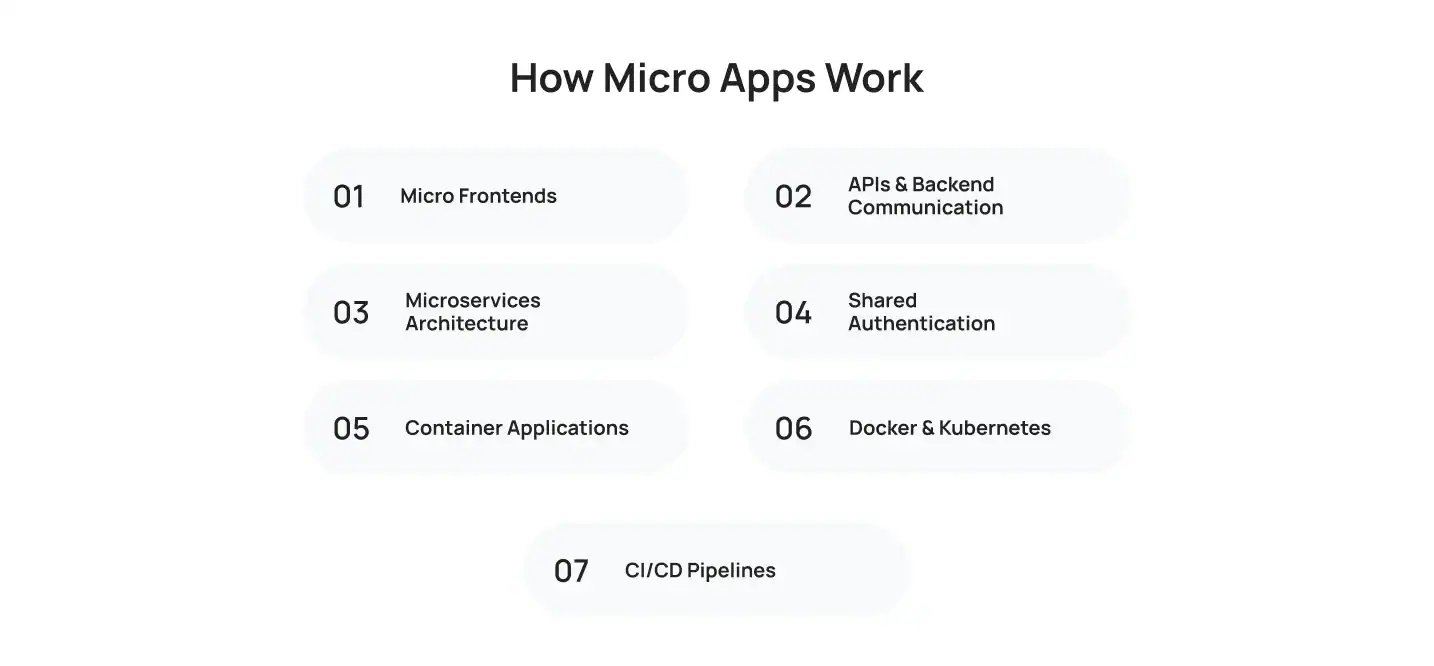
Behind every Micro App is a set of modular, independently developed applications that work together to provide an end-user experience that is greater than the sum of its parts. Instead of relying on an application, you can now host several smaller applications that are individually more manageable, efficient, scalable, and easier to deploy.
Micro Frontends
A micro frontend architecture divides the user interface into smaller, independent modules instead of building one large frontend. Each module represents a specific business function and can be developed, updated, and deployed separately.
For example, an eCommerce application can have separate frontend modules for product browsing, checkout, and order tracking. Updating the checkout experience won’t affect the rest of the application.
APIs & Backend Communication
APIs act as the communication layer between Micro Apps and backend services. They allow applications to exchange data securely while keeping each module independent.
For instance, when a customer places an order, the payment, inventory, and shipping Micro Apps use APIs to share information and complete the workflow without relying on a single application.
Microservices Architecture
Micro Apps are often powered by microservices, where each service is responsible for a specific business capability. This separation allows teams to scale and maintain services independently.
A banking platform, for example, may run account management, payment processing, and fraud detection as separate microservices. If one service requires an update, the others continue operating without interruption.
Shared Authentication
Although Micro Apps operate independently, users shouldn’t have to log in repeatedly. Shared authentication enables a single, secure login across the entire application ecosystem.
For example, once a customer signs in to a banking app, they can access payments, loans, and account statements without authenticating again.
Container Applications
Container technology packages each Micro App with everything it needs to run, including its code, dependencies, and runtime environment. This ensures consistent performance across development, testing, and production environments.
As a result, teams can deploy applications more reliably while reducing environment-related issues.
Docker & Kubernetes
Docker packages Micro Apps into lightweight containers, making them easy to build and distribute. Kubernetes manages those containers by automating deployment, scaling, monitoring, and recovery.
Together, they help businesses maintain high availability while supporting frequent releases and growing workloads.
CI/CD Pipelines
Continuous Integration and Continuous Deployment (CI/CD) automate the process of building, testing, and releasing Micro Apps. Every code change is validated before deployment, reducing manual effort and improving software quality.
This allows development teams to release updates faster, respond to customer feedback quickly, and deliver new features without interrupting the overall application experience.
Micro Apps vs Traditional Mobile Apps
While both Micro Apps and traditional mobile applications provide digital services regularly, the two have different approaches to designing, maintaining, and scaling. Unlike traditional apps that are built on a combination of multiple features, Micro Apps use an approach that splits the application into separate functions. This way makes it easier for companies to scale their products and satisfy the constantly changing needs of their customers.
| Feature | Micro Apps | Traditional Mobile Apps |
| Architecture | Modular architecture with independent applications | Single, monolithic codebase |
| Performance | Loads only the required functionality | Loads multiple features, even when not needed |
| Updates | Individual modules can be updated independently | Entire application usually requires updating |
| Deployment | Faster deployment with minimal disruption | Full application deployment is often required |
| Maintenance | Easier to maintain individual modules | More complex as the application grows |
| Scalability | Highly scalable with independent services | Scaling usually affects the entire application |
| User Experience | Focused on one specific task | Multiple features can make navigation more complex |
| Development Speed | Multiple teams can work simultaneously | Teams often depend on a shared codebase |
Micro Apps vs Progressive Web Apps
Although Micro Apps and Progressive Web Apps (PWAs) both improve digital experiences, they solve different problems. A PWA focuses on delivering an app-like experience through a web browser, while a Micro App focuses on separating business functions into independent applications that work together within a larger platform.
| Feature | Micro Apps | Progressive Web Apps |
| Installation | Usually accessed within an existing application | Can be installed directly from a web browser |
| Native Capabilities | Can access native device features through the host application | Limited by browser capabilities |
| Offline Support | Depends on application architecture | Built-in offline support using service workers |
| Security | Uses shared authentication and secure APIs | Relies on HTTPS and browser security |
| APIs | Extensive integration with backend services and microservices | Uses web APIs supported by modern browsers |
| Performance | Optimized for specific business functions | Optimized for fast web experiences |
| Best Use Cases | Enterprise platforms, banking, healthcare, and internal business workflows | E-commerce, content platforms, booking systems, and customer-facing web applications |
Micro Apps vs Super Apps
| Feature | Micro Apps | Super Apps |
| Definition | Small, independent applications designed to perform a specific function or service. | A single platform that brings together multiple services within one application. |
| Purpose | Focuses on completing one task efficiently. | Provides users with access to multiple services through a unified experience. |
| Architecture | Modular and independently developed, updated, and maintained. | Built as an ecosystem that connects multiple Micro Apps and services. |
| Scalability | New features can be added or updated without affecting other modules. | Expands by integrating additional Micro Apps into the existing platform. |
| User Experience | Users interact with a single-purpose application. | Users access multiple services without leaving the main app. |
| Maintenance | Individual modules can be updated or fixed independently. | The platform remains stable while individual Micro Apps are updated in the background. |
| Examples | Payment module, food ordering module, loyalty program, or appointment booking feature. | WeChat, Grab, and Alipay combine messaging, payments, shopping, transportation, and other services in one application. |
Key Difference
A Super App acts as the central platform, while Micro Apps are the individual applications that power its services. This modular approach allows businesses to launch new features, fix issues, or scale individual services without rebuilding the entire application, making development faster, more flexible, and easier to maintain.
Benefits of Micro Apps for Businesses
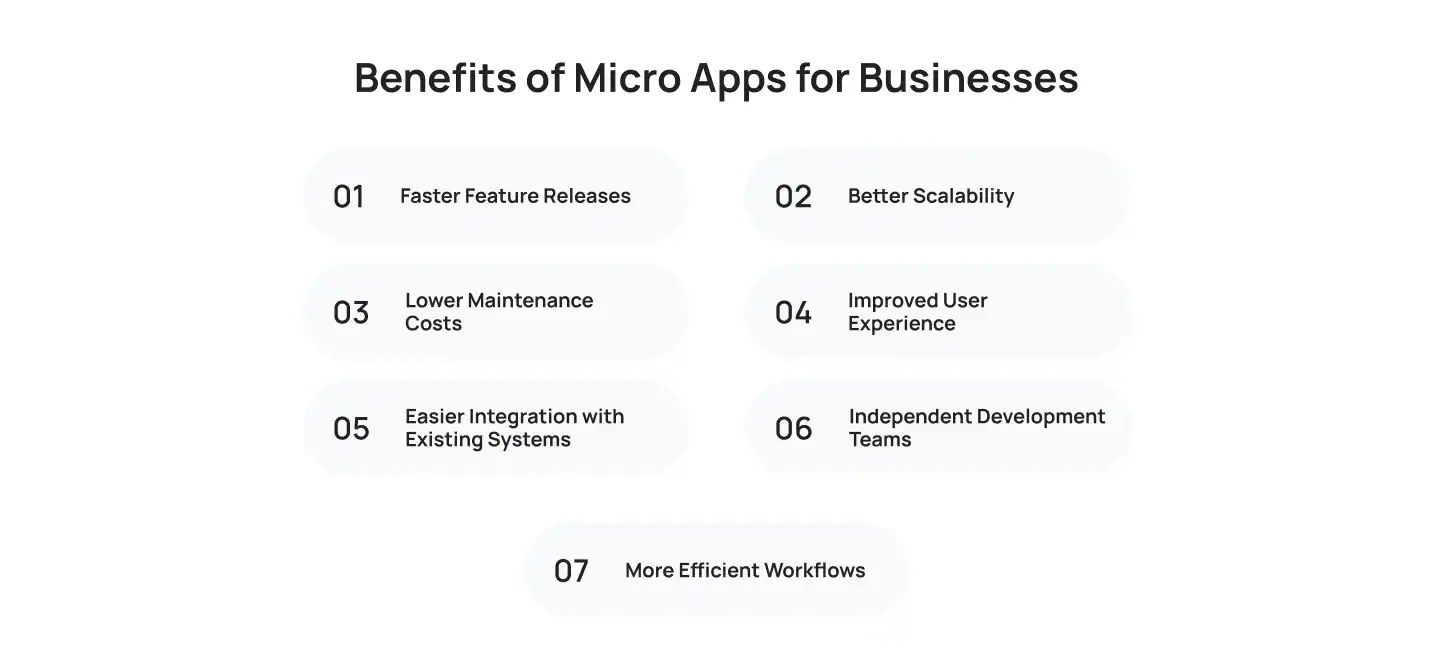
Micro Apps provide various benefits for enterprises that want to transform their current digital products into modern apps. Instead of creating an application as a whole, it is possible to build specific tools that will help make the software more flexible, easier to maintain, and constantly updated.
Faster Feature Releases
Since each Micro App is developed independently, new features can be released without waiting for updates across the entire application. This allows businesses to respond more quickly to customer feedback and changing market needs.
Better Scalability
As user demand increases, businesses can scale individual Micro Apps instead of expanding the entire platform. This approach makes applications more scalable while using infrastructure more efficiently.
Lower Maintenance Costs
Smaller codebases are easier to maintain and troubleshoot. Development teams spend less time identifying issues, and updates are less likely to affect unrelated features.
Improved User Experience
Users only interact with the functionality they need. A cleaner interface reduces unnecessary navigation and helps people complete tasks more quickly.
Easier Integration with Existing Systems
Micro Apps communicate through APIs, making it easier to connect with existing systems such as CRM platforms, payment gateways, ERP software, and third-party services without extensive redevelopment.
Independent Development Teams
Different teams can work on separate Micro Apps simultaneously. This reduces development bottlenecks and enables frontend and backend teams to work more efficiently without interfering with one another.
More Efficient Workflows
By focusing each application on a single business function, organizations can simplify internal workflows and improve operational efficiency. Whether it’s processing payments, approving leave requests, or tracking deliveries, employees and customers spend less time navigating complex interfaces and more time completing meaningful tasks.
Challenges of Building Micro Apps
While Micro Apps offer significant advantages, they also introduce technical challenges that require careful planning. Addressing these early helps businesses build applications that remain reliable as they grow.
Authentication
Managing user authentication across multiple Micro Apps can become complicated if every application has its own login system. A centralized authentication solution, such as Single Sign-On (SSO), allows users to sign in once and securely access every connected application.
API Governance
Since Micro Apps communicate through APIs, maintaining consistent API standards is essential. Well-documented APIs, version control, and regular monitoring help prevent compatibility issues as new features are introduced.
Security
Every additional application and API creates another potential entry point for attackers. Encrypting data, applying role-based access controls, and performing regular security testing help protect both users and business data.
UI Consistency
Although Micro Apps are developed independently, they should still feel like one application. Using a shared design system ensures consistent navigation, branding, and user interactions across every module.
Monitoring
Independent applications require continuous monitoring to detect performance issues before they affect users. Logging tools and real-time monitoring platforms help development teams identify and resolve problems quickly.
Data Synchronization
Many Micro Apps rely on shared business data. Synchronizing customer profiles, transactions, and inventory across applications ensures users always see accurate and up-to-date information.
Real-World Use Cases of Micro Apps
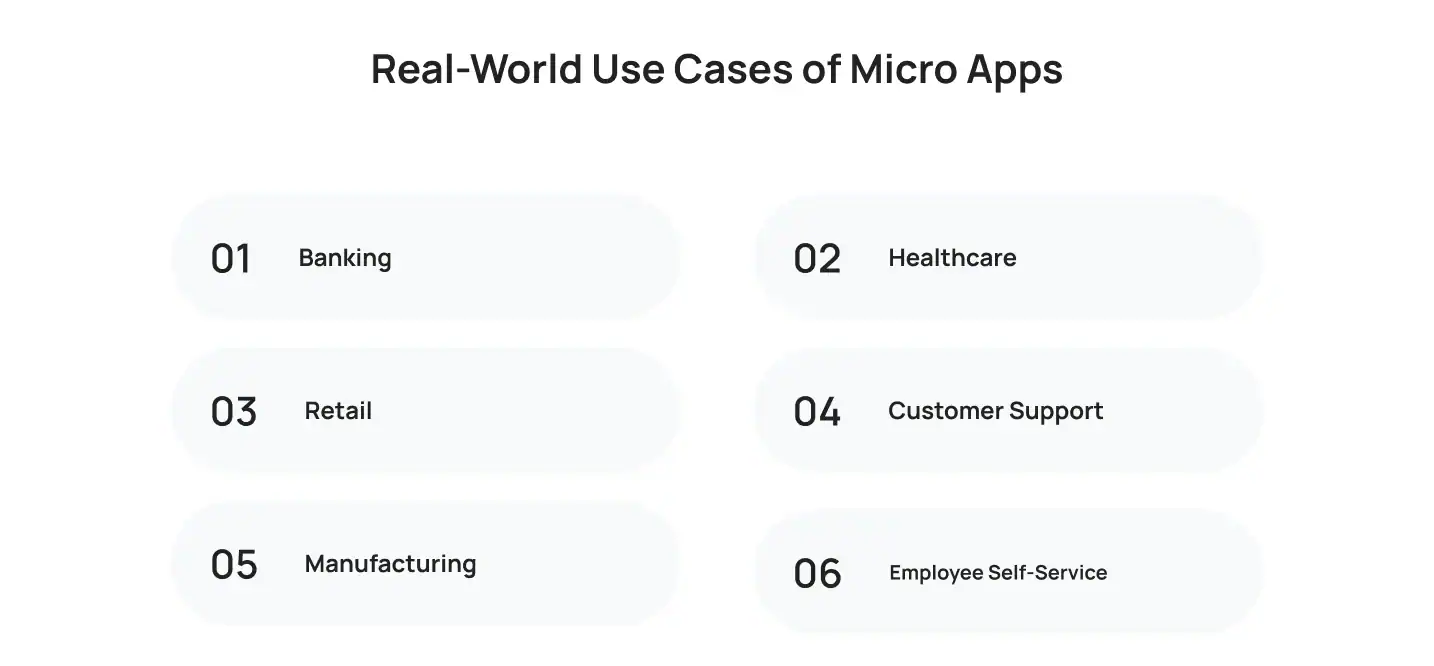
Micro Apps are already supporting a wide range of business operations across different industries.
- Banking: Customers can approve transactions, manage cards, or apply for loans through separate applications.
- Healthcare: Patients schedule appointments, access medical records, and make payments without navigating a large healthcare platform.
- Retail: Inventory management, order tracking, and customer rewards operate as independent applications.
- Customer Support: Service agents handle tickets, live chat, and customer feedback using dedicated modules.
- Manufacturing: Production teams monitor equipment, maintenance schedules, and inventory separately.
- Employee Self-Service: Staff can submit leave requests, update personal information, and access payroll through focused HR applications.
Technology Stack for Micro App Development
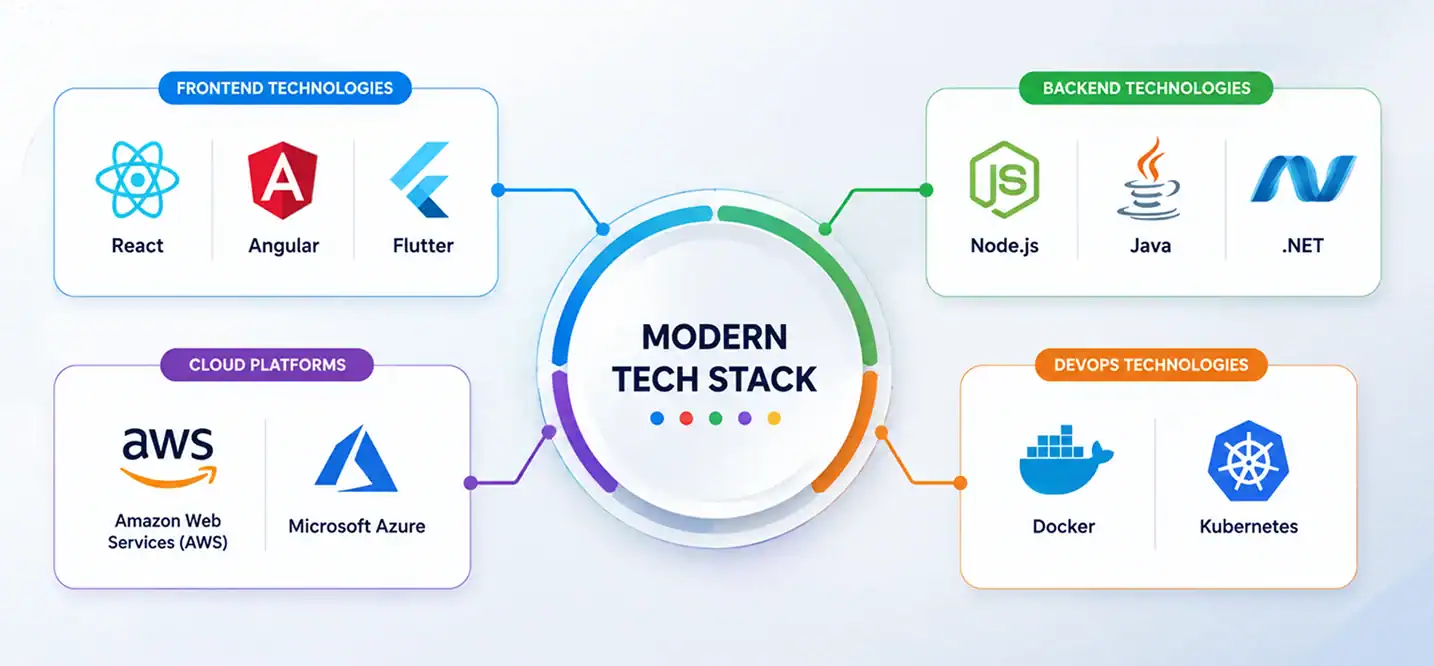
Choosing the right technology stack is one of the most important decisions when building Micro Apps. The technologies you select should align with your business goals, existing infrastructure, scalability requirements, and long-term maintenance strategy. A well-planned stack helps development teams build modular applications that are easier to deploy, integrate, and expand over time.
Frontend
Modern frontend frameworks help create responsive and modular user interfaces for individual Micro Apps. Popular choices include:
- React for building reusable UI components and micro frontends.
- Angular for developing large-scale enterprise applications with structured architecture.
- Flutter for creating high-performance cross-platform applications from a single codebase.
Backend
The backend powers business logic, data processing, authentication, and API communication between Micro Apps.
Common backend technologies include:
- Node.js for scalable, event-driven applications.
- Java for enterprise-grade systems that require stability and performance.
- .NET for secure, high-performance business applications, particularly within the Microsoft ecosystem.
Cloud Platforms
Cloud infrastructure provides the flexibility to deploy, scale, and manage Micro Apps efficiently.
Leading cloud platforms include:
- Amazon Web Services (AWS) for scalable cloud computing and managed services.
- Microsoft Azure for enterprise cloud solutions, AI services, and seamless integration with Microsoft technologies.
DevOps
DevOps tools automate development, deployment, and infrastructure management, making it easier to release updates with minimal downtime.
Commonly used technologies include:
- Docker for packaging Micro Apps into lightweight, portable containers.
- Kubernetes for orchestrating containers, automating deployments, and scaling applications based on demand.
Selecting the right mobile app development technologies, tools, and framework is just as important as choosing the architecture itself.
How Much Does Micro App Development Cost?
The cost of Micro App development varies depending on the number of modules, API integrations, supported platforms, security requirements, and overall project complexity. A simple solution with a few task-specific applications costs significantly less than an enterprise platform with dozens of interconnected Micro Apps.
| Project Type | Estimated Cost (USD) | Timeline |
| Basic Micro App (1–2 modules) | $20,000–$50,000 | 2–4 months |
| Medium Complexity (3–6 modules) | $50,000–$150,000 | 4–7 months |
| Enterprise Micro App Platform | $150,000–$500,000+ | 8–12+ months |
Future of Micro Apps

The future of Micro Apps is closely tied to the growing demand for modular, intelligent, and user-focused software. As enterprises continue their digital transformation initiatives, they’re moving away from feature-heavy applications in favor of smaller, purpose-built solutions that are easier to develop, maintain, and scale. Emerging technologies such as AI-powered automation, Super Apps, edge computing, and IoT are expected to further accelerate this shift.
According to Gartner, 40% of enterprise applications will feature task-specific AI agents by the end of 2026, up from less than 5% in 2025. This trend highlights a growing preference for specialized capabilities over all-in-one software, making Micro Apps a natural fit for organizations that want to deliver faster, more personalized digital experiences while keeping their applications flexible and scalable.
Why Choose Cubix for Micro App Development?

Building Micro Apps requires more than technical expertise. It demands careful planning, scalable architecture, and seamless integration across multiple business systems.
As a custom mobile app development company since 2008, Cubix helps businesses design and build Micro App solutions through:
- Discovery and product strategy
- Scalable architecture planning
- UI/UX design
- Frontend and backend development
- API and third-party integrations
- Quality assurance and testing
- Ongoing maintenance and support
Whether you’re modernizing an enterprise platform or launching a new digital product, we develop solutions that are built for growth.
Ready to Build Your Next Micro App? Let’s connect with us!
Conclusion
Micro Apps are the new way around for modern business to design and develop mobile apps. These small apps allow companies to deliver more significant products by providing faster release of new features, easier maintenance, and overall excellent performance while keeping the application structure uncomplicated.
Although this type of design might not be suitable for all systems and software products, companies that aim to update their complicated data exchange processes and want to keep their apps updated should consider using micro apps. A professional developer team will help you determine how to create the most suitable architecture for your business and work with you to build an application that will meet all your requirements.
Want to discuss your project? Our experts are just a click away.
Contact UsFrequently Asked Questions
1: What are Micro Apps, and how do they work?
Micro Apps are small, independent applications designed to perform one specific business function. They communicate through APIs and shared backend services while operating as part of a larger application ecosystem.
2: How are Micro Apps different from traditional mobile applications?
Unlike traditional mobile applications that rely on one large codebase, Micro Apps separate functionality into independent modules that can be developed, updated, and deployed individually.
3: What’s the difference between Micro Apps and Progressive Web Apps?
Micro Apps focus on modular application architecture, while Progressive Web Apps provide app-like experiences through web browsers.
4: Can Micro Apps be integrated with existing enterprise systems?
Yes. Micro Apps use APIs and backend integrations to connect with ERP systems, CRM platforms, payment gateways, and other enterprise software.
5: Which industries benefit most from Micro Apps?
Industries such as banking, healthcare, retail, manufacturing, logistics, and human resources benefit from Micro Apps because they manage multiple business processes that can operate independently.
6: How much does Micro App development cost?
Costs vary depending on application complexity, integrations, supported platforms, security requirements, and the size of the development team.
7: What technologies are used to build Micro Apps?
Common technologies include React, Angular, Flutter, Node.js, Java, .NET, Docker, Kubernetes, AWS, and Microsoft Azure.
8: Are Micro Apps suitable for startups and small businesses?
Not always. Startups and businesses building simple applications may find a traditional architecture more cost-effective until the product grows in complexity.