Key Takeaways
- Web apps offer faster deployment, easier updates, and broad device access.
- Mobile apps support stronger engagement through notifications and native features.
- Development costs depend on features, platforms, integrations, and technical complexity.
- PWAs combine web accessibility with app-like features such as offline access.
- Web apps vs mobile apps depend on your users, business goals, and product requirements.
Choosing between web apps vs mobile apps shapes your budget, your development timeline, and how quickly users can actually reach your product. The right answer depends on your audience, the features your product needs, your distribution plan, and how often people will realistically open what you build.
The mobile application market is USD 322.6 billion in 2026 and is expected to hit $885.3 billion by 2033, according to Grand View Research. That growth tells you one thing clearly: mobile matters. But it doesn’t tell you whether your specific product should be a mobile app, a web app, or both.
This guide breaks down the real differences between the two platforms, when each option makes sense for a given business, and how to decide with confidence. You’ll find a comparison table, a breakdown of pros and cons, and answers to the most common questions teams ask before starting development.
Not Sure What to Build? Let’s Choose the Right Platform
Contact UsWhat Is the Difference Between a Web App and a Mobile App?
Before you pick a platform, you need a clear definition of each one. Understanding how they run and where they live makes the rest of the decision much easier.
What Is a Web App?
A web app is software you reach through a URL, not an app store. You open a browser, type in the address, and the app loads.
Because it runs in the browser, a web app works across devices without separate installs. Common examples include:
- Online banking dashboards
- Project management tools like Trello or Asana
- E-commerce storefronts
- SaaS platforms and admin panels
Web apps are built with HTML, CSS, and JavaScript, often layered with frontend frameworks like React or Angular. If you want a deeper technical walkthrough, our guide to building web apps covers the stack in detail.
What Is a Mobile App?
A mobile app is software installed on a smartphone or tablet through the App Store or Google Play. Users download it once, then open it directly from their home screen.
Because it’s installed, a mobile app gets deeper access to the device itself. Common examples include:
- Ride-sharing apps like Uber
- Social platforms like Instagram
- Fitness trackers that use sensors
- Mobile games
Native mobile development uses Swift or Objective-C for iOS, and Kotlin or Java for Android. Many teams now build across both platforms at once instead. Our breakdown of mobile app development technologies, tools, and frameworks compares the options.
Web App vs Mobile App: Comparison Table
Here’s a side-by-side look at how the two platforms stack up across the factors that matter most for planning a build.
| Factor | Web App | Mobile App |
| Access | Browser or URL | App Store or Google Play |
| Installation | Not usually required | Required |
| Platform reach | Cross-device through browser | iOS and Android |
| Device features | Limited to browser capabilities | Deeper device access |
| Offline functionality | Limited, depends on PWA setup | Stronger |
| Updates | Centralized and immediate | Store-based, versioned |
| Push notifications | Browser-dependent | Native |
| Development | Usually one web platform | Native or cross-platform |
| Distribution | Links, search, ads | App stores |
| User engagement | Browser-dependent | Stronger recurring access |
That’s the web app vs mobile app trade-off in one table. Now let’s break down why each row matters.
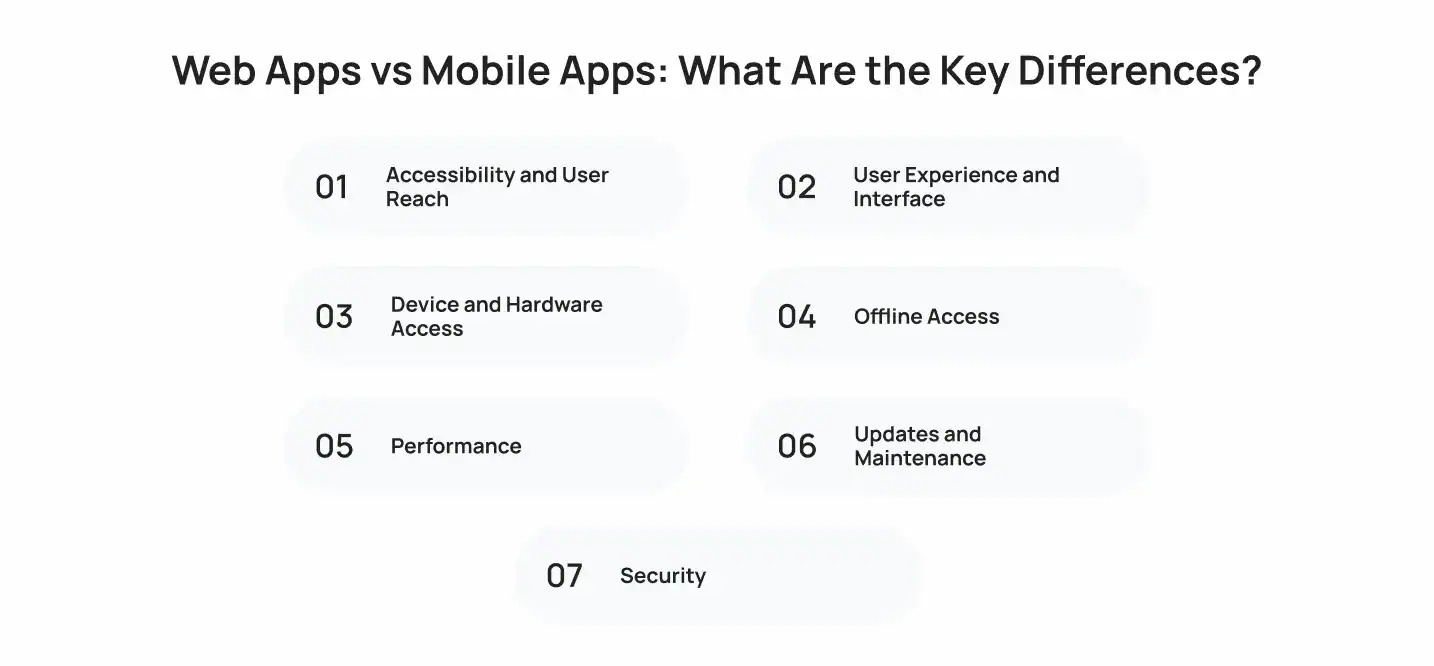
Web Apps vs Mobile Apps: What Are the Key Differences?
Now let’s dig into the details behind each factor. Understanding these differences helps you match the platform to your product’s actual needs rather than following a trend.
1. Accessibility and User Reach
Web apps spread through a link. Anyone can click it, and the app loads instantly, no download required.
Mobile apps need an install first. That install creates friction, but it also builds a permanent spot on the user’s home screen. If you’re weighing a web application vs mobile application for reach, remember that a link travels faster, but an installed icon gets opened more often. Some teams solve this by turning an existing website into a mobile app once traffic justifies it.
2. User Experience and Interface
Browsers render responsively, so a web app adapts to whatever screen it’s on. However, that flexibility can mean a less tailored feel.
Mobile apps follow platform-specific design rules. iOS and Android each have their own navigation patterns, gestures, and touch targets. As a result, mobile interfaces often feel more native and more polished to the user because the interface was built for that exact device category.
3. Device and Hardware Access
This is where mobile apps pull ahead. Native apps can tap into:
- Camera and photo library
- GPS and location services
- Bluetooth and NFC
- Biometric authentication (Face ID, fingerprint)
- Background processes and push notifications
Web apps have improved here through browser APIs, but access still depends on the browser and OS. Teams choosing between native development and hybrid development usually make that call based on how much hardware access the app actually needs. Roughly a third of mobile developers now build with cross-platform development frameworks instead of pure native code, with Flutter alone holding close to half of that share.
4. Offline Access
Native mobile apps store data locally, so they keep working without a signal. That matters for field service apps, transit apps, or anything used in low-connectivity areas.
Web apps depend on caching and service workers to function offline, which works but takes more engineering effort to get right. This gap narrows every year, and it’s part of why hybrid formats keep gaining ground.
5. Performance
Mobile apps generally load faster and run smoother because they’re compiled for the device, not interpreted through a browser. Web apps depend heavily on internet speed and browser rendering.
That said, both formats rely on the same thing behind the scenes: solid backend services and reliable cloud infrastructure. Gartner projects public cloud spending will pass 45% of total enterprise IT spending by 2026, up from under 17%, according to Gartner. In other words, your architecture choices behind the app matter as much as the frontend format you pick.
6. Updates and Maintenance
Web apps update centrally. You push a change, and every user sees it immediately, with zero action required on their end.
Mobile apps go through app store review before an update goes live. That review can take anywhere from a few hours to a few days. Because of this, teams choosing between web apps or mobile apps for a fast-moving product often lean toward the web first, since it removes the review bottleneck entirely.
7. Security
Both formats need strong authentication and encrypted data transmission. However, the attack surface differs.
Browser-based apps face risks like cross-site scripting and session hijacking. Installed apps face risks tied to local storage and reverse engineering. Whichever path you choose, security needs to be built in from day one rather than added later, especially if you’re comparing web application vs mobile app development timelines and trying to decide where security review fits into the schedule.
How Do You Decide if Your Idea Should Be a Web App or a Mobile App?
Making the right call comes down to five practical questions. Work through them in order before committing to a platform.
Start With Your Target Users
Ask where your users already spend time. Busy professionals checking a dashboard from a desktop lean web. Consumers who want daily engagement on the go lean mobile.
Identify the Core Features
If your product needs camera access, GPS, or offline mode, mobile wins. If it’s mostly forms, dashboards, and content, a web app handles it fine. Comparing web applications vs mobile applications at the feature level usually settles this question quickly.
Consider How Users Will Discover Your Product
Web apps get found through search engines and shared links. Mobile apps get found through app store search and word of mouth. If SEO drives your growth plan, a web app captures that traffic more directly.
Define Your Budget and Timeline
Web apps typically cost less and launch faster, since you’re building for one platform. A web app vs mobile app development budget can easily double once you add native iOS and Android builds, unless you go cross-platform to share code across both.
Think About Long-Term Product Growth
Think past launch day. If you expect heavy scaling, plan your cloud infrastructure early, because retrofitting it later costs more than building it in from the start.
Web Apps vs Mobile Apps: Pros and Cons
Here’s a direct look at the trade-offs each platform brings to the table.
Both options have different strengths and limitations, so the right choice depends on your product requirements, users, and business goals.
Web App Advantages
- No installation required: Users can access the app instantly through a browser.
- Instant, centralized updates: Changes are deployed once and become available to all users.
- Lower development cost: A single web application can serve users across multiple devices.
- Works across devices: Users can access it on desktops, tablets, and smartphones with a browser.
- Supports SEO and content discovery: Web apps can be optimized for search engines and shared through direct links.
Web App Limitations
- Limited hardware access: Browser-based apps have less access to device features than mobile apps.
- Weaker offline support: Offline functionality depends on browser capabilities and implementation.
- No traditional app store presence: Users access the product through a browser instead of an app marketplace.
- Performance can vary: Speed and responsiveness may depend on the browser, device, and internet connection.
Mobile App Advantages
- Deep hardware access: Apps can use features such as GPS, cameras, biometrics, and sensors.
- Strong offline functionality: Users can access key features even without an internet connection.
- Push notifications: Apps can send notifications directly to users’ devices.
- Smooth performance: Mobile apps can be optimized for specific devices and operating systems.
- Home screen access: Users can open the app directly from their device without using a browser.
Mobile App Limitations
- Installation adds friction: Users must download and install the app before using it.
- App store updates: New versions typically need to go through app store distribution.
- Higher development costs: Native apps for iOS and Android may require separate development efforts.
- Cross-platform apps still need testing: Shared code reduces duplication, but each platform requires compatibility testing.
What Are the Reasons to Develop a Web App vs Mobile App?
The decision between the two often comes down to specific, concrete business goals rather than general preference. Here’s how those reasons tend to break down.
Reasons to Build a Web App
Build a web app when you need broad, frictionless reach. It fits products where users visit occasionally, need to be found through search, or need instant updates without an app store gatekeeper.
Reasons to Build a Mobile App
Build a mobile app when engagement, speed, and hardware access matter most. It fits products people open daily, like fitness trackers, ride-sharing, or messaging. Our guide to mobile app development covers the full process if this is your path.
When a Progressive Web App Could Be the Middle Ground
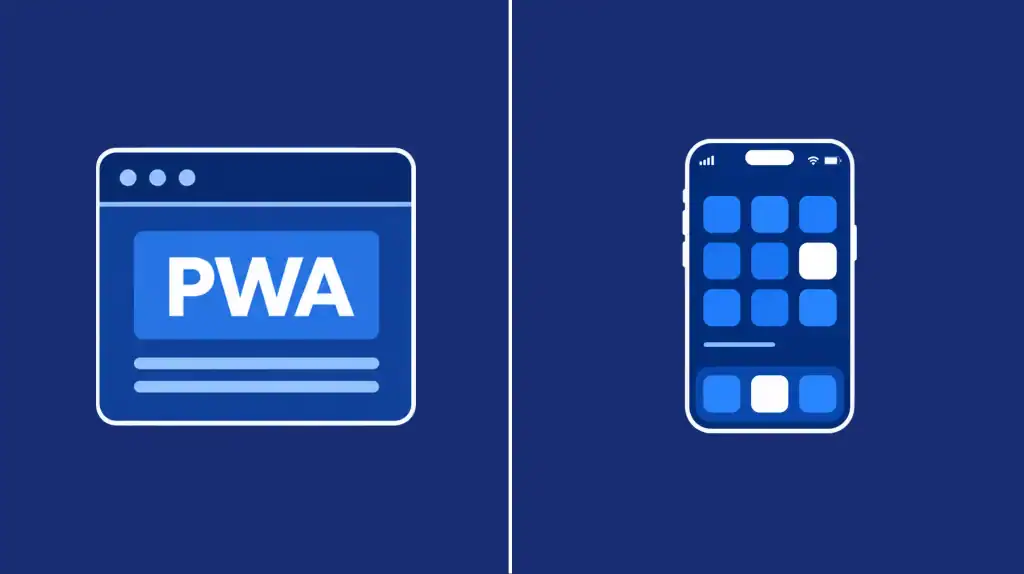
A Progressive Web App, or PWA, blends both worlds. It runs in a browser but adds offline caching, push notifications, and a home screen icon, without an app store install.
The PWA market reflects this momentum. It is projected to reach $21.24 billion by 2033, growing at nearly 30% a year, according to Grand View Research. If you’re stuck between formats, our piece on the future of progressive mobile web apps is worth a read before you commit either way.
Build Web and Mobile Apps With Cubix
Whichever side of the web apps vs mobile apps decision you land on, the execution matters more than the format. Cubix builds both, backed by the same engineering discipline across frontend, backend services, and infrastructure.
If your roadmap points toward a browser-first product, our Custom Web Application Development Services team handles everything from architecture to launch.
If it points toward native or cross-platform mobile, our mobile app development services team has shipped apps across iOS, Android, and hybrid stacks for startups and enterprises alike. Either way, you get a product built to scale, not just to launch.
Have an App Idea? Let’s Build the Right Version First
Contact UsFrequently Asked Questions
1. What is the difference between a web app and a mobile app?
A web app runs inside a browser and requires no installation. A mobile app is downloaded from an app store and installed directly on a device, which gives it deeper access to device hardware.
2. Is a web app better than a mobile app?
Neither option is universally better than the other. Web apps launch faster and cost less to build. Mobile apps offer stronger performance, offline access, and hardware integration, so the right choice depends on your specific users and features.
3. Should I build a web app or mobile app first?
Most teams start with a web app to validate their idea quickly and affordably. Once real demand is proven, they often expand into mobile to capture deeper engagement and hardware access.
4. Is it better to build both a web and mobile app?
Many successful products eventually run both platforms together. A web app handles broad discovery and easy access, while a mobile app drives daily retention. Most teams start with one and expand once demand justifies the second build.
5. Are web apps cheaper than mobile apps?
Generally, yes. Web apps use a single codebase across devices, while native mobile apps often require separate iOS and Android builds. Cross-platform frameworks can help narrow that cost gap somewhat.
6. Which is faster to develop, a web app or mobile app?
Web apps typically launch faster since they skip app store review and only require one platform build. Native mobile apps take longer, especially when built separately for both iOS and Android.
7. Can a web app work offline?
To a limited degree, yes. Progressive Web Apps can cache content and support basic offline functionality. That said, native mobile apps still tend to handle offline data sync more reliably overall.
8. What is a PWA and how is it different from a mobile app?
A PWA is a website that behaves like an app in certain ways. It can be added to a home screen and work partially offline, but it still runs through a browser engine rather than being installed as true native software.
9. Can a web app and mobile app share the same backend?
Yes, and most modern products do exactly this. Both platforms typically connect to the same backend services and cloud infrastructure through shared APIs, which keeps data consistent across the web and mobile experience.
10. Which is better for user engagement, web apps or mobile apps?
Mobile apps typically win on engagement over time. Home screen presence, reliable push notifications, and faster load times tend to drive more frequent, repeat usage compared to browser-based products.