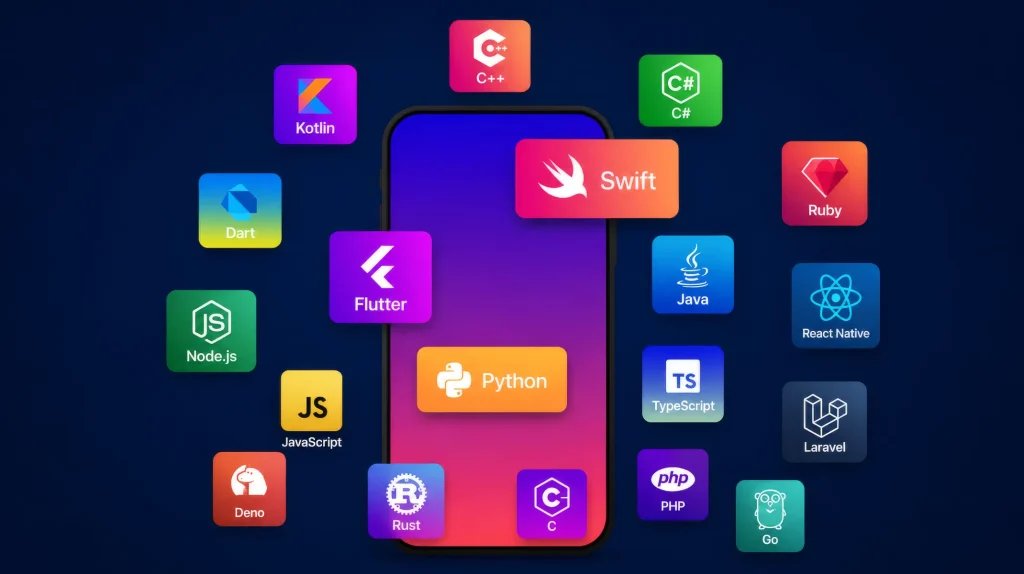
Global mobile app revenue is expected to reach US$739.61 billion in 2026. At the same time, cross-platform frameworks and AI-powered features are reshaping how modern apps are built, making the choice of programming language more important than ever.
Your choice of technology directly influences user retention and platform compatibility. Building native mobile apps or cross-platform apps requires a clear understanding of your long-term business goals. You must evaluate your project demands before your team writes the first line of code.
As a premier custom application development company, Cubix helps businesses navigate these complex technology choices. You can explore our services on our custom application development page to build your product efficiently.
“Mobile is no longer just a channel. It is the primary way people interact with digital products. ” Salman Lakhani, founder and CEO at Cubix.
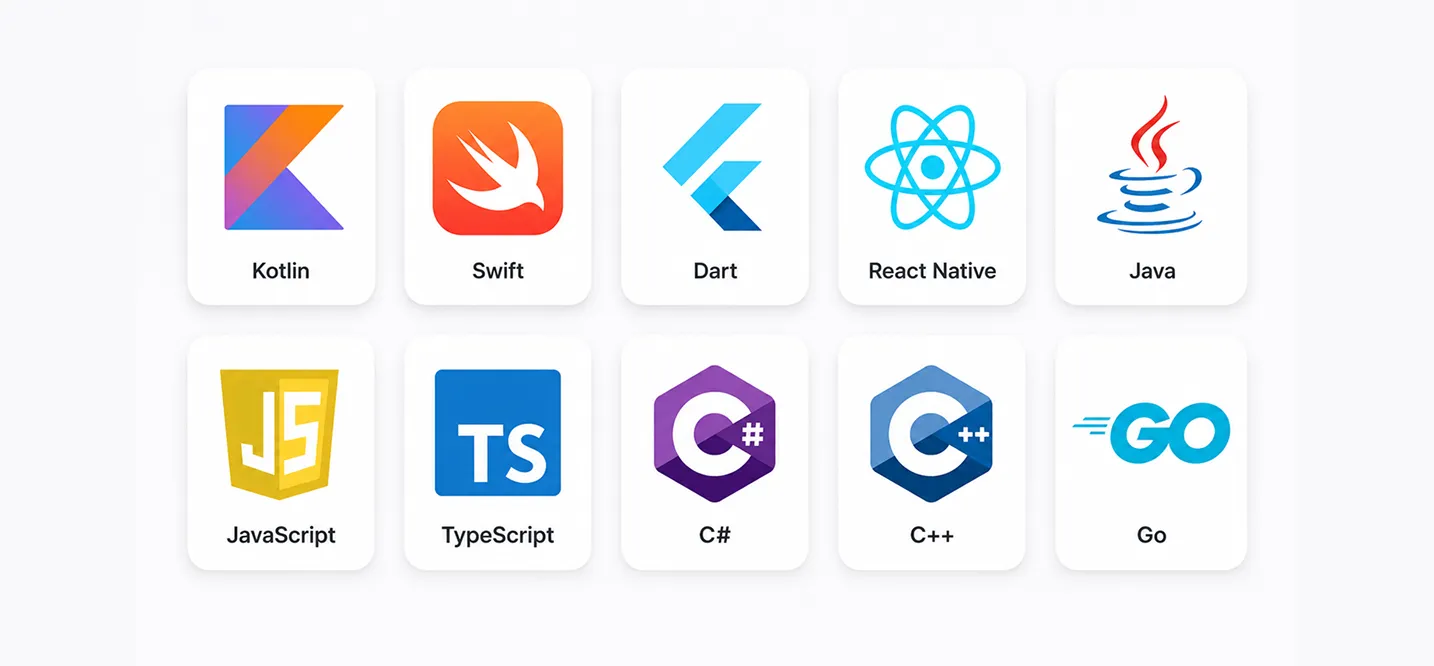
The 10 Best Programming Languages for Mobile App Development in 2026
Picking from the best programming languages available today comes down to your platform, your team, and your app’s long-term architecture. Here’s how the top ten stack up for iOS development, Android, and everything in between.
1. Kotlin for Android App Development
Google made Kotlin the preferred language for Android back in 2017, and nothing since has knocked it off that spot.
Key Features
- Complete interoperability with older Java bytecode
- Native support for Jetpack Compose UI layout engines
- Built-in coroutines for asynchronous task handling
Advantages
It cuts boilerplate code compared to Java, contains built-in null safety that reduces crashes, and receives direct engineering backing from Google.
Best Use Cases
Native Android apps, performance-heavy mobile services, enterprise applications built inside Android Studio, and modern utility tools.
Limitations
It experiences slower compile times on very large projects, has a smaller library ecosystem than legacy Java, and some legacy tools still favor Java first.
2. Swift for iOS App Development
Swift remains Apple’s language of choice for iOS, macOS, and watchOS apps, built for speed and modern interfaces from the ground up.
Key Features
- Full integration with SwiftUI for declarative UI design
- Strict type-safety and syntax processing
- Automatic memory management using Automatic Reference Counting (ARC)
Advantages
It compiles fast, runs efficiently, catches errors before runtime, and offers a clean, modern, readable syntax with tight integration with Xcode.
Best Use Cases
Native iOS and iPadOS apps, Apple Watch apps, tvOS software, and consumer products requiring deep hardware access.
Limitations
The language remains locked to the Apple ecosystem, features a smaller native talent pool than JavaScript, and frequent language updates require ongoing upkeep.
3. Java for Android and Legacy Mobile Apps
Java still runs a huge share of enterprise Android apps built over the last decade, and legacy systems keep it relevant.
Key Features
- Object-oriented architecture with strong backward compatibility
- Implementation of the Java Virtual Machine (JVM) for platform stability
- Deeply entrenched corporate framework structures
Advantages
It provides a massive, mature ecosystem, offers deep documentation and community support, boasts a huge hiring pool, and remains rock-solid on large-scale systems.
Best Use Cases
Maintaining existing enterprise Android apps, large legacy codebases built before Kotlin, and teams with deep existing Java expertise.
Limitations
The verbose syntax forces more boilerplate code than Kotlin, and it is not the language you choose to start a new Android app in 2026.
2. Kotlin for Android App Development
Google made Kotlin the preferred language for Android back in 2017, and nothing since has knocked it off that spot.
Key Features
- Complete interoperability with older Java bytecode
- Native support for Jetpack Compose UI layout engines
- Built-in coroutines for asynchronous task handling
Advantages
It cuts boilerplate code compared to Java, contains built-in null safety that reduces crashes, and receives direct engineering backing from Google.
Best Use Cases
Native Android apps, performance-heavy mobile services, enterprise applications built inside Android Studio, and modern utility tools.
Limitations
It experiences slower compile times on very large projects, has a smaller library ecosystem than legacy Java, and some legacy tools still favor Java first.
3. Java for Android and Legacy Mobile Apps
Java still runs a huge share of enterprise Android apps built over the last decade, and legacy systems keep it relevant.
Key Features
- Object-oriented architecture with strong backward compatibility
- Implementation of the Java Virtual Machine (JVM) for platform stability
- Deeply entrenched corporate framework structures
Advantages
It provides a massive, mature ecosystem, offers deep documentation and community support, boasts a huge hiring pool, and remains rock-solid on large-scale systems.
Best Use Cases
Maintaining existing enterprise Android apps, large legacy codebases built before Kotlin, and teams with deep existing Java expertise.
Limitations
The verbose syntax forces more boilerplate code than Kotlin, and it is not the language you choose to start a new Android app in 2026.
4. Dart for Flutter App Development
Dart powers Flutter, and Flutter has become the default answer for teams that want one codebase across iOS and Android.
Key Features
- Just-In-Time (JIT) compilation during development and Ahead-Of-Time (AOT) for production
- Skia or Impeller graphics canvas rendering
- Single-threaded framework with event loops
Advantages
You get one single codebase for iOS and Android, hot reload speeds up iteration, you achieve a consistent UI across devices, and it brings strong AI and machine learning library support.
Best Use Cases
Startups needing fast MVP development, cross-platform apps built on tight deadlines, and apps that need a consistent UI everywhere.
Limitations
It creates larger app bundle sizes, provides fewer native-level integrations than Swift or Kotlin, and holds a smaller long-term enterprise track record.
5. JavaScript for React Native App Development
JavaScript drives React Native, letting web developers move into mobile without learning a new language from scratch.
Key Features
- Bridge architecture connecting script logic to native UI components
- Asynchronous execution loop
- Massive integration with open-source npm module systems
Advantages
It opens up a massive package ecosystem, reuses existing web development skills, delivers fast development cycles, and relies on a huge, active community.
Best Use Cases
Teams with existing web development skills, cross-platform apps built on a tight timeline, and products that share logic with an existing web app.
Limitations
App performance lags behind fully native mobile apps on complex UI layouts, dependency management can get messy on larger projects, and it lacks built-in type safety.
6. TypeScript for Type-Safe React Native Apps
TypeScript adds static typing on top of JavaScript, and most serious React Native teams use it by default now.
Key Features
- Strict compile-time type-checking systems
- Explicit interfaces for structural component design
- Transpilation directly down to standard JavaScript
Advantages
It catches bugs before production, enables easier refactoring on large codebases, and provides better IDE autocomplete and tooling support.
Best Use Cases
Larger React Native codebases, teams that need long-term maintainability, and apps expected to scale past a small team.
Limitations
It adds a learning curve on top of basic JavaScript, requires slightly more setup and configuration overhead, and demands discipline to keep types accurate.
7. C# for .NET MAUI Cross-Platform Development
C# and .NET MAUI give you a single codebase for iOS, Android, and Windows, backed by Microsoft’s enterprise tooling.
Key Features
- Base Class Library (BCL) integration for foundational tools
- XAML layout rendering options
- Native platform compilation through the .NET runtime environment
Advantages
You manage one codebase across three platforms, enjoy strong enterprise tooling, get solid performance, and access deep .NET ecosystem support.
Best Use Cases
Enterprise teams already using the Microsoft stack, apps that need Windows support alongside iOS and Android, and projects with heavy backend integration needs.
Limitations
It features a smaller mobile-specific community than Flutter or React Native, offers fewer third-party libraries built specifically for mobile, and shows less momentum outside Microsoft-heavy shops.
8. C++ for High-Performance Apps and Mobile Games
C++ handles the heaviest lifting: game engines, real-time rendering, and apps where every millisecond of performance counts.
Key Features
- Manual memory control and allocation properties
- Direct, uninsulated machine code compilation
- Comprehensive system hardware access
Advantages
It delivers unmatched raw speed, offers fine-grained memory control, and powers major game engines like Unreal.
Best Use Cases
Resource-intensive mobile games, real-time rendering and simulations, and apps requiring direct hardware control.
Limitations
The steep learning curve slows down development cycles, and it brings a higher risk of memory-related bugs without careful management.
9. Rust for Secure, High-Performance Native Modules
Rust keeps gaining ground for the parts of an app where security and performance can’t be compromised.
Key Features
- Unique compiler ownership systems for resource management
- Zero-cost abstractions for clean execution paths
- Native C-compatible interface bridging capabilities
Advantages
It prevents entire classes of memory bugs by design, ensures excellent performance, and sees growing adoption in security-focused systems.
Best Use Cases
Cryptography and security-sensitive modules, performance-critical backend integration, and native modules called from other mobile languages.
Limitations
The language presents a steep learning curve for teams new to it, suffers from a smaller mobile-specific talent pool than Kotlin or Swift, and provides fewer mobile-specific frameworks and libraries.
10. Python for AI-Powered Apps, Rapid Prototyping, and Backend Integration
Python doesn’t build mobile interfaces, but it’s the go-to language for backend services, automation, and AI-powered apps.
Key Features
- Dynamic typing and simple interpreted syntax structures
- World-class artificial intelligence extension tools
- Highly adaptive data streaming pipeline support
Advantages
It features best-in-class AI and machine learning libraries like TensorFlow and PyTorch, allows you to prototype fast, and hosts a huge developer community.
Best Use Cases
Machine learning features and data pipelines, cloud integration behind AI-powered apps, and rapid backend prototyping.
Limitations
Teams do not use it for building the mobile front end itself; it suffers from slower runtime performance than compiled languages, and it requires a separate mobile language on the client side.
Factors to Consider When Choosing a Mobile App Programming Language
Your development team must evaluate specific technical and business constraints to ensure long-term application stability. Analyzing how a language handles system resources, deployment schedules, and engineering updates helps you bypass critical architecture bottlenecks and prevent unforeseen development problems. Look at these key pillars before committing to a specific infrastructure.
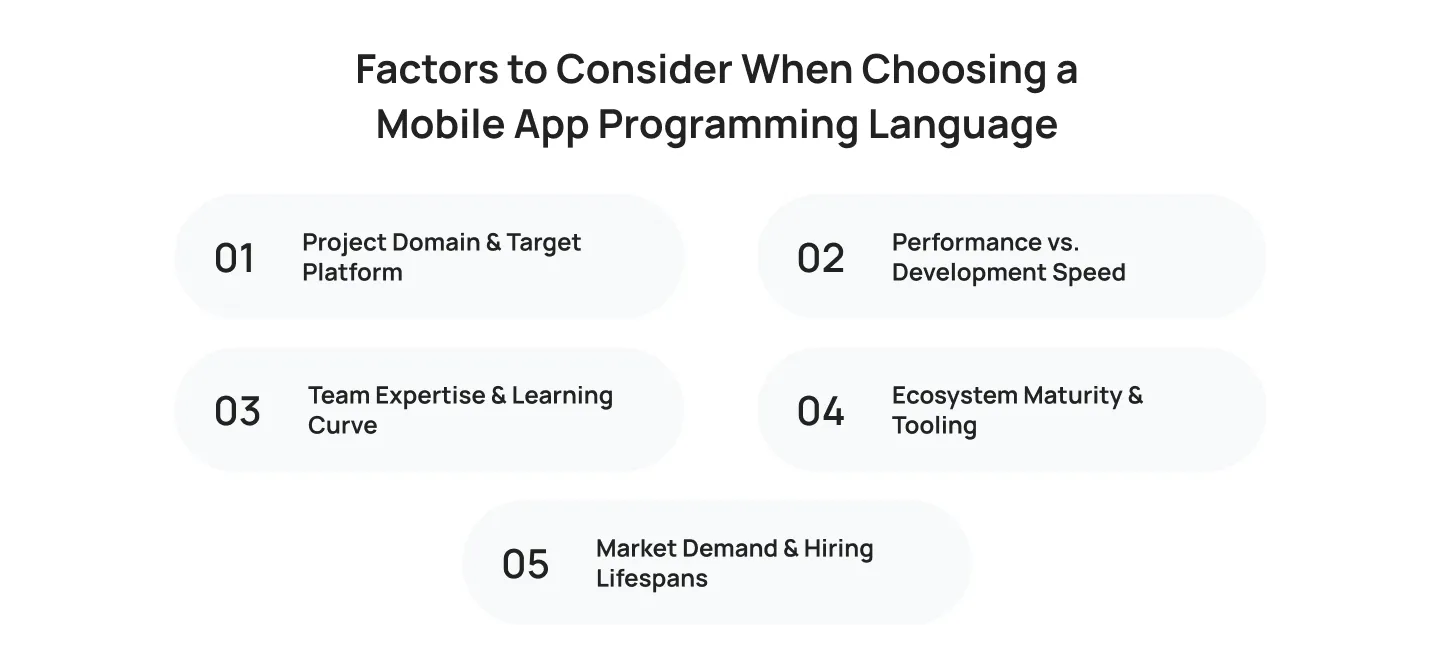
Project Domain & Target Platform
Match your language choice explicitly to where your final product will run:
- Web Frontend: JavaScript and TypeScript handle interactive user interfaces.
- Web Backend: Python and Node.js manage server tasks and API integration.
- Mobile Ecosystems: Swift and Kotlin dominate native iOS and Android environments.
- Data Science & AI: Python supplies the necessary libraries for cloud integration.
- System Programming: Rust and C++ provide direct hardware access.
Performance vs. Development Speed
- High Abstraction: Flutter and React Native accelerate your overall development timeline.
- Low Abstraction: C++ and Rust offer maximum control but require more development cost.
- Middle Ground: Swift and Kotlin balance execution speed with fast engineering.
Team Expertise & Learning Curve
- Beginner Friendly: Python and JavaScript allow quick developer onboarding.
- Steep Curves: Rust and C++ demand deep technical understanding from your team.
- Legacy Momentum: Java and older frameworks support long-standing enterprise infrastructure.
Ecosystem Maturity & Tooling
A language is only as effective as the infrastructure built around it:
- Package Managers: Tooling like npm and pub.dev streamline feature updates.
- IDE Support: Android Studio and Xcode optimize mobile app testing.
- Community Scale: Large communities ensure fast app maintenance and bug resolution.
Market Demand & Hiring Lifespans
- Enterprise Stability: Java and C# guarantee long-term platform support.
- Hiring Pipeline: React Native and Flutter developers remain highly available for startup app development.
Why Businesses Choose Cubix for Mobile App Development
Selecting your programming languages and frameworks is only half the battle. Your development partner must know how to translate those tools into a high-performance digital product. Over the last 17 years, Cubix has built a reputation as a trusted mobile app development company by delivering over 1,300 successful projects. We eliminate the guesswork from your app development life cycle so you can focus entirely on growing your business.
We work across all primary ecosystems, including native iOS, native Android, and cross-platform mobile app development using Flutter or React Native. Our teams focus heavily on creating a secure, future-ready app architecture that shields your user data from vulnerabilities. Whether you want to implement complex machine learning features or require deep cloud integration for enterprise scale, we tailor the tech stack to your business goals.
When you partner with one of the best mobile app development companies like Cubix, you gain total clarity over your budget and project roadmap. We do not believe in hidden fees or extended delays. Our upfront planning ensures your product launches exactly when you need it, backed by rigorous mobile app testing and a dedicated long-term upkeep structure.
Bottom Line
Your programming language selection dictates your long-term app scalability, your initial development timeline, and your ongoing maintenance budget. Do not choose a technology based on trends alone. Instead, match your stack directly to your target audience, your team’s current expertise, and your specific platform demands.
If you want to bypass common development problems and build a highly stable mobile product, we are here to help. Contact Cubix today to consult with our veteran engineering team and kickstart your custom application development journey.
Frequently Asked Questions
1. What is the best programming language for mobile app development in 2026?
There isn’t a single best cross-platform language for mobile app development. The right choice depends on your project requirements, target platforms, budget, and timeline. Flutter and React Native remain the leading options for cross-platform apps, while Swift is the preferred language for iOS and Kotlin for Android native development.
2. Is Kotlin better than Swift for building mobile apps?
Neither is objectively better. Kotlin is built for Android and integrates directly with Android Studio. Swift is built for iOS and integrates with SwiftUI and Xcode. You pick based on which platform, or platforms, you’re targeting.
3. Which language works best for cross-platform app development?
Flutter (Dart) and React Native (JavaScript) are the two leading options. Flutter tends to launch cross-platform MVPs faster, while React Native appeals to teams with existing JavaScript expertise.
4. Do startups need native apps or is cross-platform enough?
Most startups start with cross-platform development to control cost and get to market quickly. Native development becomes worthwhile once you need deep hardware access or performance that cross-platform frameworks can’t match.
5. How does AI affect programming language choice for mobile apps?
AI-powered apps typically depend on Python for machine learning features and backend processing, even when the mobile front end is built in Swift, Kotlin, or Dart. The mobile language handles the interface. Python usually handles the intelligence behind it.
6. How much does mobile app development cost in 2026?
The mobile app development cost depends on platform choice, feature complexity, and whether you build native or cross-platform. Cross-platform development generally costs less upfront since one codebase covers both iOS and Android, while native apps cost more but often deliver better long-term app performance.
7. Which languages are used for mobile app development?
Popular mobile app development languages include Kotlin and Java for Android, Swift and Objective-C for iOS, and JavaScript, Dart, or C# for cross-platform mobile apps.
8. What language should beginners learn for app development?
Beginners should learn Kotlin for Android development, Swift for iOS apps, or JavaScript for cross-platform app development. The best language depends on the mobile platform you want to build apps for.