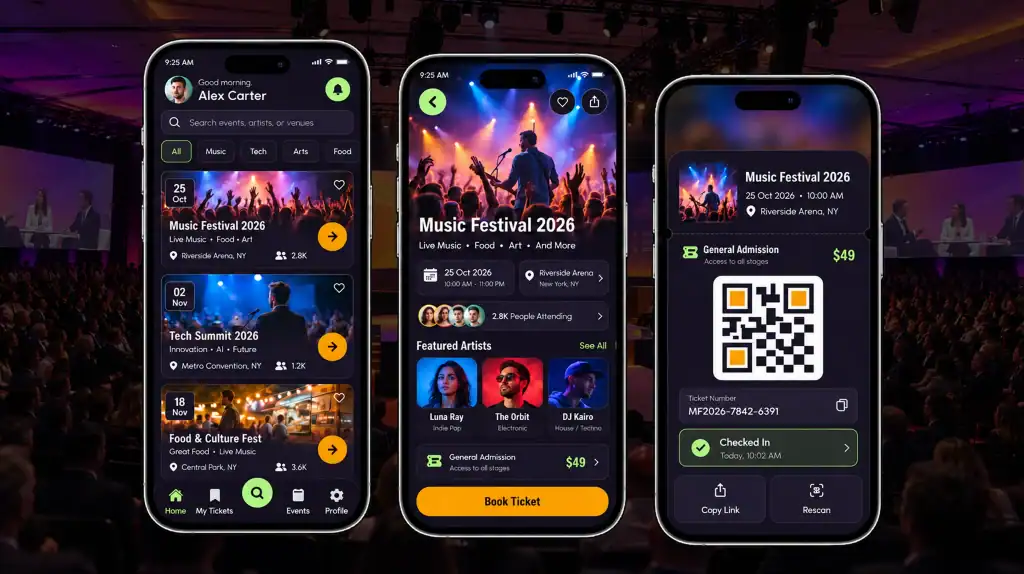
You’re building a startup. You need an app. And you need to pick a platform without burning your runway on the wrong bet. In the early stages of a business, every dollar spent and every week delayed carries massive risk. Succeeding in startup mobile app development means making the right choice regarding your tech stack and target platform or risking depleting your capital before you ever achieve product-market fit.
Android controls roughly 70% of the global smartphone market as of early 2026, according to StatCounter Global Stats. That single number should settle the platform debate for most startups before it even starts. Android puts your app in front of more potential customers, faster, and at a lower cost than any other mobile platform.
To navigate this landscape successfully, many emerging brands partner with experienced development firms. Cubix, a global leader in mobile app development, has spent over a decade helping startups leverage these exact platform advantages to build, launch, and scale high-performance digital products. By aligning platform capabilities with business goals, they help founders turn raw market reach into sustainable revenue.
This guide breaks down the 12 most practical benefits of Android app development solutions for startups, with current data, what each benefit means for your business, and how to act on it.
A Quick Look at the Numbers
Before the list, here’s the context you need. The Google Play Store hosts over 2.36 million apps as of mid-2026, and Android still draws nearly 3.9 billion active mobile users worldwide.
Despite this incredible scale, market data consistently shows that Google Play accounts for a smaller share of absolute consumer app spending compared to Apple’s App Store. This data point highlights a vital strategic pivot for businesses: Android wins decisively on market reach, meaning your startup simply needs a deliberate, volume-based plan to monetize effectively once users are onboarded.
“Founders chase the platform with the bigger screen size or the shinier design tools. They should be chasing the platform with the bigger room of paying customers waiting to be reached.” Salman Lakhani, Founder and CEO at Cubix
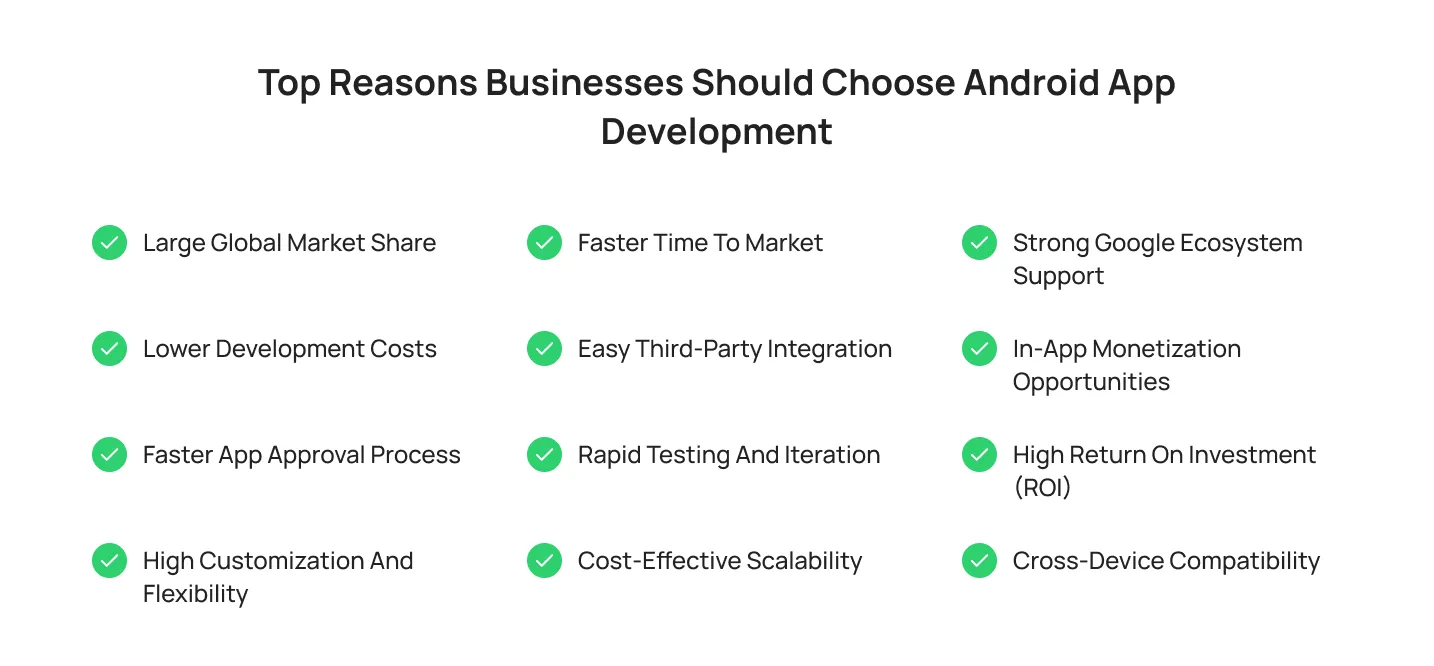
Top Reasons Businesses Should Choose Android App Development
Choosing the right mobile platform is a foundational business decision. While both ecosystems have merits, Android offers distinct strategic advantages in reach, cost, and flexibility that make it the ideal launchpad for startup growth.
1. Large Global Market Share
Android isn’t a niche platform. It runs on close to 70% of smartphones worldwide, and that number climbs even higher in Asia, Africa, and Latin America, where some countries show Android adoption above 85%. If your startup wants international growth, you need to understand Android app development as your default entry point, not an afterthought.
This matters most if you’re targeting emerging markets. India, for example, sits above 95% Android penetration. Build for iOS first in a market like that, and you’ve locked yourself out before you’ve launched.
2. Lower Development Costs
Android Studio, Kotlin, and the core SDK are free and open-source. Your team can build on Windows, macOS, or Linux using hardware you already own. Compare that to Apple’s ecosystem, where you are forced to buy premium Mac hardware just to compile code, alongside a recurring annual fee before you can even think about shipping.
For a startup watching every dollar, that hardware and licensing difference adds up. Lower upfront tooling costs mean more of your budget goes toward actual product work.
3. Faster App Approval Process
While Google has tightened its security reviews, pushing routine app updates and bug fixes still moves with significantly less friction compared to Apple’s ecosystem. Android’s staging tracks allow you to roll out fixes to a percentage of users instantly.
If your Android app launch strategy depends on quick iteration, this flexibility matters. You can identify a bug, push a fix, and have it in your users’ hands without getting trapped in a rigid, days-long review queue just to fix a typo or a minor crash.
4. High Customization and Flexibility
Android is open-source. That gives your developers direct access to the operating system’s underlying code, hardware features, and UI/UX design components. You can build custom interfaces, integrate with device hardware in ways iOS restricts, and adapt the app to match your brand without fighting the platform’s design rules.
This flexibility helps startups build anything outside a standard consumer app, think hardware integrations, point-of-sale systems, or apps tied to specific industries like logistics or field services.
5. Faster Time to Market
Modern Android development utilizes Kotlin and Jetpack Compose, powerful tools designed to reduce boilerplate code and speed up UI creation. Combined with a massive open-source library ecosystem, your team can assemble a fully functional Minimum Viable Product (MVP) in weeks instead of months.
Speed matters here because your first version doesn’t need every feature; it needs to get to market quickly so you can learn from real user data.
6. Easy Third-Party Integration
Android’s open architecture makes API integration straightforward. Payment gateways, mapping services, analytics tools, and Google’s own services like Firebase connect without the friction you sometimes hit on more closed platforms.
This matters specifically for API and cloud integration. If your product depends on real-time data, location services, or backend syncing, Android gives your developers fewer walls to work around.
7. Rapid Testing and Iteration
Google Play’s internal testing and custom distribution tracks let you share builds with your team and testers instantly, completely bypassing standard review processes. Furthermore, the Play Console provides incredibly detailed, real-time crash reporting and vitals specifically for these test groups.
The faster and more precisely you can diagnose a bug during a closed test, the faster you can iterate and find your true product-market fit.
8. Cost-Effective Scalability
Android’s deep integration with cloud architecture means scaling your user base doesn’t mean exponentially scaling your engineering overhead. Because the platform natively connects with scalable cloud backends, expanding your app to handle millions of concurrent users across different global regions is seamless.
You can scale into new markets and territories with minimal code modification, allowing you to reinvest savings into user acquisition rather than pure structural maintenance.
9. Strong Google Ecosystem Support
Firebase, Google Cloud, Play Console, and Google Analytics all connect directly into your Android app development workflow. You get crash reporting, push notifications, A/B testing, and backend infrastructure from one connected ecosystem, instead of stitching together five separate vendors.
This support cuts your engineering overhead. Your team spends less time building infrastructure from scratch and more time on the product itself, accelerating development cycles and allowing you to deliver features to users faster and more efficiently.
10. In-App Monetization Opportunities
Android supports multiple revenue model options out of the box: in-app purchases, subscriptions, ads through Google AdMob, and freemium structures. Google Play’s monetization tools are well-documented, and you can test different pricing approaches without rebuilding your billing system each time.
iOS users still spend more per app on average. But Android’s massive user base means even a lower per-user spend can add up to meaningful revenue once you have scale. If you want to dig into this further, see how to monetize your Android app.
11. High Return on Investment (ROI)
Put the previous points together: lower build costs, faster launch, bigger reach, easier scaling, and the ROI case for Android becomes clear for most early-stage startups. You spend less to build and test, you reach more potential users per dollar spent on marketing, and you have more room to adjust your startup app development cost as you grow.
This doesn’t mean Android always wins. It means the cost-to-reach ratio usually favors Android first, especially if your target market sits outside North America.
12. Cross-Device Compatibility
Android apps run across an enormous range of devices: budget phones, flagship devices, tablets, foldables, and even some wearables and TVs. Your app reaches customers across every income bracket and device category, not just people who can afford a premium phone.
This matters if you’re building a mobile-first business that depends on volume. A wider device range means a wider potential customer base from day one.
What This Means for Your Startup
None of these benefits guarantee success on their own. Android gets you to market faster and cheaper, but what happens after launch is still on you. Users judge an app within the first few minutes of opening it, and that first impression depends on whether the UI/UX design feels intuitive or clunky. Android’s flexibility gives your team room to build something that actually fits how your users think, so use it.

Most apps lose a large share of new users within the first week, which is why user retention needs to be part of your plan before launch, not something you scramble to fix after the numbers come in. Smart onboarding, timely notifications, and a reason to come back tomorrow all matter more than any single feature.
And don’t let the app go stale. Shipping app updates on a steady schedule, bug fixes, small improvements, the occasional new feature- signals to users that the product is alive and worth sticking with. A solid design, a real retention plan, and consistent updates are what turn that head start into a business.
Android vs iOS for Startups
Android wins on cost, reach, and speed to launch, which makes it the stronger first move for most startups, especially if you’re building an MVP on a tight budget or targeting global, price-sensitive markets. iOS still earns a place in your roadmap once you’ve validated your product and want to capture premium markets like the US, UK, or Japan.
| Factor | Android | iOS |
|---|---|---|
| Global market share | 70% | 29% |
| Development cost | Lower (free tools, no Mac required) | Higher (Mac required, paid developer account) |
| App store review time | Faster, often hours | Slower, can take days |
| Best for | Global reach, MVPs, price-sensitive markets | Premium markets, higher spend-per-user |
| Customization | High (open-source) | Limited (closed ecosystem) |
| Device range | Budget to flagship, tablets, foldables | iPhone and iPad only |
For a deeper breakdown of Android vs iOS for startups, including platform-specific cost comparisons and market data by region, see our full guide.
Future Android App Development Trends
Android development isn’t standing still in 2026. A few shifts are worth planning around now, before they become table stakes:

- Kotlin Multiplatform lets teams share business logic across Android, iOS, and web from a single codebase, while still building fully native UI on each platform.
- Foldable and large-screen devices are growing fast, with foldable phone shipments projected to climb again this year. Startups that design responsive layouts now gain an edge as this hardware category expands.
- On-device AI, powered by tools like Google’s Gemini Nano, is making it easier to build fast, private AI features directly into Android apps without relying entirely on cloud calls.
- Wear OS and large-screen optimization are getting more attention from Google, as smartwatches, tablets, and foldables become a bigger share of the Android device mix.
- Privacy-first development is becoming standard, with Google tightening data permissions and app tracking requirements on Play Store listings.
- 5G-driven real-time features are opening up richer in-app experiences, including faster streaming, live collaboration, and low-latency AR tools.
None of these trends require you to rebuild your roadmap today. They’re worth keeping in view as you plan your next two or three releases. Read more in our full breakdown of future Android app development trends.
How Cubix Helps Startups Build Scalable Android Apps
Building future-ready mobile solutions is one thing; scaling them to support growing user demand is another. This is where the right development partner can make a significant difference.
With more than 1,300 completed projects, a team of 350+ talented professionals, and over 600 satisfied clients worldwide, Cubix helps startups build scalable Android applications designed for performance, flexibility, and long-term growth. From strategy and development to optimization and scaling, Cubix enables founders to launch faster and confidently grow their products.
Bottom Line
The real-world business case for Android boils down to runway, reach, and agility. It offers an unparalleled global footprint and a highly cost-effective environment for early-stage innovation. Whether you are building a standalone product or laying the groundwork for a broader multi-platform launch, Android provides the most flexible foundation available to validate your idea, minimize initial risk, and scale efficiently.
FAQ
1. Is Android or iOS better for a startup?
It depends on your target market and revenue model. Android usually wins on reach and lower development cost, especially outside North America. iOS often wins on revenue per user in markets like the US, UK, and Japan, where users spend more per app.
2. How much does Android app development cost for a startup?
Costs vary widely based on app complexity, but Android development tools are free, which lowers your baseline cost compared to iOS. A basic MVP can start in the low five figures, while a full-featured app with backend infrastructure costs more.
3. Is Kotlin or Java better for Android app development?
Kotlin is now Google’s preferred language for Android development. It’s more concise, reduces common coding errors, and has full support across Android Studio. Java still works and has a larger pool of experienced developers, but most new Android apps in 2026 are built in Kotlin.
4. How long does it take to build and launch an Android app?
A focused MVP typically takes 8 to 14 weeks from planning to launch, depending on feature scope and team size. Google Play’s faster review process compared to the App Store helps you launch and update on a tighter timeline.
5. Does Android app security matter for startups?
Yes. Android’s open ecosystem means you need to be deliberate about app security, including secure data storage, encrypted API calls, and regular updates to patch vulnerabilities. Google Play Protect helps, but it doesn’t replace good security practices in your own codebase.