As we move through, iOS app trends in 2026 continue to redefine how users interact with their devices. For businesses, staying ahead means adapting to these architectural changes, new framework standards, and powerful AI capabilities.
These ongoing innovations continue to strengthen iOS as a leading platform for premium mobile experiences. iOS accounts for 68 percent of global app consumer spending, which is why so many businesses prioritize iOS even when Android has more total users.
Whether you’re a mobile app developer or a business planning your next iOS project, staying informed about the latest trends can help you make smarter technology decisions. This guide explores the innovations shaping the Apple ecosystem in 2026 and what they mean for the future of app development.
Explore Cubix’s iOS app development services to build secure, scalable, and future-ready iOS applications that align with the latest Apple technologies and your business goals.
Top iOS App Trends and Innovations to Watch in 2026
The latest iOS app trends are transforming the way businesses create, deploy, and scale mobile apps. In the following sections, we delve into each iOS trend and discuss what it is, why it is growing in popularity, the potential business benefits, the considerations to keep in mind, and how the trend is likely to shape the future in the years ahead.
1. Apple Intelligence Integration
Apple Intelligence is the AI layer built into iOS, iPadOS, and macOS. It combines on-device processing with cloud compute for tasks that need more power, and it now ships as a standard part of the platform rather than a bolt-on feature.
Why it’s trending
Apple made Apple Intelligence the centerpiece of the last several WWDC keynotes. Every new iPhone and most Apple devices now run it out of the box, which means your users already expect apps to feel smart.
Business benefits
- Faster feature development using Apple’s built-in AI APIs instead of building models from scratch
- Better user experience through personalization, summarization, and smart suggestions
- Lower AI infrastructure costs, since much of the processing happens on the device
Challenges
- Feature availability still varies by device, language, and region
- Apps need fallback behavior for users on older hardware
- Testing AI-generated content for accuracy takes real QA time
Future outlook
Expect Apple to open more Apple Intelligence APIs to third-party developers each year. Apps that treat AI as a core feature, not an add-on, will pull ahead.
2. On-Device AI & Machine Learning

On-device AI runs machine learning models directly on the iPhone or iPad instead of sending data to a server. Apple’s Core ML and Foundation Models framework make this practical for most app teams.
Why it’s trending
Users want fast, private AI features. Running models on-device removes network latency and keeps sensitive data off external servers, which matters more every year as privacy rules tighten.
Business benefits:
- Lower server and API costs for AI features
- Apps work offline, which improves reliability
- Stronger privacy story, which builds user trust
Challenges
- On-device models are smaller and less capable than large cloud models
- You need to manage model size against app download size
- Testing across chip generations (A-series and M-series) takes extra effort
Future outlook
Expect smaller, faster models and wider Foundation Models framework adoption. On-device AI will become the default for anything involving personal data.
3. AI-Powered App Development

Apple has built AI tools directly into Xcode, changing how iOS developers write, test, and debug code.
Why it’s trending
Development timelines keep shrinking while app complexity keeps growing. AI coding assistants close that gap by handling repetitive work so ios developers can focus on architecture and product decisions.
Business benefits
- Shorter development cycles from idea to App Store submission
- Fewer bugs reaching production through AI-assisted testing
- Lower cost per feature, since less senior engineering time goes into boilerplate code
Challenges
- AI-generated code still needs human review for security and edge cases
- Teams need clear guidelines on what AI can and can’t touch in production code
- Junior developers risk skipping fundamentals if they lean on AI too early
Future outlook
Apple keeps expanding generative ai tools inside Xcode. Expect AI to eventually handle most first-draft code, with developers shifting toward review, architecture, and product thinking.
4. SwiftUI Becoming the Default Framework
SwiftUI has matured into the primary way to build interfaces across iPhone, iPad, Mac, Apple Watch, and Vision Pro, and most new projects start there instead of UIKit.
Why it’s trending
SwiftUI lets one team build a consistent ui across every Apple platform with far less code than UIKit required. Apple’s own apps increasingly run on it too.
Business benefits
- Faster time to market for new features
- Lower long-term maintenance cost, since one codebase covers multiple device types
- Easier onboarding for new developers, since SwiftUI’s declarative syntax is simpler to learn
Challenges
- Some complex, highly custom UI still needs UIKit fallback
- Older devices and iOS versions limit which SwiftUI features you can use
- Teams with deep UIKit expertise need retraining time
Future outlook
UIKit isn’t going away soon, but it’s clearly the legacy option now. New hires increasingly expect SwiftUI-first projects.
5. Vision Pro & Spatial Computing Apps

visionOS apps go beyond flat screens into spatial computing, where interfaces exist in 3D space around the user.
Why it’s trending
Vision Pro moved from a launch curiosity to a platform with real enterprise use cases. Businesses now build for it to solve specific training, visualization, and collaboration problems.
Business benefits
- New product categories that aren’t possible on a flat screen
- Differentiation in crowded markets through immersive experiences
- Early-mover advantage while the app catalog is still thin
Challenges
- Small installed base compared to iPhone
- Development requires new spatial design skills most teams don’t have yet
- Hardware cost limits mainstream consumer adoption
Future outlook
Vision Pro will stay a premium, enterprise-heavy platform in the near term. As Apple ships more affordable headsets, expect broader consumer adoption to follow.
6. Privacy-First App Development

Privacy isn’t a feature anymore. It’s baked into how Apple expects every app to be designed, tested, and shipped.
Why it’s trending
Users care more about data privacy every year, and Apple keeps tightening platform rules around tracking and data collection. Privacy remains central to Apple’s platform strategy, and it shows in every recent OS release.
Business benefits
- Stronger user trust, which improves retention
- Fewer App Store rejections when privacy practices are handled correctly from the start
- Reduced legal and compliance risk
Challenges
- Privacy features can add development complexity
- Marketing and analytics teams need new ways to measure performance without invasive tracking
- Balancing personalization with data minimization takes careful design
Future outlook
Expect Apple to keep adding privacy requirements at each OS release. Apps that build privacy in from day one will avoid costly rework later. Strong app transport security practices, encrypted connections by default, also remain a baseline App Store requirement, not an optional add-on.
Want to discuss your project? Our experts are just a click away.
Contact Us7. Cross-Platform Development Evolution
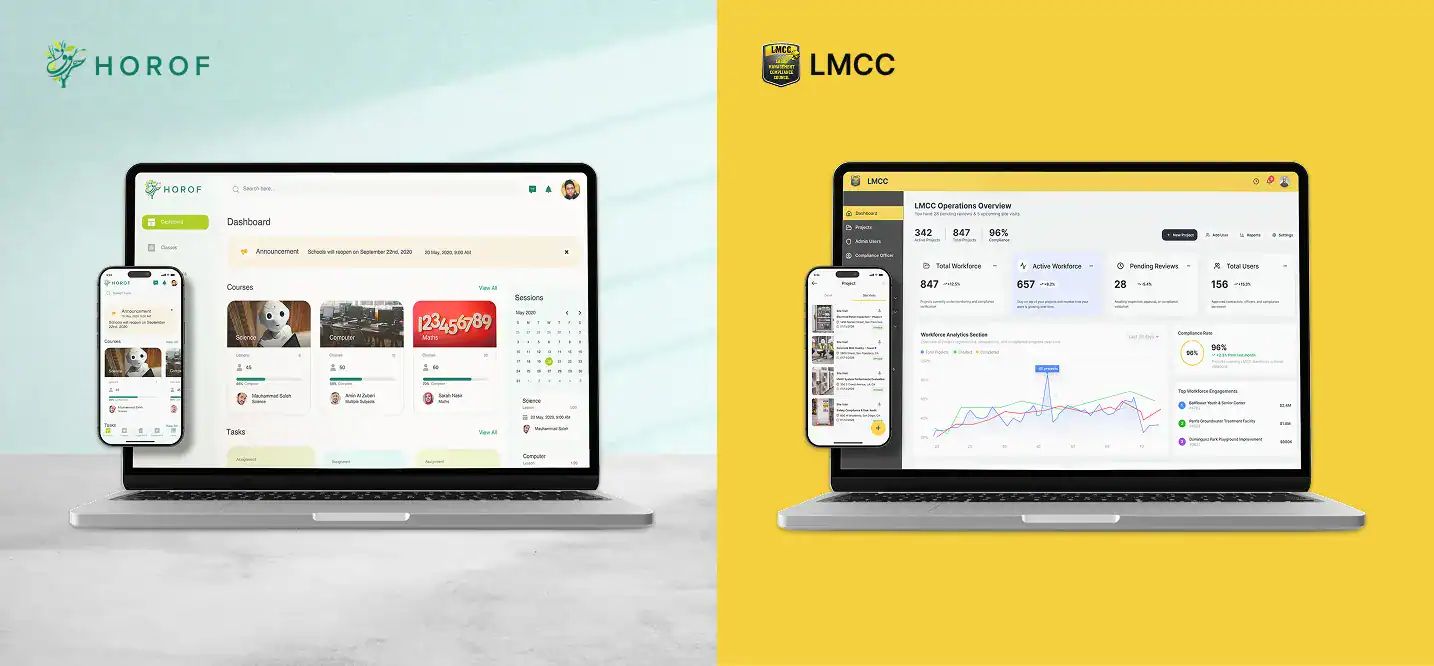
Cross-platform frameworks let teams ship to iOS and Android from one codebase, and they’ve closed much of the performance gap with native development.
Why it’s trending
Development budgets and timelines are tight. Businesses want both platforms covered without doubling engineering headcount.
Business benefits
- Lower cost to support two platforms at once
- Faster feature parity between iOS and Android
- Smaller team needed to maintain the codebase
Challenges
- Some cross-platform development frameworks lag behind native for brand-new iOS features
- Debugging can involve two layers: the framework and the native platform underneath
- Performance-sensitive apps (gaming, AR) still favor native code
Future outlook
Cross-platform tools will keep closing the gap, but native development stays the right call for apps that push hardware limits.
8. Wearable Ecosystem Expansion

The apple watch and AirPods have grown from accessories into a real app platform, especially for health and fitness.
Why it’s trending
Health tracking is now mainstream, and users expect their apps to sync data across their phone, watch, and earbuds automatically.
Business benefits
- New engagement touchpoints beyond the phone screen
- Health apps gain richer data through continuous sensor tracking
- Higher retention, since a wearable app on the wrist gets checked more often than a phone
Challenges
- Battery life limits how much processing you can do on the watch itself
- Smaller screens demand simpler, more focused interfaces
- Syncing data reliably across devices takes careful engineering
Future outlook
Expect deeper health sensor integration and more apps designed watch-first rather than as an afterthought to the phone app.
9. Augmented Reality Beyond Gaming

Augmented reality has moved past games and filters into practical, everyday business tools.
Why it’s trendingARKit has matured to the point where AR features are reliable enough for serious commercial use, not just demos.
Business benefits
- Reduced product returns, since customers can preview items before buying
- Better training outcomes through hands-on virtual simulations
- Competitive differentiation in categories where AR isn’t yet standard
Challenges
- AR features need strong lighting and space to work well
- Building convincing 3D assets takes design resources many teams underestimate
- Performance varies across older devices
Future outlook
As ARKit and on-device processing improve, expect AR to become a standard product feature in retail and ecommerce, not a novelty add-on.
10. IoT and Smart Device Integration
IoT integration lets iOS apps control and monitor connected devices, from thermostats to cars to medical equipment.
Why it’s trending
Smart home adoption keeps growing, and Matter has made it easier for apps to support devices from different manufacturers without custom integrations for each one.
Business benefits
- One app can control an entire connected product line
- Better customer retention through daily-use smart home apps
- New subscription and service revenue tied to connected hardware
Challenges
- Matter is still young, and device compatibility varies
- Connectivity issues (Wi-Fi, Bluetooth, Thread) create support headaches
- Security matters more with connected devices, since a breach affects physical spaces
Future outlook
Expect Matter adoption to keep growing as more manufacturers support it, simplifying the smart home experience for both developers and users.
Best Practices for Building Future-Ready iOS Apps
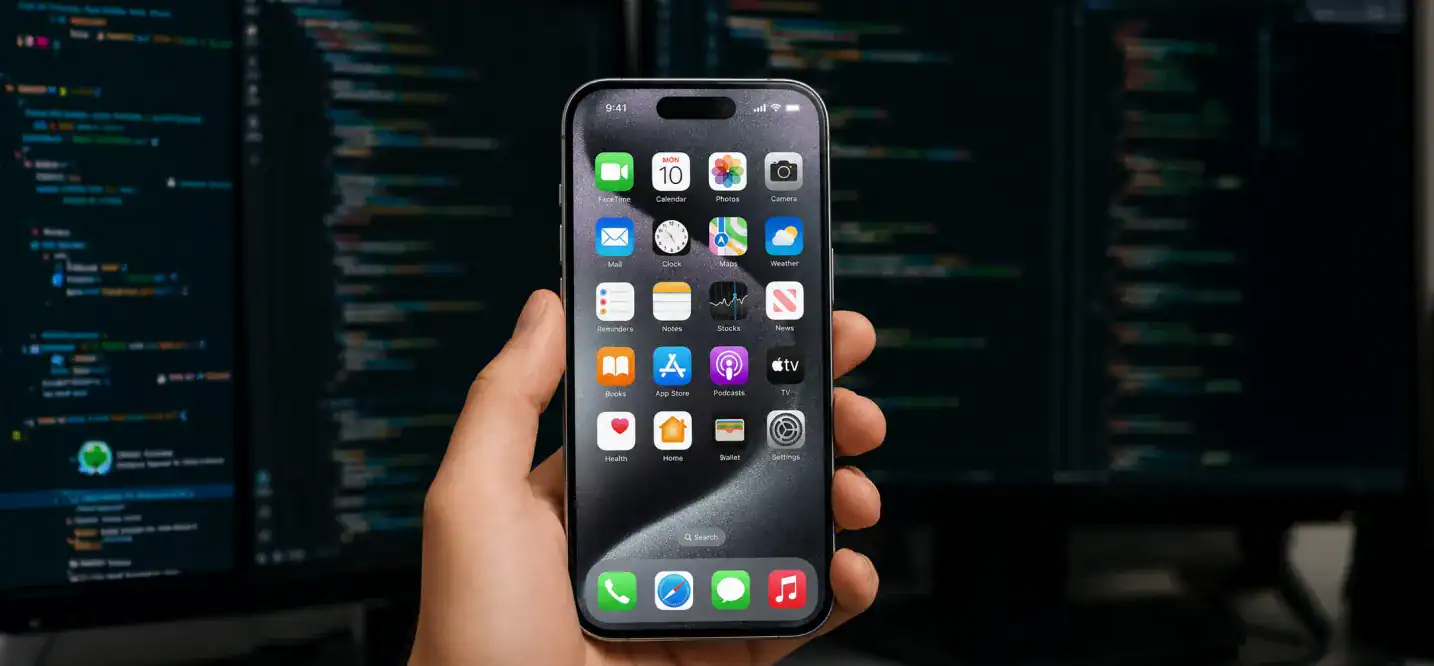
These iOS app trends are transforming the way businesses strategize their mobile approach, from AI implementation to privacy-centric development.
- Design for scalability from the first sprint, building a scalable iOS architecture instead of patching it in later
- Use SwiftUI where appropriate, and reserve UIKit for cases that genuinely need it
- Adopt AI strategically, only where it improves the development process and the user experience
- Prioritize privacy in your data model, not just your legal disclosures
- Build accessibility into your UX from the start, not as a late-stage fix
- Optimize app performance across older and newer devices alike
- Monitor analytics to catch problems before users complain
- Keep dependencies updated to avoid security gaps and compatibility breaks
Getting the fundamentals right matters more than chasing every new API. A clear ios application development process with the right team in place makes every trend on this list easier to execute well.
How Cubix Helps Businesses Build Future-Ready iOS Apps

Cubix has spent 18+ years building ios applications for businesses that need more than a generic app, handling ios app design and development under one roof with a team of experienced developers. Our product strategists have helped businesses adopt the latest iOS app development trends and create future-ready digital products. Here’s what that experience covers:
- Native iOS development using the latest Swift and SwiftUI standards
- Swift & SwiftUI expertise across iPhone, iPad, Mac, and Apple Watch
- AI-powered applications built around Apple Intelligence and custom ml models
- Vision Pro readiness for teams exploring spatial computing use cases
- Cross-platform development for businesses that need iOS and Android from one team
- App modernization for legacy apps still running on outdated UIKit codebases
- Enterprise solutions built for scale, security, and compliance
- App Store deployment support, from submission to review to launch
- Ongoing maintenance to keep your app current as iOS evolves
Whether you’re planning a new build or trying to figure out realistic iOS app development cost for your project, working with an experienced app development company helps you avoid the expensive mistakes that come from guessing.
Bottom Line
You don’t need to chase every iOS app trend at once. Pick the ones that improve real user value, fit Apple’s direction instead of fighting it, and support where your business wants to be in a few years. That’s the future of iOS in practice: fewer flashy one-off features, more platform-native decisions that hold up over time. That’s what separates an app that ages well from one you’ll be rebuilding again next year.
Read more on mobile app development to see how a dedicated team approaches the full build, from planning through
FAQs
1. What are the top iOS app trends in 2026?
Apple Intelligence integration, on-device AI, SwiftUI adoption, Vision Pro and spatial computing, and privacy-first design lead the list. Together they’re reshaping how ios mobile application projects get planned and built.
2. Is SwiftUI replacing UIKit completely?
Not yet. SwiftUI is the default for new projects, but UIKit still handles some complex, highly custom interfaces. Most teams use SwiftUI first and drop into UIKit only when needed.
3. Do I need a Vision Pro app for my business in 2026?
Not unless your use case genuinely needs spatial or 3D interaction, like training, design review, or visualization. For most businesses, a strong iPhone app still delivers more value per dollar spent right now.
4. How does Apple Intelligence affect app development costs?
It can lower costs, since you’re calling Apple’s built-in AI frameworks instead of training and hosting your own models. You still need engineering time to integrate and test those features properly.
5. Should my next app be native iOS or cross-platform?
It depends on your priorities. Choose native for performance-heavy features like AR, AI, or games. Choose cross-platform if you need iOS and Android fast with a smaller team and your feature set is more standard.
6. How do I choose the right iOS app developer or development partner?
Look for a team with real experience across Swift, SwiftUI, and the specific features your app needs, whether that’s AI, AR, or enterprise integrations. Ask any iphone app developer you’re evaluating to show past iPhone app projects similar to yours, not just a general portfolio.