Building a successful application often leads to a critical crossroads: expanding to a second operating system. Porting your software is never a simple copy-paste job. Whether you handle an Android app conversion to iOS or move an Apple product over to Android, you must adapt your system thoroughly. This means transforming design conventions, development environments, and system integrations to fit the exact rules of your new target platform.
As of May 2026, Android holds about 68% of the worldwide mobile operating system market, while iOS holds close to 32%, according to StatCounter Global Stats. Businesses that decide to migrate an Android app to iOS, or move in the other direction, benefit from higher download volumes on one ecosystem and greater user spending on the other.
This is exactly the kind of project Cubix handles for businesses that don’t want to gamble on a rebuild. With more than 17 years of experience in building and converting mobile applications, Cubix understands the difference between a merely functional port and an app that genuinely feels native on its new platform. Cubix’s Android app development services are designed to help businesses plan, execute, and scale cross-platform migrations with confidence from day one.
Reasons to Convert an Android App to iOS or Vice Versa
Converting your app isn’t just a technical exercise. It’s a business decision with a direct line to growth. Here’s what’s driving businesses to make the move:
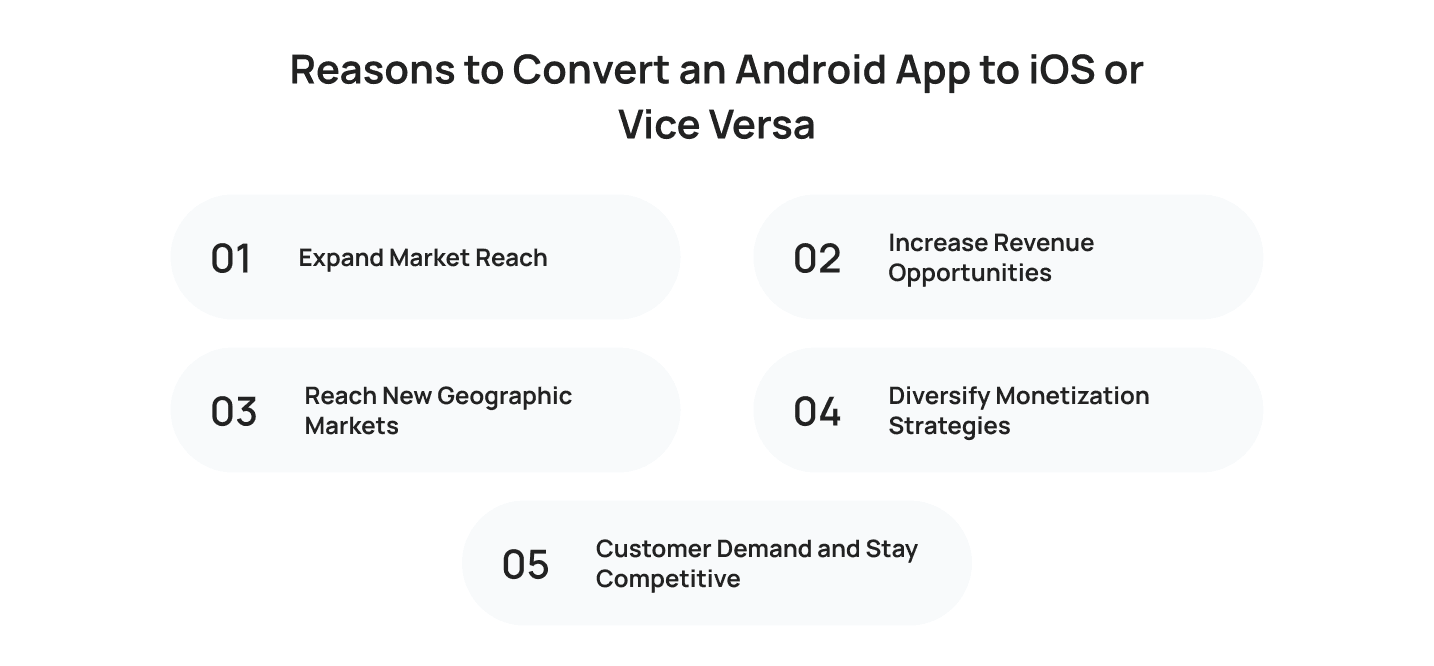
1. Expand Market Reach
Your Android application has already proven there’s demand for what you built. Building the same product as an iOS application puts it in front of users who never had access to it before.
- You already know people want your app, so you’re not guessing.
- You’re removing a platform barrier, not chasing a new audience from scratch.
- Existing reviews and usage data give you a head start on the new build.
2. Increase Revenue Opportunities
iOS users spend more per app on average than Android users. Adding an iOS version to your native Android app usually grows revenue faster than adding new features to what you already have.
- iOS in-app purchases and subscriptions convert at higher rates.
- You gain access to a higher-spending audience instead of pushing your current one to spend more.
- Ad revenue on Android can run alongside subscription revenue on iOS.
3. Reach New Geographic Markets
Android dominates in South America, Africa, and much of Asia. iOS leads in North America and Western Europe.
- Creating a native iOS app version of your Android app opens doors in regions your current app barely touches
- You add a market instead of replacing the one you already have
- Regional payment and language differences become worth solving once you’re targeting a new user base
4. Diversify Monetization Strategies
Android and iOS users respond differently to ads, subscriptions, and one-time purchases.
- Test monetization models you couldn’t run on a single platform.
- Some products see subscriptions perform better on iOS while ads outperform on Android.
- Running both platforms gives you real data instead of assumptions.
5. Customer Demand and Stay Competitive
Customers ask for the other version constantly via reviews, support tickets, and social mentions.
- Ignoring platform demand hands users to competitors who already cover both.
- Staying on one platform when demand exists elsewhere isn’t neutral; it’s a growth decision you’re making by default.
- Closing this gap early keeps you ahead of competitors still stuck on one platform.
Steps to Convert an Android App to iOS or Vice Versa: Complete Guide (2026)
Converting an app the right way takes planning before it takes code. The Android-to-iOS migration process follows a fairly consistent order across most projects, whether you’re moving from the Google Play Store to the Apple App Store or the other way around.
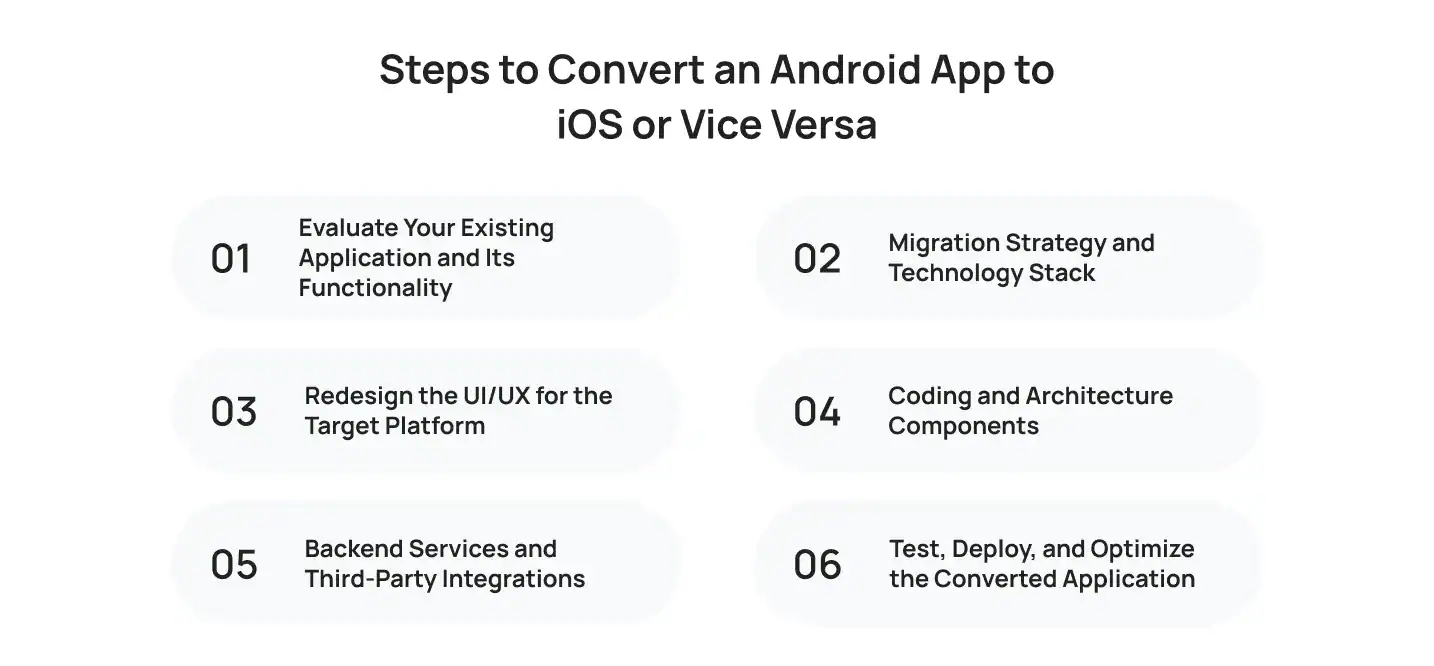
1. Evaluate Your Existing Application and Its Functionality
Start by breaking down what your app actually does before any code gets touched.
What to Audit
- Every feature, integration, and screen in the current app
- Android-specific hardware or APIs with no iOS equivalent
- Compliance with App Store guidelines, since a feature that’s acceptable on Android can be rejected on Apple’s side
- Dependencies your developers will need to rebuild or replace entirely
Skipping this step is the single biggest reason conversion projects run over budget.
2. Migration Strategy and Technology Stack
Decide early whether you’re rebuilding natively or using a cross-platform framework for future updates.
- Align your design work with iOS UI guidelines, since Apple reviews compliance more strictly than Google does
- Choose your stack based on your team’s skills and how often you’ll update the app after launch
- Confirm the stack supports every integration flagged in your audit
A wrong choice here can become expensive quickly.
3. Redesign the UI/UX for the Target Platform
Don’t just resize your Android screens and call it done.
Android vs. iOS Design Rules
- Apple’s Human Interface Guidelines cover navigation, gestures, and layout rules
- Android’s Material Design system handles buttons, spacing, and motion differently
- Back navigation and tab bar behavior differ between platforms
- Users notice a mismatched design within seconds, and it affects retention
4. Coding and Architecture Components
This is where the real rebuild happens.
- Android apps typically run on Android Studio using Java or Kotlin
- iOS apps run on Swift or Objective-C, which represents a complete language shift rather than a direct translation
- Preserve the underlying business logic and architectural decisions that shaped the original application
An experienced team carries over your application’s architectural approach instead of guessing at it. If you want to expand your technical options, you can read about how to develop Android apps with Swift using SCADE for alternative cross-compilation methods.
5. Backend Services and Third-Party Integrations
Your app’s frontend gets the attention, but the backend needs just as much care.
- Backend integration with your existing servers
- API integration for any external services your app depends on
- Database migration if your data structure needs to shift for the new platform
- A full review of your third-party libraries, since not every Android library has an iOS equivalent
6. Test, Deploy, and Optimize the Converted Application
Before launch, confirm every payment flow and every screen works as expected.
- Verify payment gateway integration works correctly on the new platform
- Test every screen, transaction, and edge case before submission
- Review your app’s performance metrics by following Android app optimization. Best Practices to keep your original codebase running cleanly alongside the new one
Key Differences to Understand When Transforming an Android App to iOS
Android and iOS aren’t just different in how they look. They’re different in how they work underneath, and most conversion problems trace back to a team treating the two platforms as interchangeable.
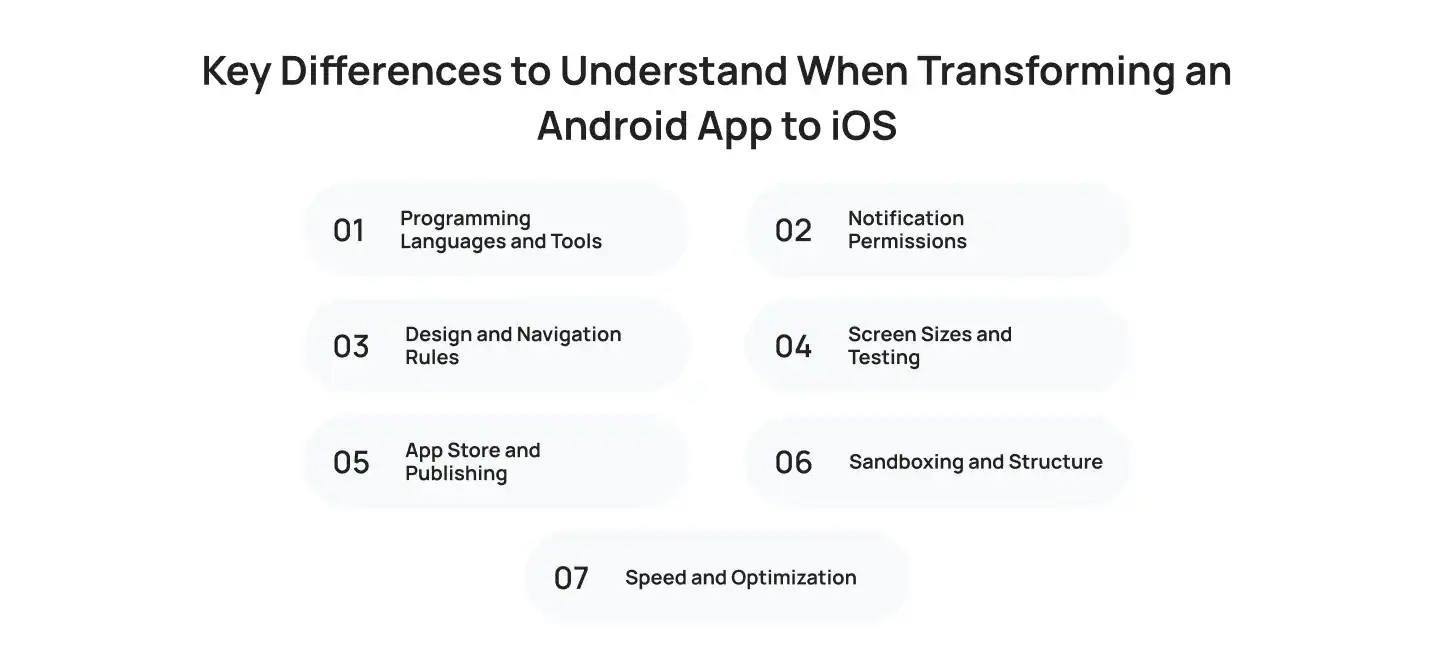
1. Programming Languages and Tools
- Android: Built primarily in Kotlin vs Java, using Google’s official development tools.
- iOS: Built primarily in Swift or Objective-C, using Apple’s own development environment.
- Translations: You’re rewriting the app’s logic in a new language, not converting code line by line, so plan for a full re-implementation rather than a simple port.
2. Notification Permissions
- Android: Notifications are enabled by default and don’t require upfront user permission.
- iOS: Push notifications require explicit user opt-in before your app can send anything.
- Translations: Build a permission prompt into your onboarding flow, and expect lower opt-in rates on iOS than you’re used to seeing on Android.
3. Design and Navigation Rules
- Android: Uses a visible back button, tab-based navigation, and layout conventions built around Google’s design system.
- iOS: Uses swipe gestures, a persistent bottom tab bar, and layout conventions built around Apple’s own design language.
- Translations: A resized Android screen won’t automatically follow iOS conventions. Navigation patterns, gestures, and spacing all need a deliberate redesign, not a resize.
4. Screen Sizes and Testing
- Android: Runs across thousands of device models, screen sizes, and manufacturers, creating heavy fragmentation.
- iOS: Runs on a smaller, tightly controlled lineup of iPhones and iPads, but still spans several screen sizes and chip generations.
- Translations: Android testing focuses on breadth across devices, while iOS testing focuses on depth across a smaller, more predictable hardware set.
5. App Store and Publishing
- Android: Published through Google’s Play Store, with a faster, more automated review process.
- iOS: Published through Apple’s app marketplace, with stricter manual review standards.
- Translations: Expect longer approval timelines and closer scrutiny of permissions, data handling, and in-app purchases when publishing on Apple’s platform.
6. Sandboxing and Structure
- Android: Apps get broader access to background processes, shared storage, and files across the system.
- iOS: App architecture has to adjust to Apple’s stricter sandboxing rules, which limit how your app accesses files, background processes, and device data.
- Translations: Features that relied on open background access or shared storage on Android often need a redesigned approach on iOS.
7. Speed and Optimization
- Android: Performance varies widely across low-end and high-end devices, so apps are often built with broader performance tolerances.
- iOS: App performance benchmarks are tighter, since Apple’s hardware lineup is more consistent and users expect smoother results by default.
- Translations: An app that runs fine on a mid-range Android device may still need real optimization work to hit the same speed on an iPhone.
Technical Challenges Converting Android to iOS or Vice Versa
Every conversion project runs into friction somewhere. Teams that plan for it upfront ship faster than teams that discover these issues mid-build.
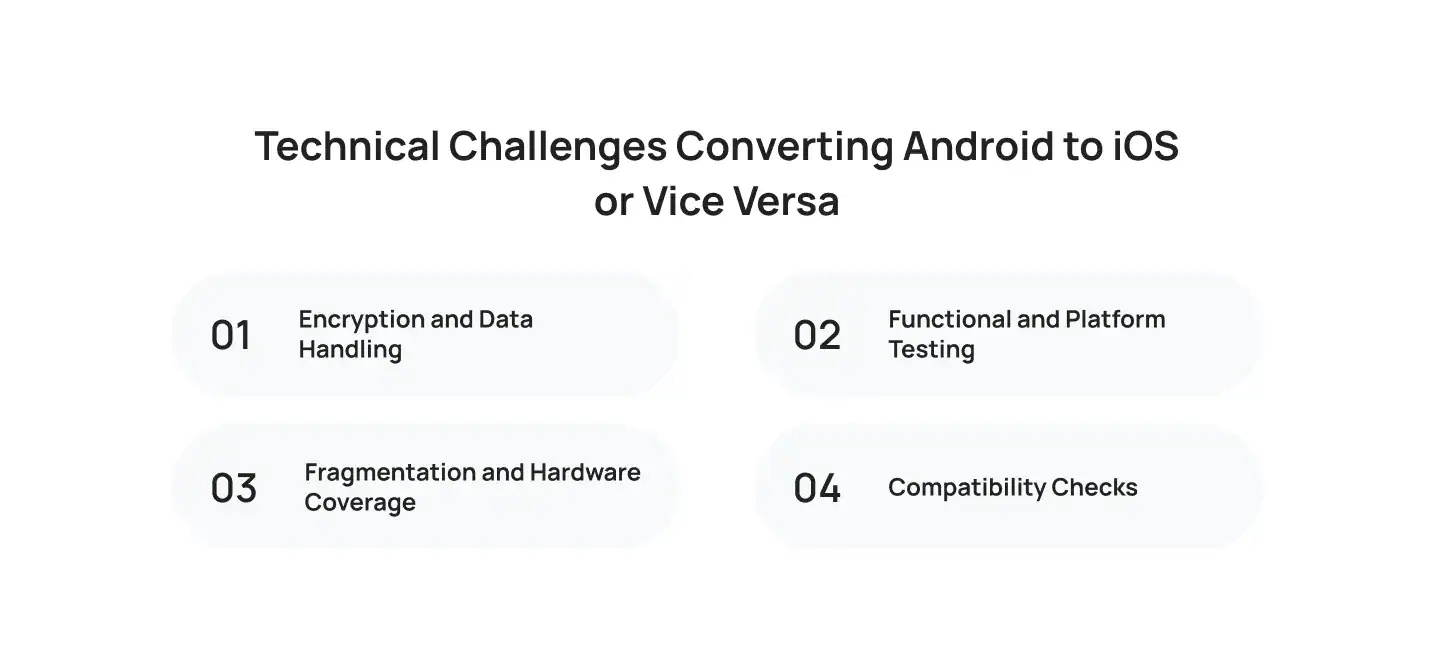
1. Encryption and Data Handling
App security models differ between platforms. Apple’s stricter review process means your encryption, data storage, and permission handling all need a second look before submission.
2. Functional and Platform Testing
QA testing takes longer than most teams expect, because you’re checking that features work the way users on that platform already expect, not just that they work at all.
3. Fragmentation and Hardware Coverage
Device testing adds another layer. Android’s device fragmentation and iOS’s smaller, tightly controlled hardware lineup each bring their own set of bugs.
4. Compatibility Checks
- Confirm full iPhone compatibility across screen sizes and chip generations
- Confirm iPad compatibility if your app is meant to scale beyond the phone
Teams that treat testing as a final checkbox instead of an ongoing process end up shipping apps that need emergency fixes within the first week.
How Much Does It Cost to Convert an Android to iOS or Vice Versa?
Cost depends on how complex your app is, not just how many screens it has. Conversion projects in 2026 typically run from $5,000 to $300,000+, and the final number depends heavily on scope, features, and where your development team is based. To better understand these variables, you can read about the iOS app development cost to plan your migration budget effectively.
- Basic apps: $5,000 to $50,000+ for apps with minimal screens and no heavy backend
- Moderately complex apps: $50,000 to $200,000, for apps with user authentication, in-app purchases, and more comprehensive navigation
- Complex apps: $200,000 to $300,000+, for apps with real-time data sync, advanced animations, or heavy backend services like chat or e-commerce
- UI/UX redesign: adds another 10 to 20% on top of the base conversion price, since adapting layouts to the new platform’s conventions takes dedicated design work
- Developer rates: $50 to $200 an hour for North American and Western European teams, with lower rates available offshore
- Full app redesign work to match the new platform’s design language adds to both timeline and invoice
- Budget separately for testing, App Store review cycles, and post-launch bug fixes
Get quotes from more than one development partner, and ask each to break down design, development, and testing separately instead of quoting one lump sum. Most businesses underestimate the redesign and QA portions of the budget, not the actual coding.
How Cubix Helps Businesses Convert Android Apps to iOS or Vice Versa
Cubix has handled this exact process for businesses across fintech, healthcare, retail, and gaming.
- A full audit of your existing app before any rebuild begins
- A migration roadmap covering design, backend, and testing
- A conversion process centered on user experience, since a technically correct port that feels foreign to users still fails to deliver the experience they expect
- A dedicated native app development services team handling the platform-specific rebuild directly, so the converted app performs like it was built natively from day one
Beyond launch, Cubix also provides mobile app maintenance and post-launch support. New OS updates, shifting platform policies, and changing user expectations mean a converted app needs ongoing attention, not a one-time handoff. Our teams understand the details of building iOS apps with Swift and maintaining App Store compliance.
With 1,300+ completed projects and clients like DreamWorks and Estee Lauder, Cubix brings a process tested across industries, not a one-size-fits-all approach.
If you need dedicated experts to handle this transition, you can hire iOS app developers from our experienced engineering talent pool.
Bottom Line
Converting your app across platforms is a real project, not a quick tweak. Done right, it puts your product in front of a whole new audience without forcing you to rebuild your brand from scratch.
- It touches your design, your codebase, your backend, and your testing process
- Rushed conversions show, and users notice within minutes
- Whether you’re pursuing cross-platform development for long-term flexibility or expanding your startup into new markets, treat the conversion as seriously as your original launch.
Frequently Asked Questions
1. How long does it take to convert an Android app to iOS?
Most conversions take between three and six months, depending on the app’s complexity, the number of integrations, and how much redesign work the UI needs.
2. Can you convert an Android app to iOS automatically?
Automated app converter tools exist, but they typically produce apps with performance issues and design inconsistencies. Most businesses get better, more stable results from rebuilding key components with an experienced development team.
3. Does converting an app mean starting from scratch?
Not entirely. You keep the app’s core logic and features, but you rebuild the code in the target platform’s language and redesign the interface to match its guidelines.
4. Is it cheaper to convert Android to iOS or iOS to Android?
Android to iOS conversions are generally more predictable in cost, since iOS device fragmentation is far lower than Android’s. iOS to Android conversions often cost more due to the number of screen sizes and devices to support.
5. Do I need separate teams for Android and iOS development?
You don’t necessarily need separate teams for Android and iOS development. Companies like Cubix often use cross-platform frameworks when they align with a project’s requirements, while native development is typically preferred for more complex, high-traffic applications.